The Core Trade-Off: Portability vs. Performance
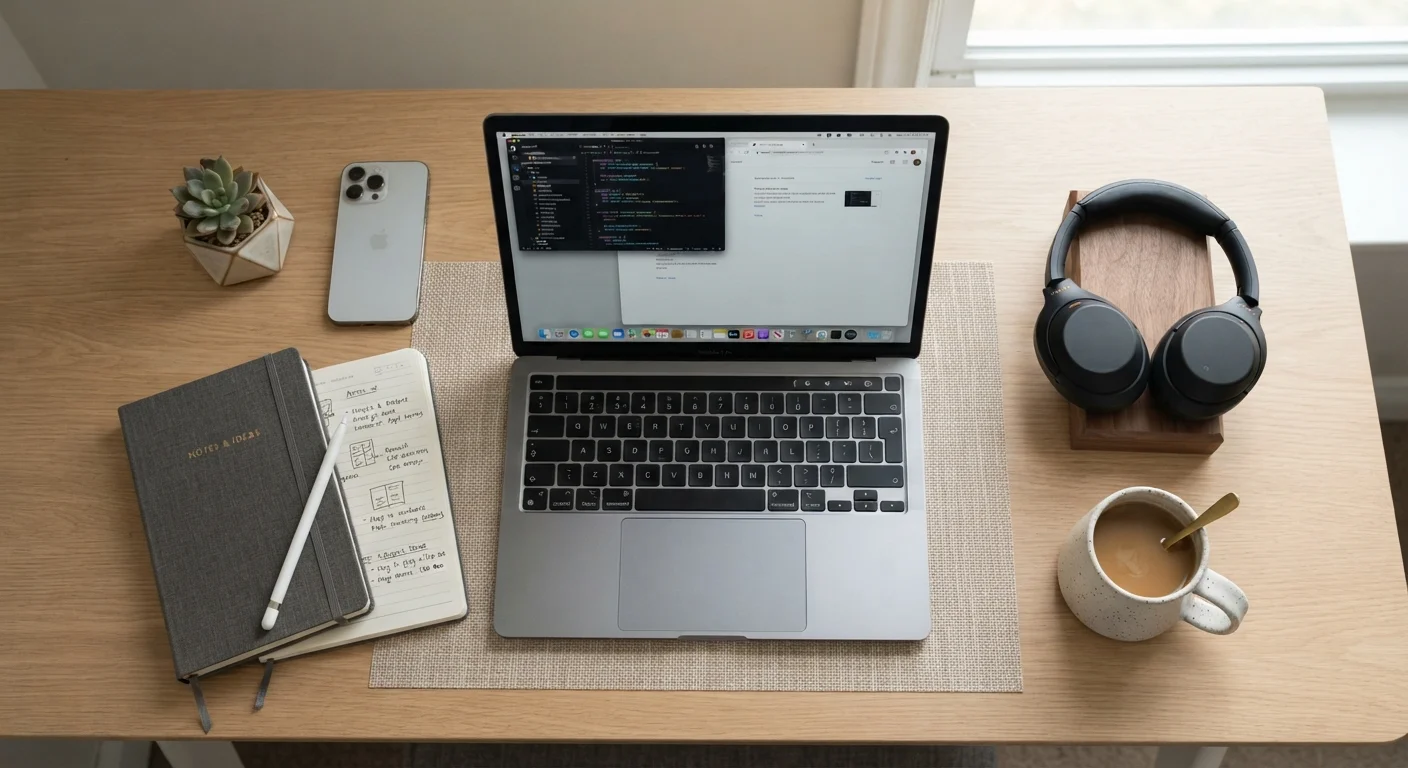
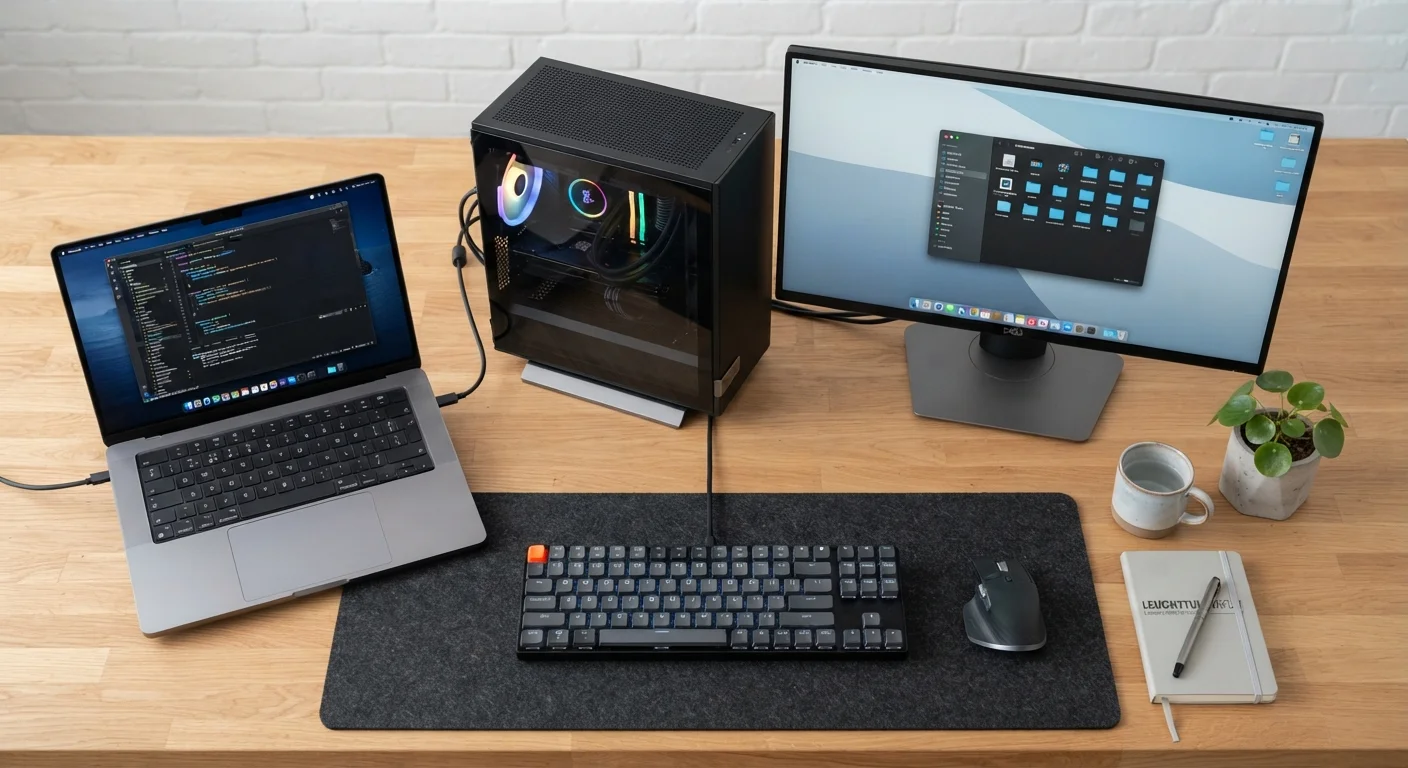
The fundamental difference between a laptop and a desktop isn't brand or price - it's architecture. Laptops integrate all components - processor, memory, display, battery - into a single sealed unit. Desktops separate those components so each can be selected, replaced, or upgraded independently.
That integration is why laptops are portable, but it also explains their limits. Manufacturers compress components into tight spaces, which creates heat management challenges. When a processor runs hot, it throttles - automatically slowing itself down to cool off. This is less of an issue with desktops, which use larger cooling systems and have better airflow. For users running sustained workloads like video rendering, large spreadsheet calculations, or extended gaming sessions, that thermal headroom makes a measurable difference.
For everyday tasks - web browsing, document editing, video calls, and streaming - a modern laptop handles the load without noticeable strain. The performance gap only becomes apparent under sustained heavy use. See our task-by-task guide to matching a laptop to your work to understand exactly which specs correspond to which workloads.
| Criterion | Laptop | Desktop |
|---|---|---|
| Portability | Fully portable, battery-powered | Stationary, requires outlet |
| Performance per dollar | Lower - compact design adds cost | Higher - standard components are cheaper |
| Upgradability | Limited; RAM/storage often fixed | High; most components replaceable |
| Display | Built-in; size capped at ~17" | External; any size or count |
| Thermal performance | Throttles under sustained load | Sustains high load longer |
| Setup footprint | Minimal; self-contained | Requires desk, monitor, peripherals |
| Repairability | Difficult; professional service often needed | Easier; many user-serviceable parts |
| Typical lifespan (with maintenance) | 3-5 years before feeling outdated | 5-8 years with incremental upgrades |
Upgradability, Longevity, and Total Cost
Desktops have a significant lifespan advantage rooted in repairability. Adding RAM, swapping a storage drive, or installing a new graphics card in a desktop typically requires a screwdriver and basic component knowledge. Most laptops, particularly thin and light models, solder RAM directly to the motherboard and use non-replaceable batteries, making meaningful upgrades difficult or impossible without professional service.
This affects total cost of ownership. A desktop that starts to feel slow after three years can often be revived with a RAM or storage upgrade at a fraction of replacement cost. A laptop in the same situation usually requires purchasing a new machine. That said, laptops carry their own hidden ongoing costs - replacement chargers, protective cases, and battery service. Our breakdown of the hidden costs of laptop ownership covers what most buyers overlook when comparing sticker prices.
~60%
Share of US PC shipments that are laptops
Laptop shipments have consistently outpaced desktop shipments in the US consumer market for over a decade, reflecting the shift toward mobile computing.
2-3×
Desktop performance headroom over equivalent-priced laptop
Industry hardware benchmarks consistently show desktop components at a given price point outperform laptop equivalents due to lower thermal and size constraints.
$150-$400
Typical laptop accessory spend to match desktop ergonomics
Users who replicate desktop ergonomics on a laptop - external monitor, keyboard, mouse, and stand - often spend significantly beyond the laptop's initial price.
For users planning around a fixed personal budget, thinking beyond the purchase price is essential. A lower upfront desktop cost with incremental upgrade spending often beats the cycle of full laptop replacement every few years.
Space, Setup, and Real-World Fit
A desktop requires dedicated physical space: a desk, a monitor, a keyboard, a mouse, and cable management. For users in shared living situations, small apartments, or temporary housing, that footprint is a genuine constraint. A laptop fits in a bag, works from a kitchen table or library, and disappears when not in use.
However, desktops offer ergonomic advantages that laptops struggle to match without accessories. A fixed monitor at eye level, a full-sized keyboard, and a separate mouse reduce strain during long sessions. Laptop users who work at a desk for hours daily often end up investing in an external monitor, keyboard, and stand anyway - partially negating the cost advantage of the laptop.
If you're weighing a laptop purchase, our pre-purchase checklist walks through the practical questions - ports, battery life, display quality - worth verifying before committing. And if you've heard that more RAM always means better performance, the common laptop myths article separates fact from marketing noise.
Chromebooks and Hybrid Devices Add More Options
The laptop vs. desktop decision isn't binary. Chromebooks offer a lightweight, lower-cost laptop alternative suited to browser-based workflows. Compact desktop formats (mini PCs) can sit behind a monitor with a small footprint. Our Chromebook vs. Windows laptop comparison explores how those platforms differ for everyday users.