Why the Box Number Is Almost Always Optimistic
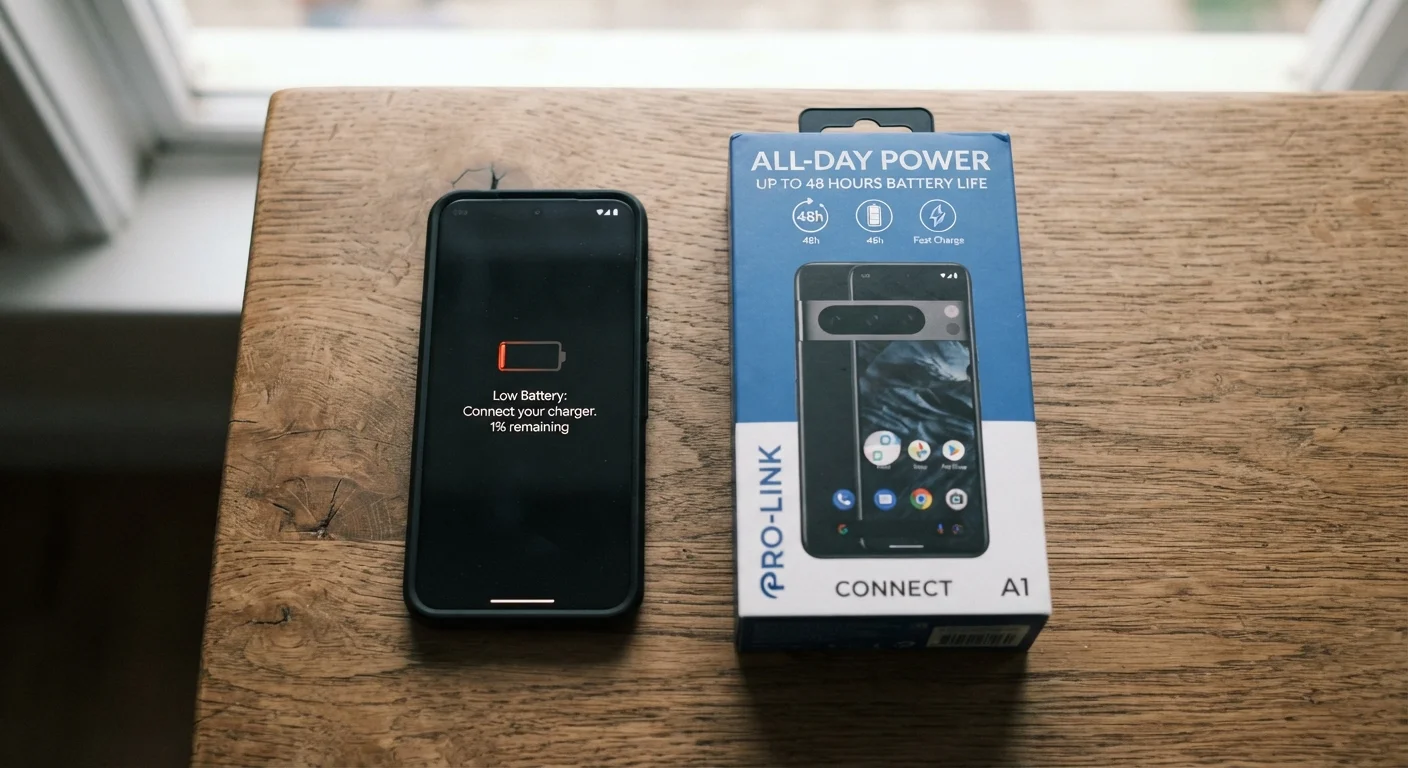
When a manufacturer prints "up to 20 hours" on a phone or laptop box, that figure comes from a controlled test - not from how most people actually use the device. Industry-standard battery tests often involve looping a video at fixed, low brightness with Wi-Fi disabled and no background apps running. Those conditions are intentionally stripped of the variables that define real use.
The result is a ceiling, not an average. Independent labs and consumer publications that retest devices under realistic workloads routinely measure 20-40% less runtime than advertised figures for smartphones, and the gap on laptops can be even wider depending on the workload. Understanding how the number is generated is the first step to setting accurate expectations before you buy. For a deeper look at how laptop makers construct their specific claims, see how laptop battery life claims are built.
Myth
The battery life number on the box reflects what I'll experience during a typical day.
Fact
Manufacturer figures are measured under low-demand test conditions that exclude most real-world usage factors.
Industry battery tests commonly use fixed low brightness, disabled radios, and passive video playback - none of which match how a device is actually used. Third-party reviewers testing under realistic conditions consistently measure meaningfully shorter runtimes. Treat the box figure as a theoretical maximum, not a daily estimate.
Myth
A larger milliampere-hour (mAh) rating always means longer battery life.
Fact
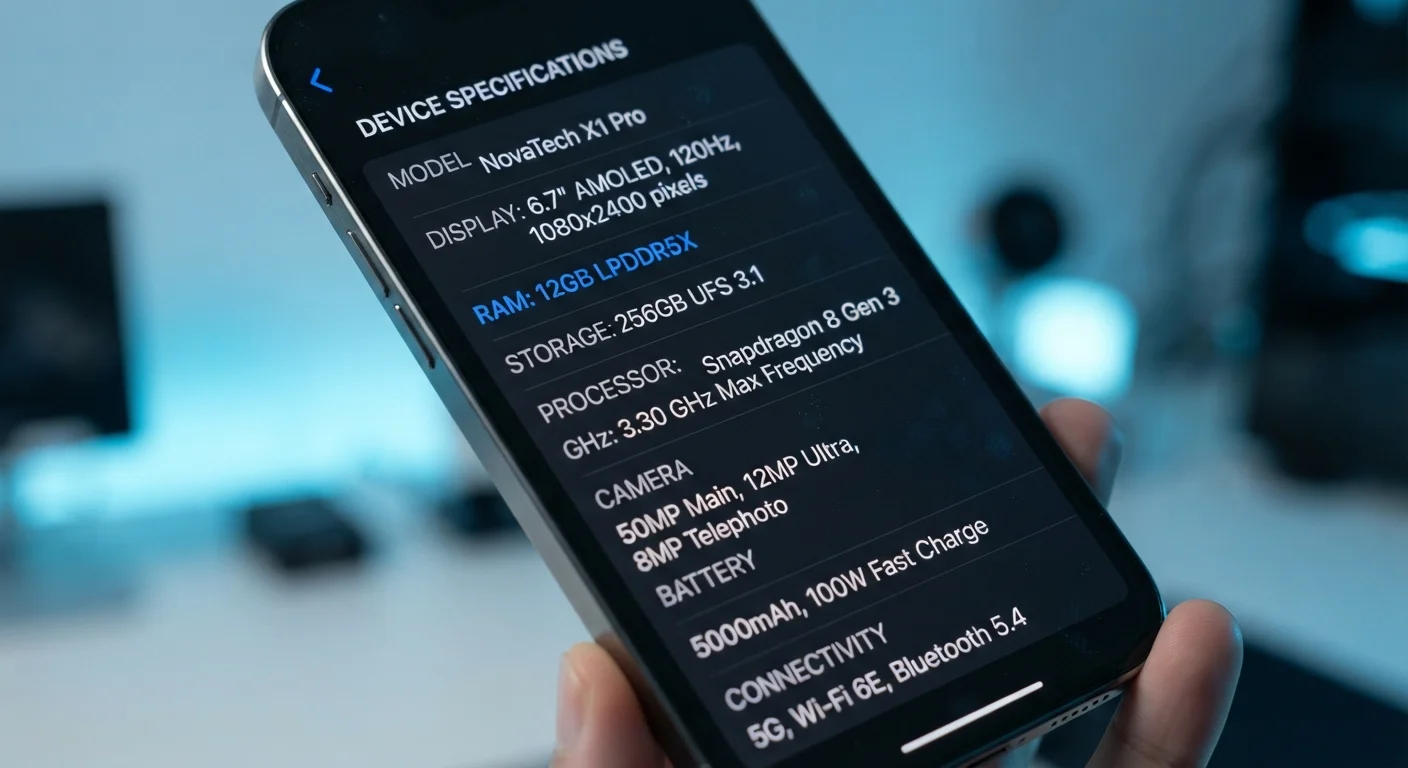
Battery capacity is only one variable; the processor's efficiency and the screen's power consumption matter just as much.
A device with a 5,000 mAh battery and an inefficient chip or a high-refresh-rate display can drain faster than a 4,500 mAh device with a power-optimized processor. mAh measures how much energy the battery stores, not how efficiently the device uses it. Real-world runtime depends on the entire system working together. For more on how chip design affects performance and efficiency, see what laptop specs actually mean for everyday use.
Myth
Battery life stays consistent throughout a device's lifespan.
Fact
Lithium-ion batteries degrade with each charge cycle, so runtime shortens measurably over months and years.
Chemical aging is built into lithium-ion technology. Capacity loss is gradual and cumulative - roughly 1-3% per year under normal conditions, accelerated by heat, frequent full discharges, and consistently charging to 100%. The device a reviewer tests at launch will deliver noticeably less runtime 18 months later under the same conditions.
Myth
Turning on battery-saver mode has minimal real impact.
Fact
Battery-saver or low-power modes can extend runtime by 20-40% by reducing background activity, processor speed, and display output.
Modern low-power modes are more aggressive than early iterations. They throttle background app refresh, reduce screen brightness and frame rate, limit location polling, and scale back processor performance. For users who need to extend a charge through a long day, activating low-power mode proactively - before the battery is critically low - yields a meaningfully larger benefit than waiting for the 20% warning.
The Real Variables That Drain Your Battery Faster
Once you understand the gap is real, the next question is what creates it. Several factors consistently separate lab results from daily experience:
- Screen brightness: The display is typically the largest single power draw on a phone or tablet. Running at full brightness in sunlight can cut runtime nearly in half compared to a dim indoor setting.
- Connectivity: Active 5G, Bluetooth, and GPS each draw continuous power. Tests often disable these entirely.
- Background app activity: Push notifications, cloud syncing, and location services never fully sleep, even when you're not actively using the device.
- Workload intensity: Streaming video, gaming, or video calls demand far more from the processor and GPU than the passive video-playback loops used in most manufacturer tests.
20-40%
Typical gap between advertised and real-world battery life
Independent consumer electronics labs consistently measure runtimes 20-40% below manufacturer claims when testing under realistic usage conditions.
~80%
Remaining capacity after 300-500 charge cycles
Most lithium-ion battery manufacturers rate cells to retain approximately 80% of original capacity after 300 to 500 full charge cycles under normal conditions.
Knowing these levers matters because most of them are adjustable. Reducing screen brightness, switching to Wi-Fi instead of cellular, and limiting background refresh on non-essential apps are among the most effective ways to close the gap. For broader context on how phone hardware handles these demands, understanding what smartphone specs actually mean provides useful grounding.
How Battery Age Compounds the Problem
Even if a device matched its advertised runtime on day one, it won't sustain that performance over time. Lithium-ion batteries - used in virtually all modern phones, tablets, and laptops - lose charge-holding capacity with each discharge cycle. Most manufacturers consider a battery at roughly 80% of its original capacity after 300-500 full charge cycles, though this varies by chemistry, charging habits, and temperature exposure.
In practical terms, a phone that lasted 12 hours when new may deliver 9-10 hours two years later under identical conditions - without any change in how you use it. This is why battery life complaints tend to increase as devices age, even when nothing else about usage patterns has changed. Habits that reduce stress on the battery over time are worth building early; what quietly drains your phone's lifespan covers those patterns in detail.
Heat Accelerates Battery Degradation Significantly
Exposing a device to high ambient temperatures - such as leaving it in a hot car or direct sunlight - is one of the fastest ways to permanently reduce battery capacity. Unlike usage-related cycle degradation, heat damage is largely irreversible. Storing and charging devices at moderate room temperatures is one of the most effective ways to preserve long-term battery health.
For laptop owners, the same degradation applies - and is worth factoring into any purchase decision alongside the advertised runtime. habits that keep a laptop running well for years addresses how to manage this over time.