Why Phones Age Faster Than They Should
Most smartphones are engineered to deliver reliable performance for three to five years, yet many end up feeling sluggish or unreliable well before that window closes. The culprit is rarely a single dramatic failure. Instead, it's a steady accumulation of small, overlooked habits that compound over months of daily use.
Understanding what's actually happening inside your phone-at the battery chemistry and software level-makes it far easier to change the behaviors that matter. Much like the everyday habits covered in our guide on keeping a laptop running well for years, phone longevity comes down to consistent, low-effort care rather than any single fix.
Charging your phone to 100% every night and leaving it plugged in.
Why it happens: Overnight charging is convenient, and most people assume modern phones are smart enough to stop accepting charge when full. While phones do taper charging near capacity, holding a battery at 100% state-of-charge for extended periods accelerates lithium-ion electrode stress.
Exposing your phone to high heat regularly-on a car dashboard, in direct sun, or next to a heat source.
Why it happens: Heat damage is cumulative and invisible until it's significant. People often treat a warm phone as normal rather than as a warning sign, especially during charging or intensive use like gaming and navigation.
Using uncertified third-party chargers and cables to save money.
Why it happens: Budget chargers are widely available and often visually indistinguishable from certified accessories. The price difference feels hard to justify when the plug looks identical.
Consistently draining the battery completely to 0% before charging.
Why it happens: Older nickel-based battery technology required full discharge cycles to maintain accuracy-a practice that no longer applies to lithium-ion chemistry but remains a common belief.
Ignoring or indefinitely delaying software updates.
Why it happens: Updates can feel disruptive-they take time, occasionally change familiar UI elements, and some users worry they'll slow down older hardware.
Running numerous background apps and location services without auditing them.
Why it happens: App permissions are granted once during installation and then forgotten. Over time, dozens of apps may be silently refreshing data and accessing GPS, keeping the processor and radio active far more than necessary.
What the Data Says About Battery Degradation
Battery capacity loss is the most measurable sign that a phone is aging. Lithium-ion cells-the chemistry used in virtually every modern smartphone-lose capacity gradually with each charge cycle, but the rate of loss accelerates sharply under poor conditions.
~20%
Typical battery capacity loss after 500 charge cycles
Battery manufacturers commonly cite around 20% capacity loss at 500 full charge cycles under standard test conditions, though real-world heat and charging habits can accelerate this significantly.
35°C+
Temperature threshold where lithium-ion degradation accelerates
Apple's published battery guidance notes that exposure to ambient temperatures above 35°C (95°F) can permanently damage battery capacity, with the effect compounding over repeated exposures.
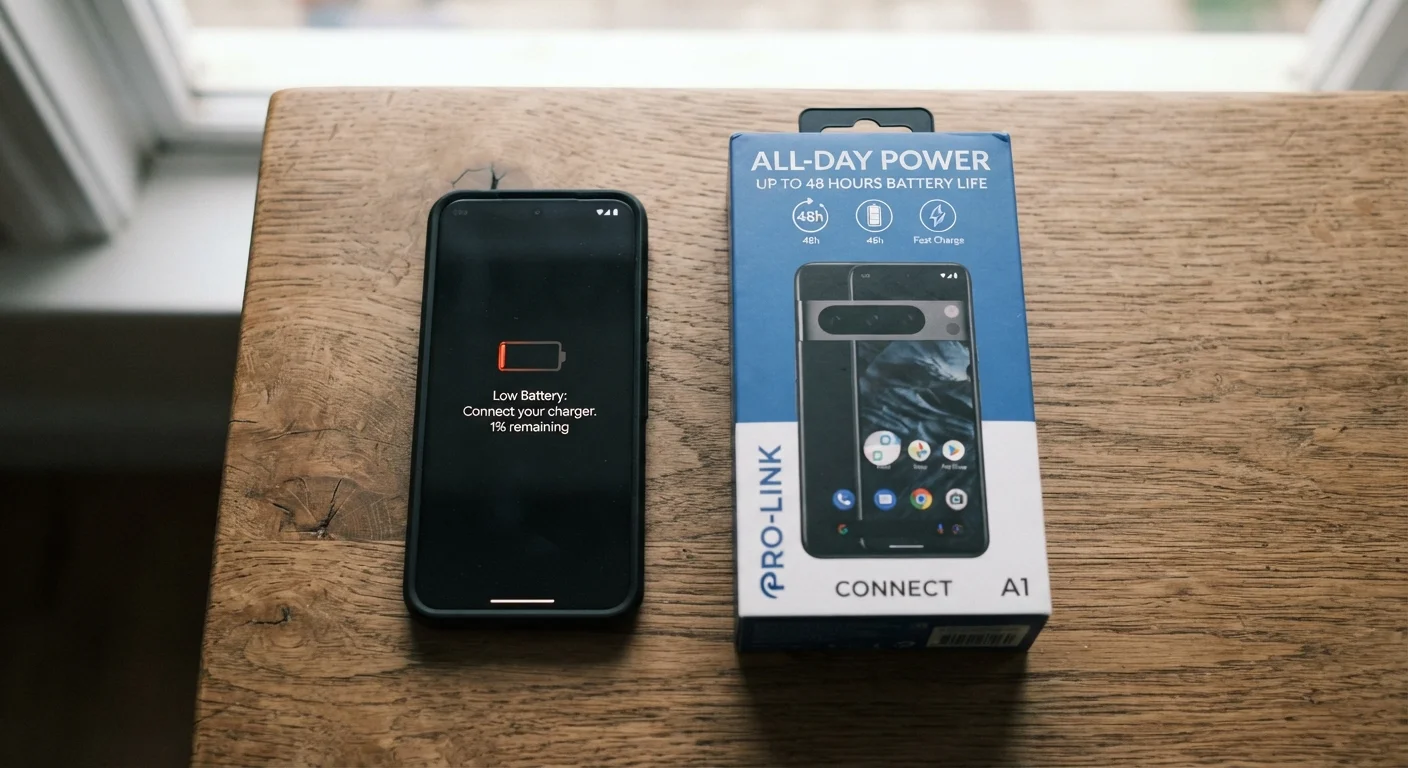
Heat and high state-of-charge are the two biggest accelerants. A phone left in a hot car or kept plugged in overnight at 100% experiences meaningfully faster electrode degradation than one kept in a moderate charge range in a cooler environment. This is why the battery life quoted on the box rarely matches what you experience a year or two into ownership-usage patterns are a significant variable manufacturers don't control.
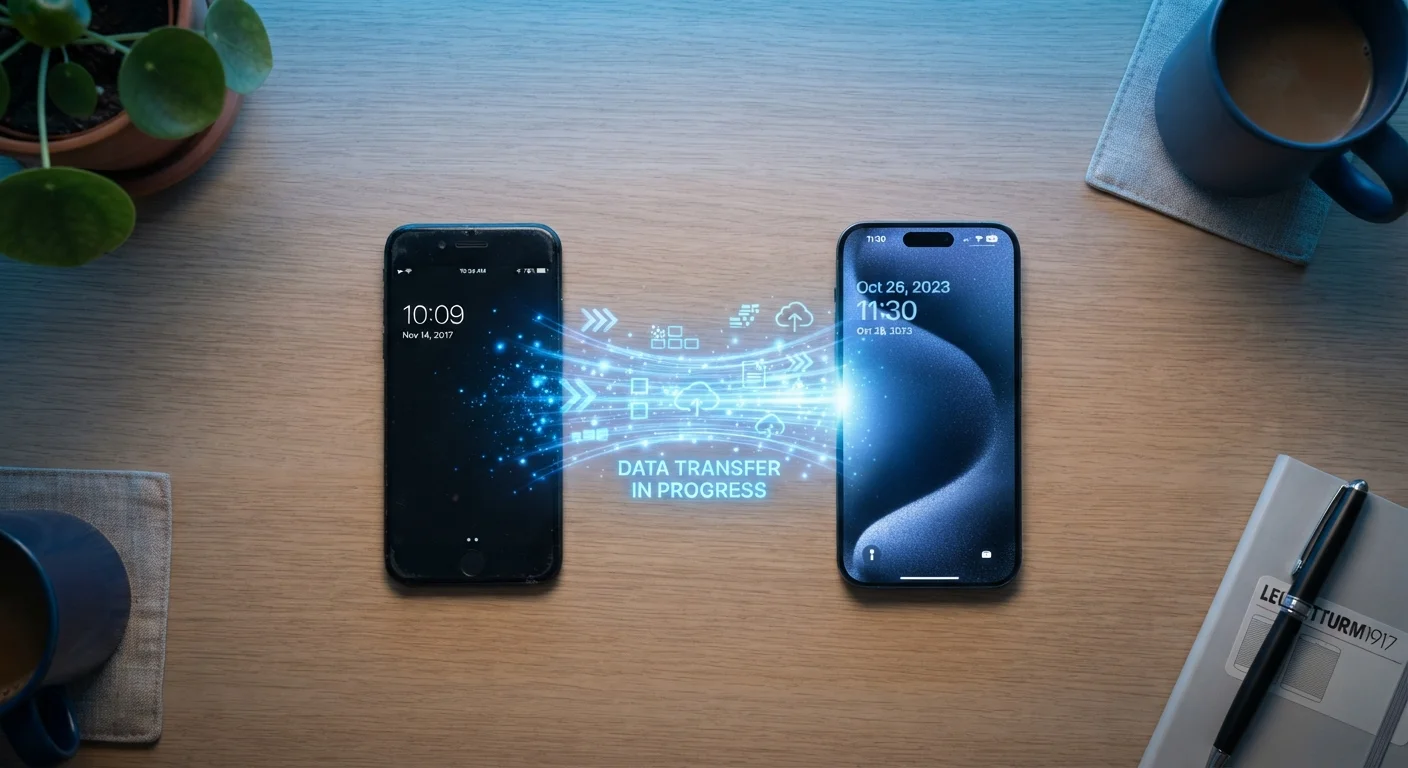
Software also plays a role. Outdated operating systems can contain bugs that keep background processes running unnecessarily, increasing CPU activity and battery draw even when you're not actively using the device. If you eventually do upgrade, our guide on transferring everything to a new phone without losing a file covers how to carry your data forward cleanly.
Wireless Charging Generates More Heat
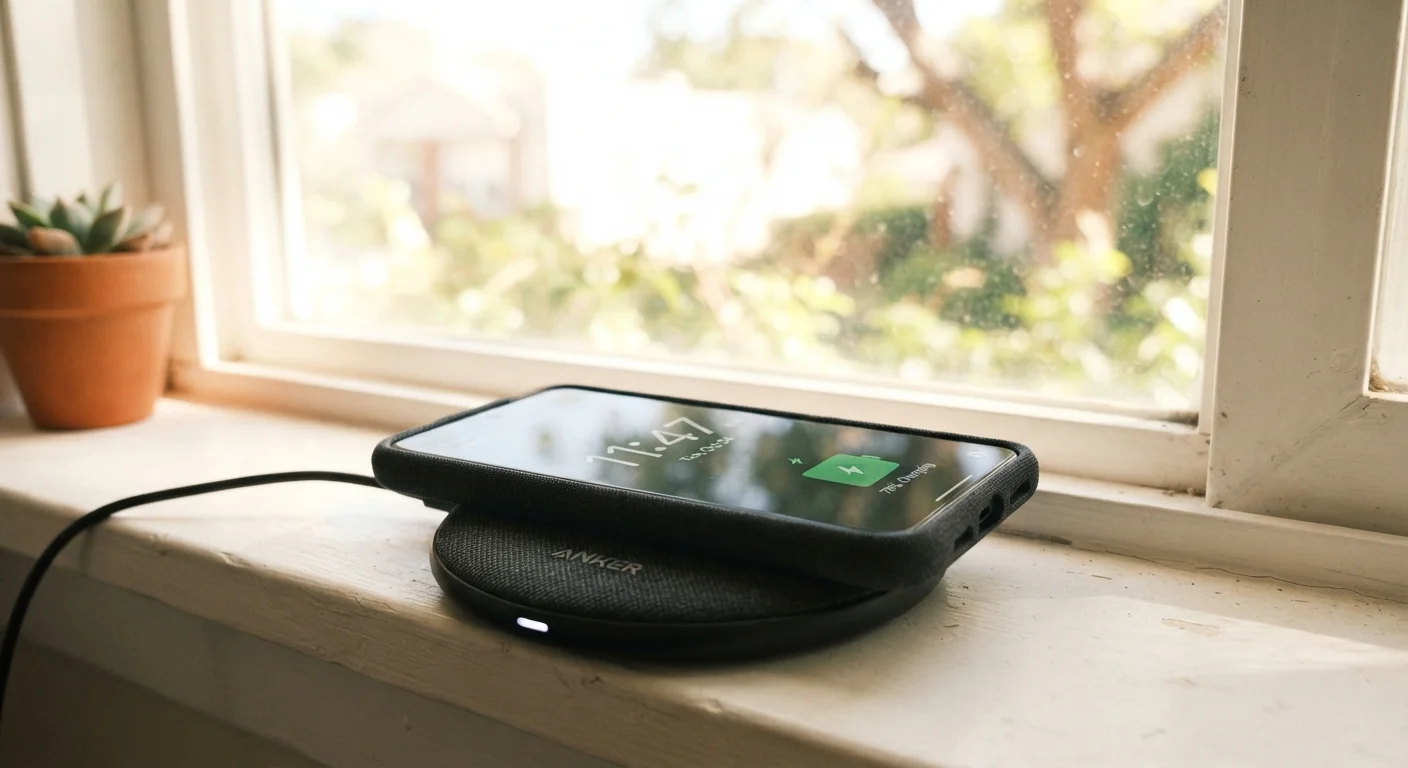
Wireless (Qi-based) charging is convenient, but it generates more heat than wired charging due to energy transfer inefficiency. If you use wireless charging regularly, avoid stacking your phone on a pad inside a case that traps heat, and don't leave it wirelessly charging on a surface that itself gets warm, such as certain car mounts or desk pads with heating elements nearby. Sustained heat during charging is one of the fastest ways to reduce battery capacity over time.