Choosing an Operating System
The single biggest decision you'll make isn't which phone to buy - it's which operating system to use. Every other feature flows from this choice.
Android runs on devices from dozens of manufacturers at nearly every price point. It offers broad customization, a wide range of hardware options, and flexibility in how you manage files, apps, and settings. iOS, which powers iPhones exclusively, delivers a tightly controlled environment that prioritizes consistency, security updates, and seamless integration with other Apple hardware like tablets and laptops.
Compatibility matters here: if your family or close contacts use iPhones, features like iMessage and FaceTime work exclusively within that ecosystem. Android users communicate via standard SMS and cross-platform apps. Neither is objectively superior - your daily workflow and the devices you already own should guide the decision.
Operating system (OS)
The core software that runs your phone, manages apps, and controls how you interact with the device. Android and iOS are the two main options available today.
RAM
Short for Random Access Memory. It determines how many tasks your phone can handle at once without slowing down - more RAM generally means smoother multitasking.
Chipset
The processor that powers everything your phone does. A newer, more capable chipset means faster performance and longer support for software updates.
mAh (milliamp-hour)
The unit used to measure battery capacity. A higher mAh rating generally means the battery can hold more charge and last longer between recharges.
Refresh rate
How many times per second the screen updates its image, measured in hertz (Hz). Higher refresh rates like 90Hz or 120Hz make scrolling and animations appear smoother.
IMEI
A unique identification number assigned to every mobile phone. It can be used to verify whether a device has been reported stolen or blacklisted by a carrier.
Understanding Key Specs
Specs on a product listing can feel overwhelming, but only a handful directly affect how a phone performs in your hands.
- Processor (chipset): The engine of the phone. A newer-generation chip handles multitasking, gaming, and future software updates more efficiently. Older chipsets in budget phones may struggle within two or three years.
- RAM: Determines how many apps stay active in the background without reloading. For comfortable everyday use, 4GB is a floor; 6-8GB is more comfortable for heavier users.
- Storage: 64GB fills up quickly with photos and apps. 128GB is a practical starting point; check whether the phone supports a microSD card for expansion.
- Display: Screen size (measured diagonally in inches) and refresh rate both affect usability. A 90Hz or 120Hz screen scrolls noticeably more smoothly than a standard 60Hz panel.
- Camera: Megapixels are just one factor. Sensor size, aperture, and software processing determine real-world image quality. A phone with a well-tuned camera system will outperform one with higher numbers on paper.
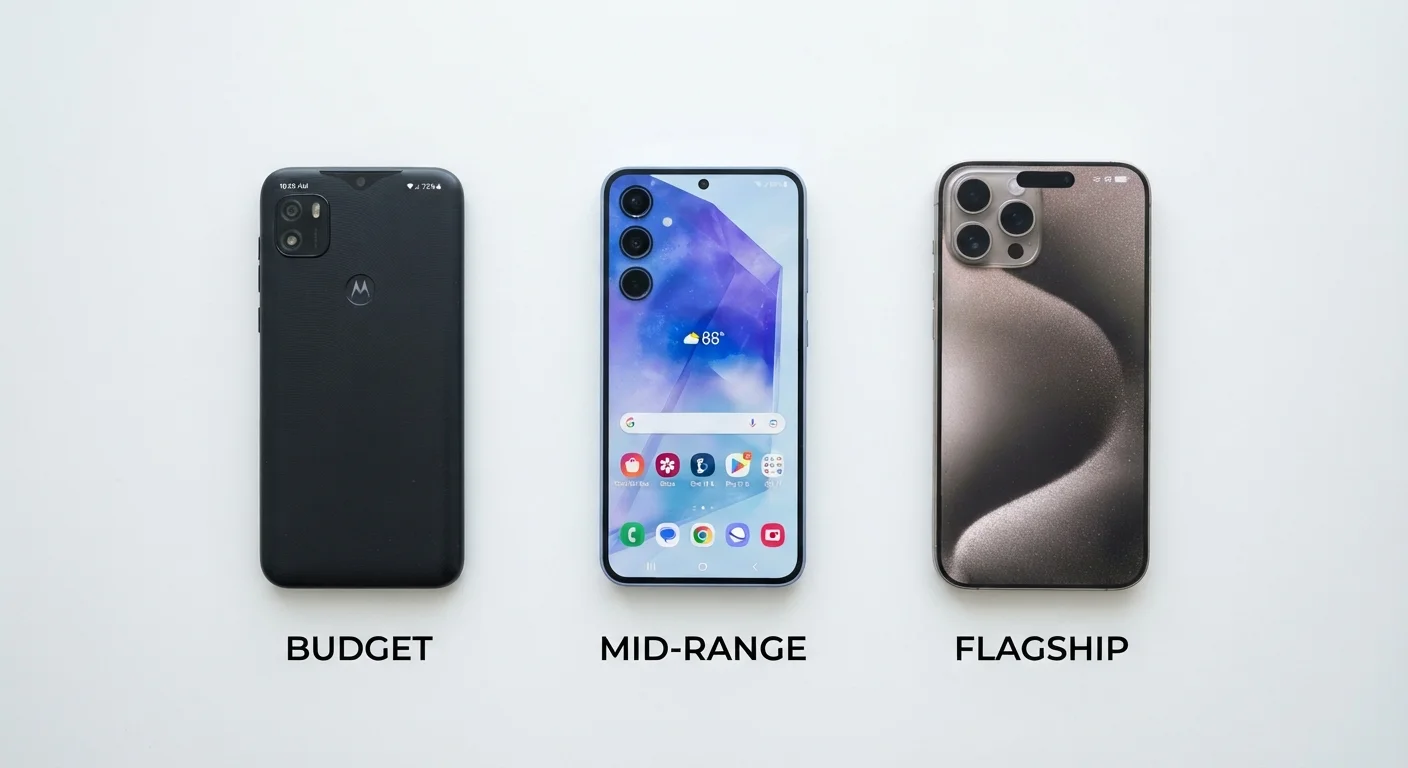
For a deeper look at how these specs translate across price tiers, see how budget, mid-range, and flagship phones actually differ.
Prioritize Software Support Lifespan
Check how many years of OS and security updates a phone is promised to receive. A device with three or more years of guaranteed updates will remain secure and functional far longer, making it a stronger long-term value regardless of price tier.
Battery Life and Charging
Battery life is often the top complaint after purchase - and it's one of the easiest things to research in advance. Two numbers matter most:
Battery capacity is measured in milliamp-hours (mAh). Higher numbers generally mean longer usage between charges, though the processor and display also consume power. A 4,000-5,000 mAh battery is a reasonable range for all-day use under moderate conditions.
Charging speed is separate. Fast charging (measured in watts) can refill a large battery in 30-60 minutes. Wireless charging adds convenience but is typically slower than wired. Note that not all phones include a charging adapter in the box - factor that into your total cost.
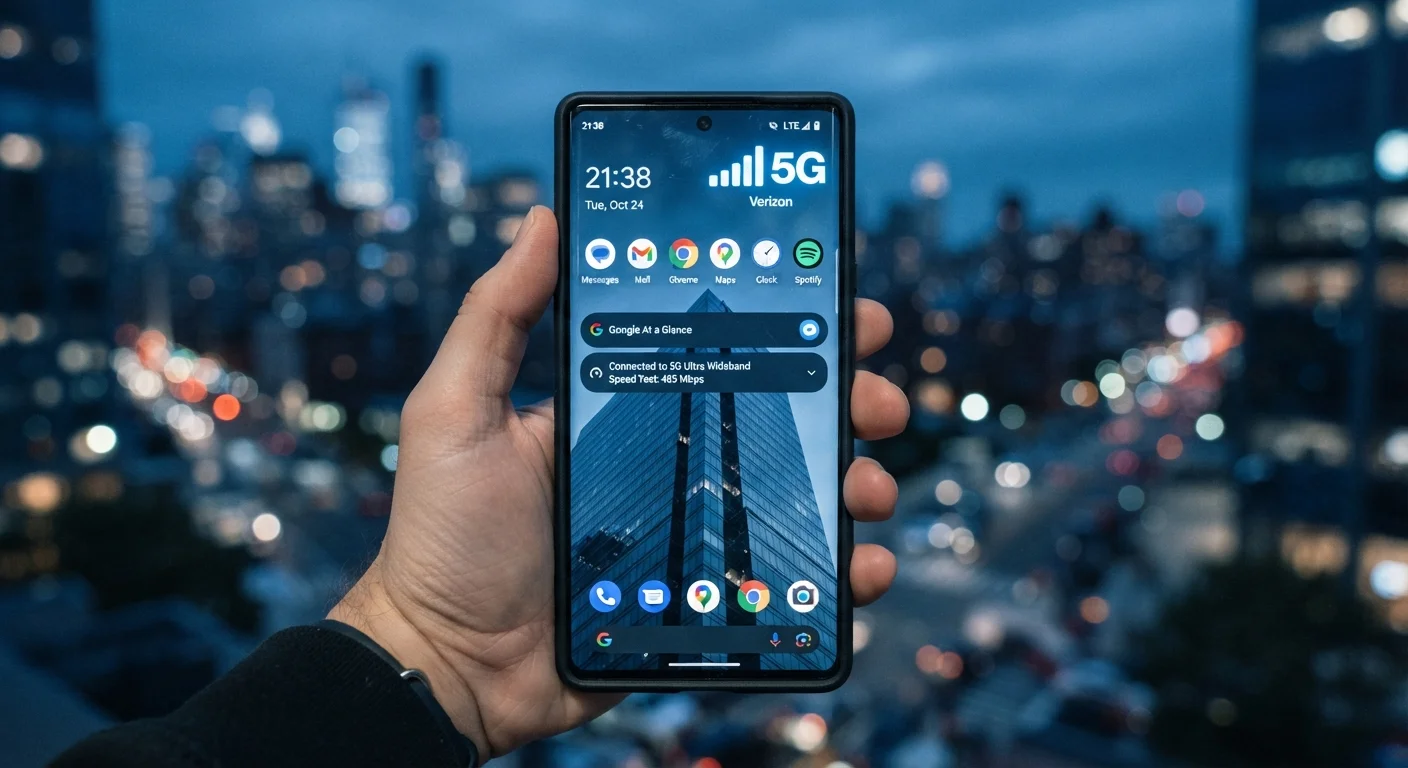
For clarity on connectivity terms that affect how your phone interacts with networks, the plain-English guide to 5G, LTE, and Wi-Fi calling covers the key concepts.
Charging Adapters Are Not Always Included
Many current smartphones ship without a power adapter in the box. Before finalizing your purchase, verify what's included - you may need to budget separately for a compatible fast charger, especially if you want the advertised charging speeds.
Setting a Realistic Budget
Smartphones span a wide price range, and more money does not always mean a meaningfully better experience for your specific needs. Before setting a number, consider the total cost of ownership: the device price, any protective case, a screen protector, carrier plan, and whether you're financing or paying outright.
Financing spreads the cost but adds it to your monthly carrier bill, sometimes with interest. Paying outright gives you more freedom to switch carriers or resell. A well-structured personal budget helps clarify which approach fits your situation - if you haven't built one yet, this ground-up budgeting guide for beginners walks through the process step by step.
For a broader framework on evaluating any significant purchase - including total cost, price history, and value assessment - this end-to-end purchase decision guide is a useful reference before you commit.
Watch Out for Hidden Financing Costs
Carrier installment plans can make an expensive phone feel affordable, but they lock you into a network and may include interest or fees not immediately visible. Always calculate the total paid over the full financing term before agreeing to a plan.
New vs. Refurbished Phones
A refurbished or used phone can significantly reduce your upfront cost, but the process requires more due diligence than buying new. Key things to verify include battery health (ideally above 80% capacity), IMEI status (confirm the device hasn't been reported lost or stolen), the grading standard used by the seller, and the return or warranty policy.
Carrier compatibility is another practical concern: a phone locked to one network won't work on another without unlocking. For a structured checklist covering all of these factors, see what to check before buying a refurbished or used smartphone.
If you're also weighing a laptop purchase alongside a phone, this first-timer's walkthrough for laptop buying covers overlapping decisions around OS, storage, and budget tiers.