Why Used and Refurbished Phones Deserve Extra Scrutiny
Buying a secondhand smartphone can stretch your budget considerably - a device that launched at a premium price may be available for significantly less after a year or two of use. But unlike new devices, used and refurbished phones carry histories you can't always see. Hidden faults, locked carrier agreements, and inflated condition grades are among the pitfalls buyers encounter.
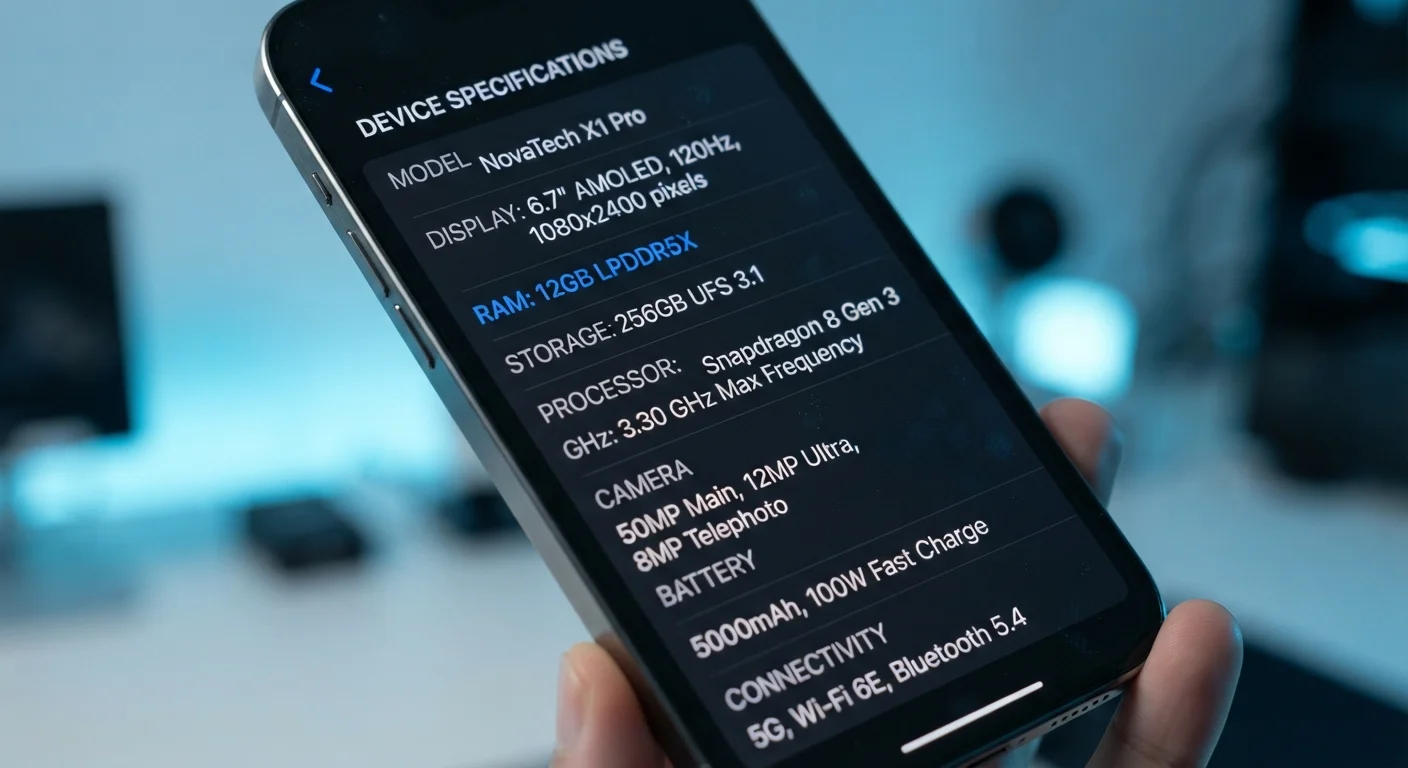
Understanding what to look for - and in what order - makes the difference between a smart purchase and an expensive regret. This checklist walks you through every major verification step, from confirming a device's identity to evaluating physical wear. For a deeper understanding of what the spec numbers on any listing actually mean, see our guide on what smartphone specs actually mean.
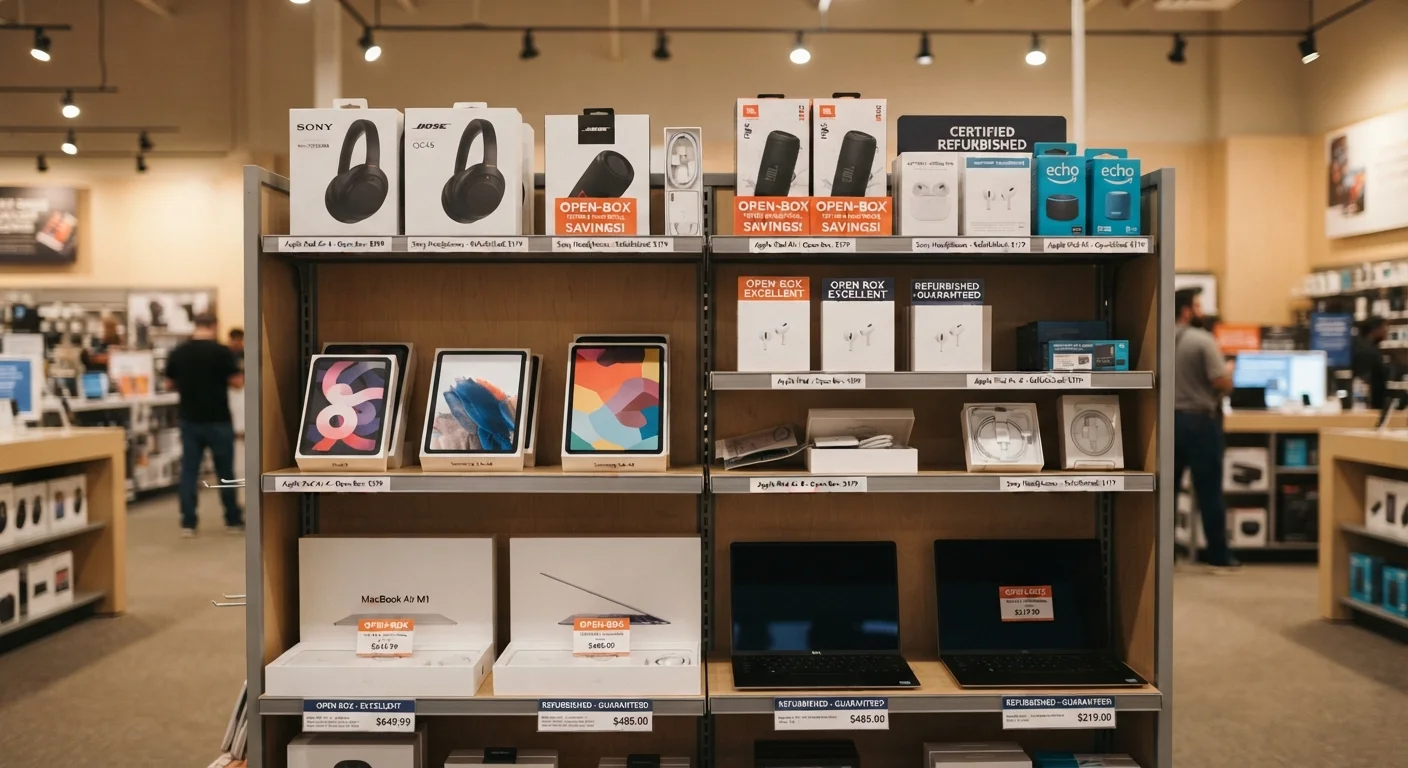
Before you start, it's also worth understanding how condition labels like 'certified refurbished' and 'seller refurbished' differ - they are not interchangeable standards. Our guide to open-box and refurbished condition labels explains what each designation actually covers.
Condition Grade Labels Are Not Standardised
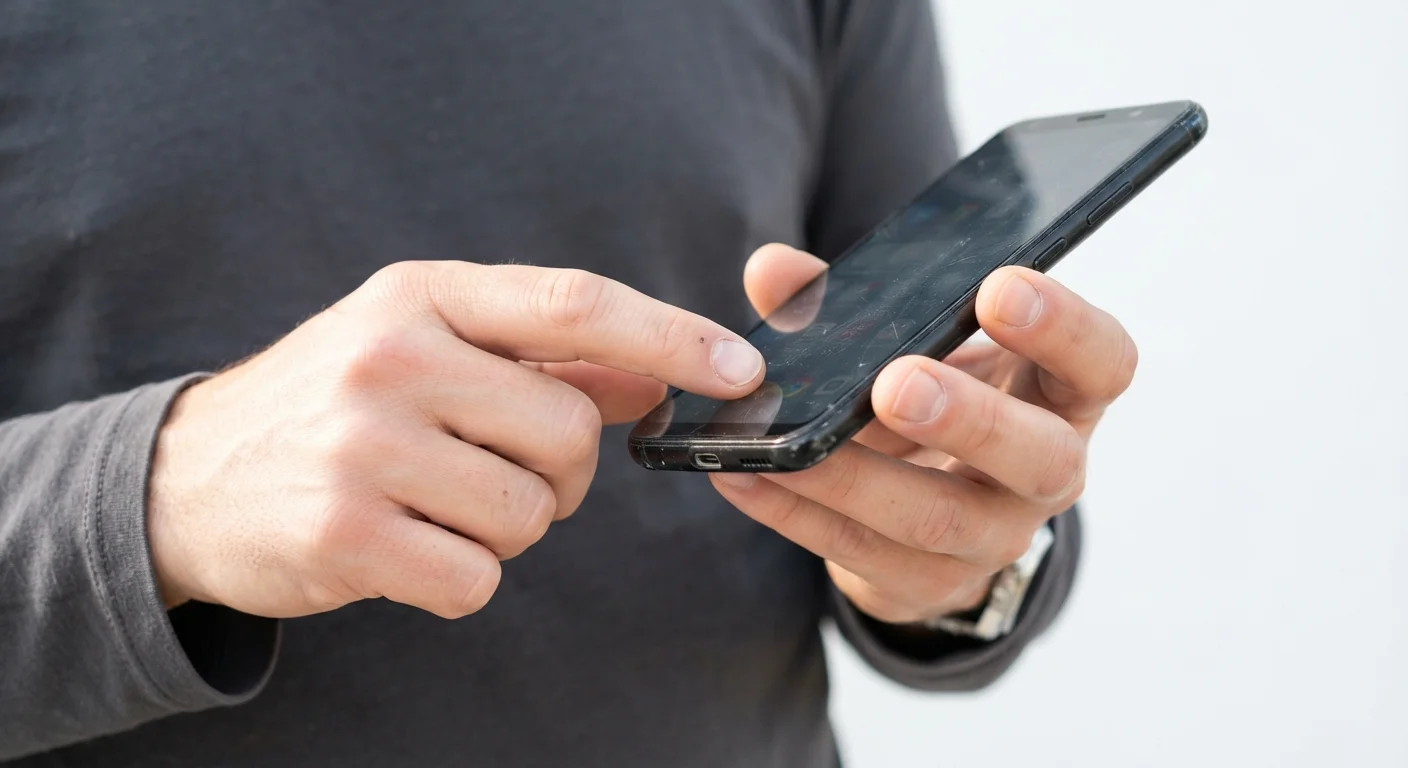
Terms like 'Grade A', 'Excellent', or 'Like New' are defined differently by each seller and platform. One seller's Grade A may permit visible scratches that another would classify as Grade B. Always read the specific condition description rather than relying on a grade label alone, and request photos of the actual unit - not stock images - before purchasing online.
How to Use This Checklist
Work through these groups in order. The first two sections - identity and software - are non-negotiable filters. If a device fails those checks, the physical and performance steps that follow are irrelevant. Items marked must are deal-breakers if skipped; should items are strongly recommended; nice to have items add confidence but aren't essential.
Bring this checklist whether you're buying in person or evaluating a listing remotely. For in-person purchases, request enough time to complete the physical and functional checks - a reputable seller will not object. For online purchases, treat the return policy check as a prerequisite before committing funds.
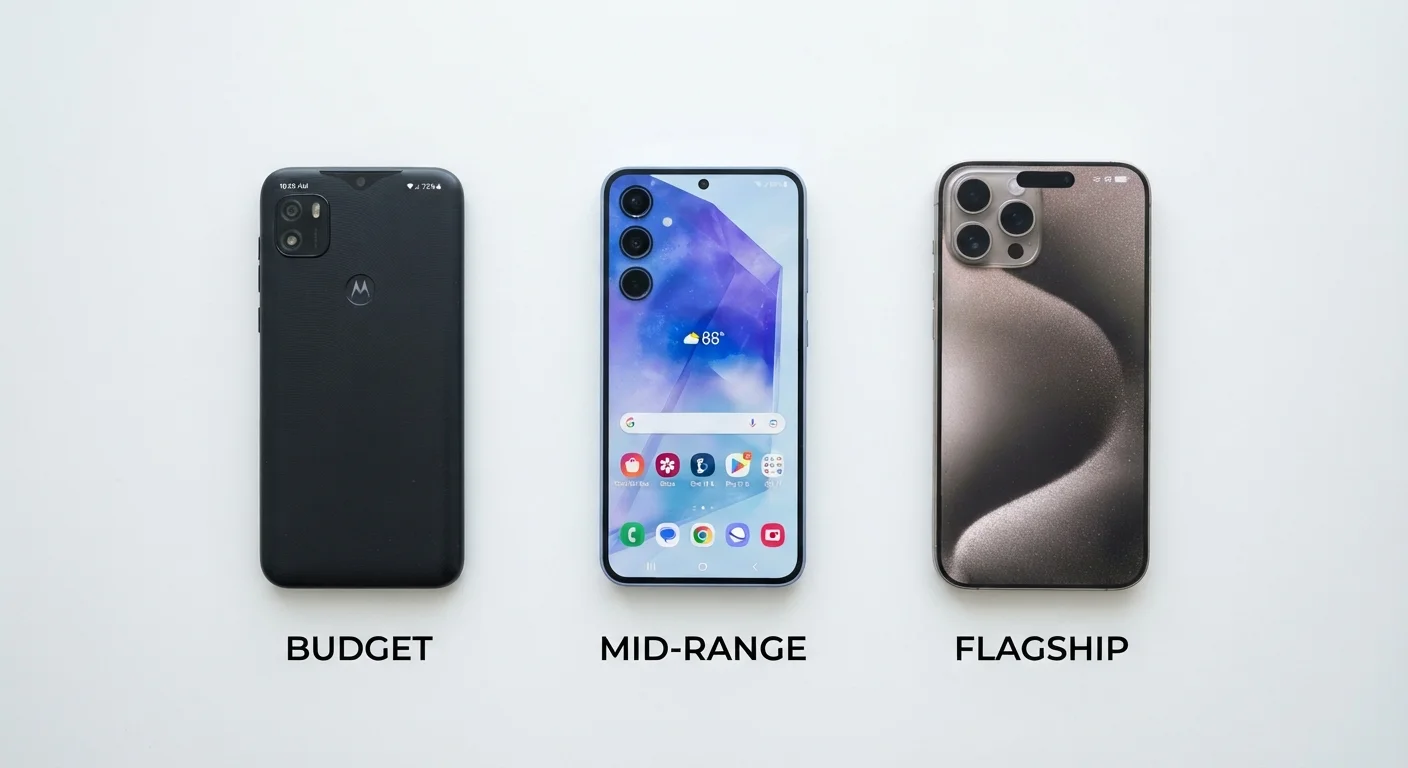
If you're comparing used phones against a new budget device, our breakdown of budget vs. mid-range vs. flagship phone differences can help you decide which tier genuinely meets your needs.
IMEI Verification Service
Used to check whether a device's IMEI has been reported stolen, blocked by a carrier, or flagged in international databases.
Manufacturer Diagnostic Mode
Built-in hardware test menus available on many Android devices (accessed via dial codes) to check sensors, display, and speakers systematically.
Battery Health App (Android)
Third-party diagnostic tools help surface battery cycle counts and health metrics on Android phones that lack a native battery health screen.
SIM Card from Your Carrier
Insert your own active SIM during an in-person inspection to confirm the device accepts your network and establishes a signal.
Identity and Legal Status
Software and Account Status
Battery Health
Physical Condition
Functional Testing
Seller Terms and Documentation
After You've Verified the Device
Once you've completed the checklist and are satisfied with the device, a few final steps set you up for a smooth handoff. Make sure the seller performs a factory reset in front of you - or that you can verify the device is signed out of any accounts - before you leave or accept delivery. Receiving a phone still linked to a previous owner's Apple ID or Google account can render it completely unusable.
For guidance on moving your contacts, photos, and apps to your newly acquired phone, our complete phone transfer guide walks through the full process on both Android and iOS. And if you're new to smartphones entirely, our first-time smartphone buyer's guide covers the broader decisions around operating systems, storage needs, and long-term usability.
Factory Reset Before First Use Is Non-Negotiable
A device that still has the previous owner's account credentials active can be remotely locked or wiped at any time - leaving you with an unusable device. Before completing any purchase, confirm the phone has been fully signed out of all accounts and perform a factory reset yourself if there is any doubt. Do not power down or accept the device until you have verified this step is complete.