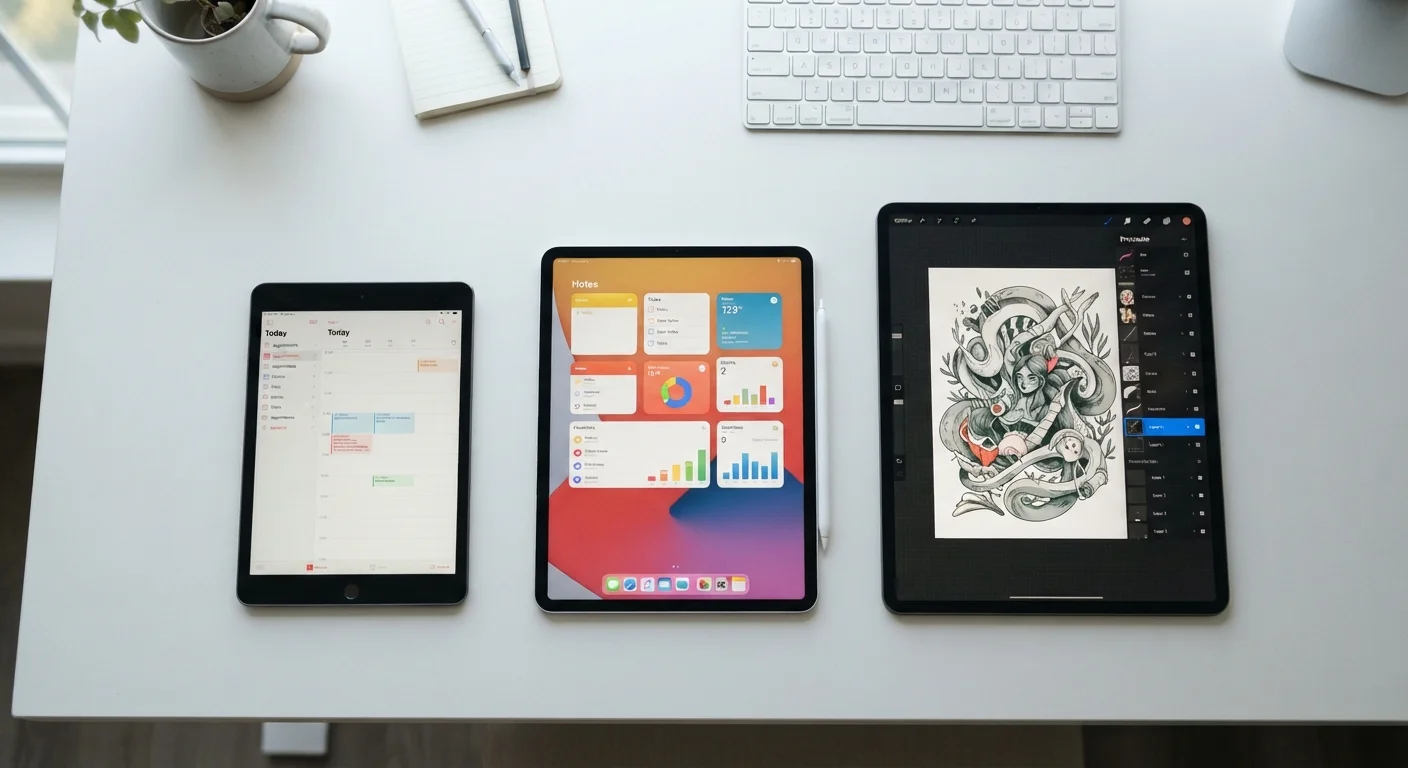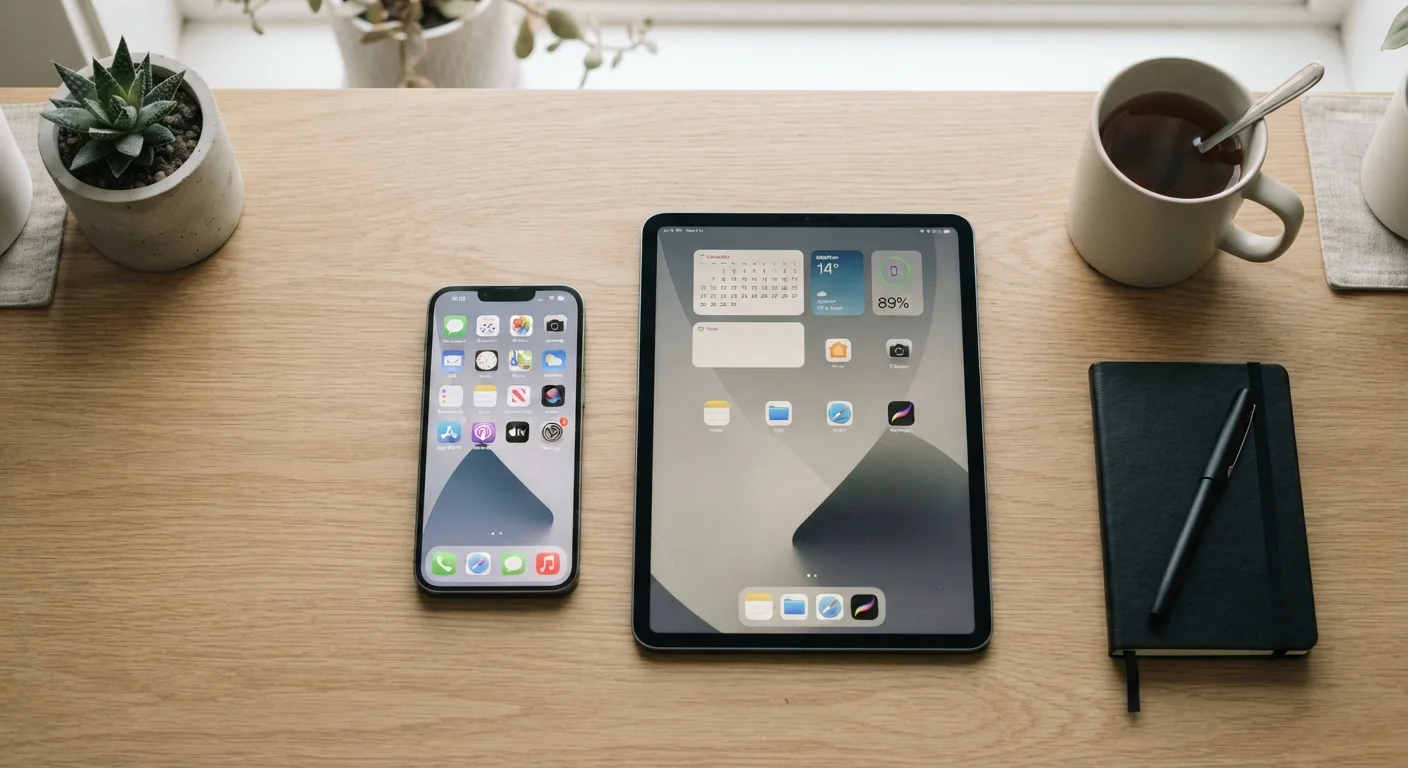
Screen Size and Portability: The Core Trade-Off
The most immediate difference between a smartphone and a tablet is screen size. Smartphones typically measure between 6 and 6.9 inches diagonally, while tablets generally start around 8 inches and extend to 13 inches or larger. That gap shapes nearly every other aspect of the user experience.
A larger screen makes reading longer articles, watching video, and reviewing spreadsheets noticeably more comfortable - text is bigger, images are clearer, and navigation requires fewer taps. However, that extra screen real estate comes with added weight and bulk. Most tablets weigh between 0.8 and 1.5 pounds and require a bag to carry. Smartphones, by contrast, slip into a pocket and disappear from your awareness entirely.
For a deeper look at how tablet dimensions affect usability, our breakdown of tablet screen sizes covers how each size tier performs in practice.
| Criterion | Smartphone | Tablet |
|---|---|---|
| Typical screen size | 6-6.9 inches | 8-13 inches |
| Portability | Pocket-sized, lightweight | Requires bag, heavier |
| Cellular calling | Built-in on all models | Wi-Fi default; cellular optional |
| Typical battery capacity | 4,000-5,000 mAh | 7,000-10,000 mAh |
| Stylus / creative input | Rare, limited screen space | Supported on many models |
| Best primary use | Communication, navigation, on-the-go tasks | Media, reading, light productivity |
| Typical price range | Wide range across all tiers | Wide range; cellular adds cost |
Connectivity and Communication
One of the clearest functional differences is cellular calling. Smartphones are built around it - they handle voice calls, SMS, and data over cellular networks as primary functions. Most tablets rely on Wi-Fi by default; cellular-capable tablet models exist but add cost and require a separate data plan or hotspot setup.
This matters practically: if you need to receive a phone call while away from Wi-Fi, a tablet alone will not serve you. Some users carry both devices and use their tablet on a shared data plan, but that adds monthly expense worth budgeting carefully. Our budgeting basics hub can help you think through recurring device costs.
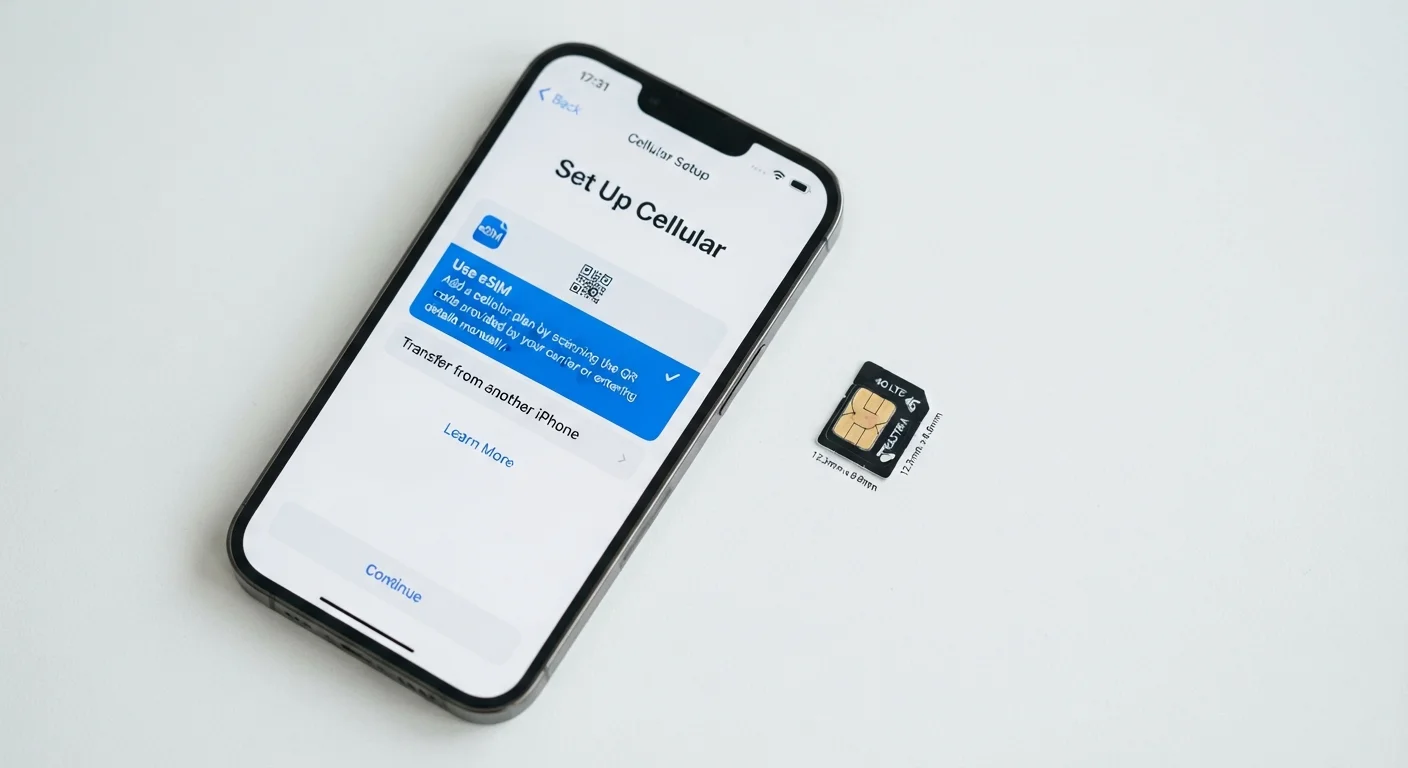
It's also worth noting that newer smartphones increasingly ship with eSIM support, eliminating the need to manage a physical SIM card. Our eSIM vs. physical SIM explainer walks through what that means for real-world switching and travel.
~84%
U.S. adults who own a smartphone
According to Pew Research Center survey data, smartphone ownership among U.S. adults has remained consistently high in recent years.
~53%
U.S. adults who own a tablet
Pew Research Center data shows tablet ownership is common but meaningfully lower than smartphone ownership among U.S. adults.
8-13 in
Typical tablet screen size range
Screen size is the primary hardware differentiator between tablet tiers and shapes which tasks each size handles well.
Performance, Battery Life, and Everyday Use
Modern smartphones and mid-range tablets often share similar processor architectures, so raw speed is rarely the deciding factor for everyday tasks. Where they diverge meaningfully is battery life. Tablets carry physically larger batteries - commonly 7,000 to 10,000 mAh - compared to smartphone batteries that typically fall between 4,000 and 5,000 mAh. In practical terms, a tablet used primarily for video and reading can often last through a full day of heavy use without a charge, sometimes longer.
For users newer to the smartphone side of this decision, our first smartphone buying guide covers battery life, operating systems, and storage in plain language. If you're weighing which price tier of smartphone makes sense alongside or instead of a tablet, the breakdown of phone price tiers explains what you actually gain at each level.
Who Should Choose What
The right answer depends entirely on your habits. If your day involves commuting, running errands, and staying reachable - a smartphone is the primary device, and a tablet would be a secondary addition, not a replacement. If your daily routine is mostly home-based, and you consume content, read, or work lightly from a fixed location, a tablet may serve you better for those tasks than squinting at a 6-inch screen.
Many households land on a combination: a smartphone for go-anywhere connectivity and a tablet for home use. That is not an extravagant setup - it is a logical division of labor based on each device's strengths. Just be clear-eyed about whether you would actually use both regularly before committing to the added expense.
If your next device decision extends beyond mobile to a full computing setup, our laptop vs. desktop comparison addresses the productivity end of the spectrum.
Tablets and Phone Operating Systems
Most tablets run the same operating system as their smartphone counterparts - Android tablets run Android, iPads run iPadOS (derived from iOS). This means your existing app purchases and ecosystem familiarity generally carry over. If you're undecided between platforms, our Android vs. iOS plain-language comparison covers the key differences around apps, privacy, and ecosystem lock-in.