Why Standard Spec Comparisons Miss the Point for Kids
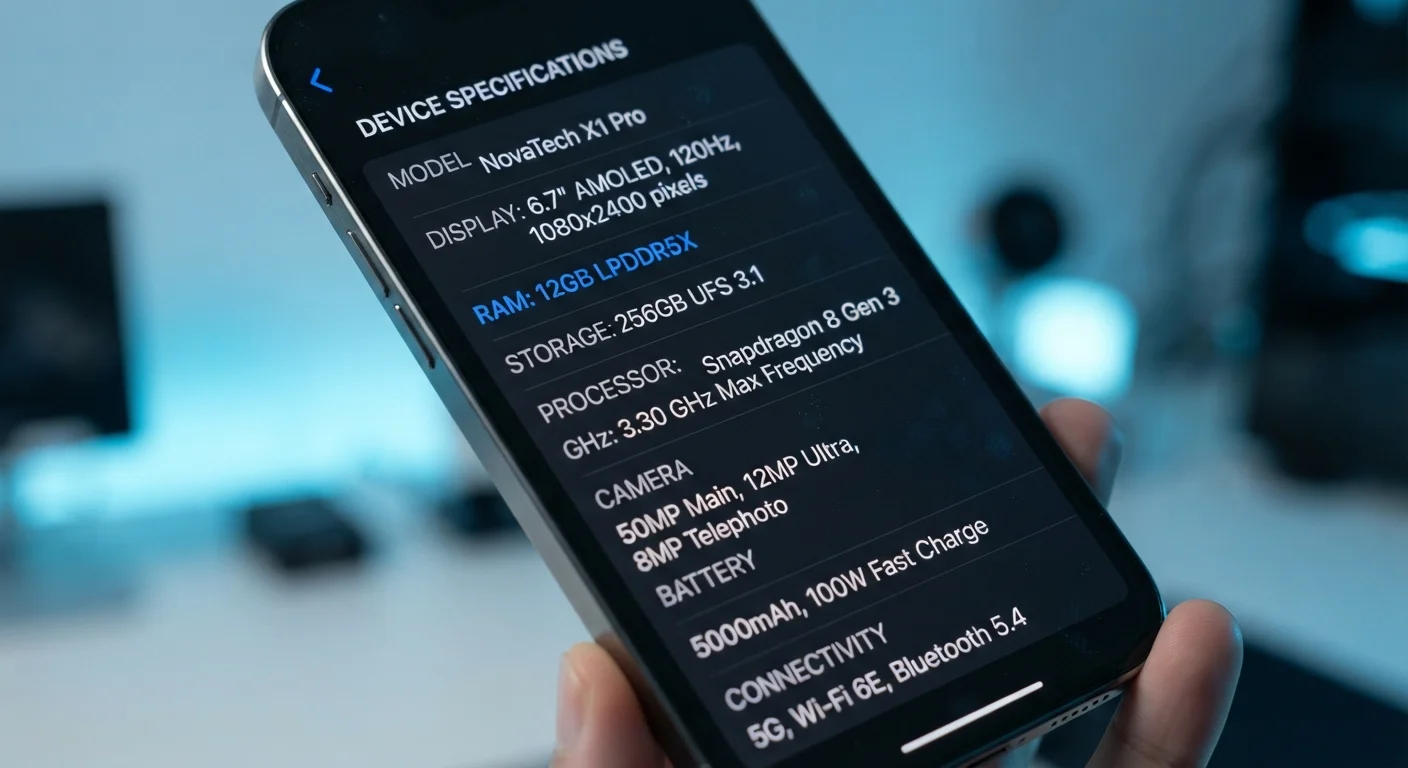
When shopping for an adult device, processor speed and display resolution are legitimate decision points. For a child's tablet, those metrics rank surprisingly low on the list of what actually shapes daily use. A fast chipset won't survive a drop onto tile flooring. An OLED display won't protect a six-year-old from age-inappropriate content.
Understanding which specifications genuinely matter - and which are marketing noise - helps you focus on what a child's device actually needs to do: withstand real-world abuse, support healthy screen habits, and deliver age-appropriate content reliably. For a broader look at how specs translate to real use across device types, see our guide to smartphone specs explained.
The Safeguards That Should Drive Your Decision
Parental controls are not a feature to verify after purchase - they should be a primary filter before you shortlist any device. Different operating systems offer meaningfully different levels of built-in control, and the gaps matter.
Look for platforms that offer: granular app approval workflows (so new downloads require a parent's PIN), daily screen time scheduling, content filtering by age category rather than just keyword blocking, and the ability to review activity without accessing the child's account. Some platforms provide dedicated child-mode interfaces that restrict the device to a curated environment entirely, which is particularly useful for younger children.
“The most important thing about a child's relationship with technology is not the device itself, but the structure and boundaries around how it's used.”
— American Academy of Pediatrics, Leading professional organization for pediatric health guidance in the United States
Web browsing controls deserve separate attention. A tablet with strong app controls but an unrestricted browser creates an obvious gap. Evaluate whether the browser can be locked to a filtered version or disabled entirely for younger users.
Durability and Battery: The Practical Non-Negotiables
Drop resistance is the single most consequential physical specification for a child's tablet. This isn't about the glass quality spec alone - it's about whether the device ships with or supports a protective case that meets basic drop-test standards. Military-grade drop ratings (often cited as MIL-STD-810G compliance) provide a useful benchmark when comparing case options.
54%
Children who have damaged a tablet within a year of ownership
Industry repair service data consistently shows accidental drops are the leading cause of children's tablet damage within the first twelve months of use.
8+ hrs
Recommended minimum battery life for a child's tablet
Consumer electronics reviewers broadly recommend at least eight hours of active-use battery life to cover a typical school day or travel scenario without mid-day charging.
Battery life translates directly to how often a child is handed a device mid-charge with a dangling cable - a frustration and a hazard. Aim for tablets that reliably deliver eight or more hours of active use. Manufacturer-stated battery figures are typically measured under ideal conditions; real-world usage with streaming video and active apps will run shorter.
Storage capacity is frequently underestimated. Educational apps, downloaded videos for offline viewing, and children's ebooks accumulate quickly. A device with expandable storage via microSD is meaningfully more flexible than one locked to internal storage alone.
Content Ecosystems and Screen Time: Thinking Long-Term
The app store and content library a platform offers matters as much as the hardware. Evaluate whether the ecosystem includes a curated children's section with age-gating, whether educational apps from schools and libraries are available, and how the platform handles in-app purchases - an area where children's tablets have historically created unexpected costs for parents.
Screen time management built into the operating system level is more robust than relying on individual app timers. OS-level controls can enforce limits even when a child attempts to switch apps or restart a session. This is a meaningful technical distinction worth confirming before purchase.
If you're weighing whether a tablet is the right device type at all for a child versus a phone or shared family device, our phone vs. tablet comparison covers those trade-offs clearly. For households thinking about multiple devices across different users, the same task-matching logic explored in our laptop selection guide applies here too.
Content Ecosystems Change Over Time
App stores and content libraries are updated regularly, and what's available on a given platform today may shift as publishers change distribution agreements. Before committing to a platform based on specific apps or educational tools, confirm those resources are currently available and actively maintained. Checking user community forums for the platform is a reliable way to surface known gaps.