Why Maintenance Habits Determine Lifespan
A laptop's rated lifespan - typically four to six years for mainstream machines - assumes reasonable care. In practice, machines treated carelessly fail well before that window, while carefully maintained ones often remain productive years beyond it. The difference is rarely about hardware quality alone; it's about the consistent habits applied throughout ownership.
Understanding what actually degrades inside a laptop helps target the right behaviors. Heat, physical shock, battery chemistry, and software entropy are the four main degradation pathways - and each is substantially within a user's control. Laptop slowdowns have specific, identifiable causes that good habits can either prevent or address before they compound.
When Slowdowns Signal Something Deeper
Gradual performance loss isn't always a sign of aging hardware - it often has specific, addressable causes. If your machine feels sluggish despite good maintenance habits, what's actually happening inside may point to a fixable culprit like a full drive or background processes. Address root causes before assuming the hardware is spent.
Core Practices That Extend Performance and Hardware Life
The following practices address the most impactful degradation vectors - thermal management, battery chemistry, physical maintenance, and storage health. None require technical expertise, and all can be adopted immediately.
Keep vents unobstructed and surfaces thermally safe during use.
Sustained heat is the primary accelerant of component degradation - it stresses the CPU, GPU, and battery simultaneously. Blocking vents by using a laptop on soft surfaces like beds or cushions traps heat and forces fans to work harder, wearing them out faster.
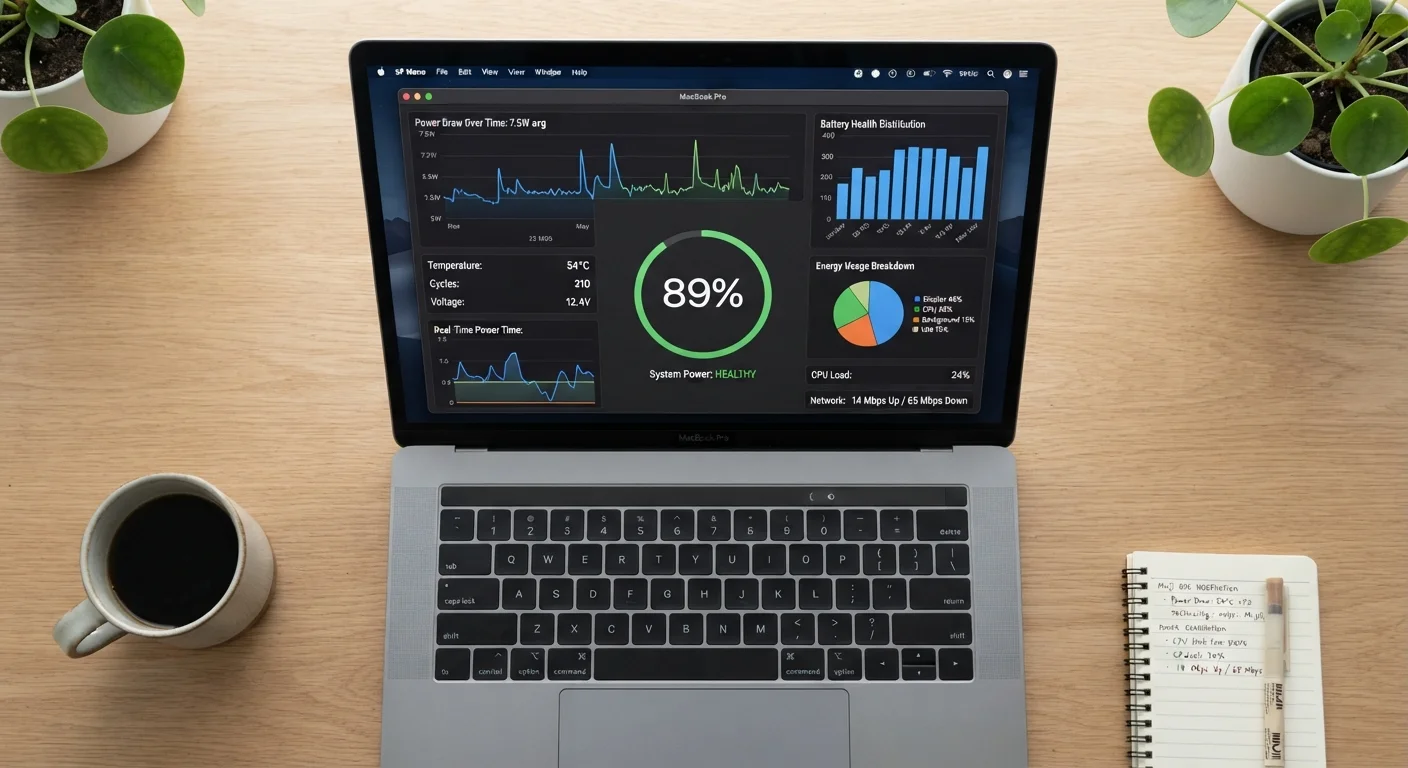
Charge to around 80% and avoid extended 100% plug-in sessions.
Lithium-ion batteries experience accelerated chemical wear when held at full charge for long periods. Partial-charge cycles - keeping battery level between roughly 20% and 80% - measurably reduce the rate of capacity loss over hundreds of charge cycles.
Clean keyboard, ports, and vents with compressed air every few months.
Dust accumulation in vents reduces airflow efficiency, raising internal temperatures. Debris under keys increases mechanical wear and can cause premature key failure. Regular cleaning is inexpensive and directly prevents thermal and physical damage.
Install operating system and driver updates promptly.
OS and firmware updates frequently include thermal management improvements, security patches, and performance optimizations that directly affect how efficiently the hardware operates. Deferring updates leaves known performance inefficiencies and vulnerabilities unaddressed.
Maintain at least 15-20% free storage on the primary drive.
SSDs and HDDs both suffer performance penalties when storage is nearly full. SSDs need free space for wear-leveling operations that distribute writes evenly across cells; without it, write performance drops and cell wear concentrates, shortening drive lifespan.
Transport the laptop in a padded, properly fitted case.
Physical shock is an underestimated source of damage - particularly for hard drives (in older machines) and display hinges. Even SSDs can be affected by repeated sharp impacts. A snug, padded case absorbs vibration and protects against everyday drops and jostling.
Battery Longevity: What the Specs Don't Tell You
Advertised battery life figures describe controlled laboratory conditions - not how most people actually use laptops. Real-world longevity depends heavily on how the battery is charged and discharged over its lifetime. Battery life claims are constructed under ideal conditions that rarely match daily use patterns.
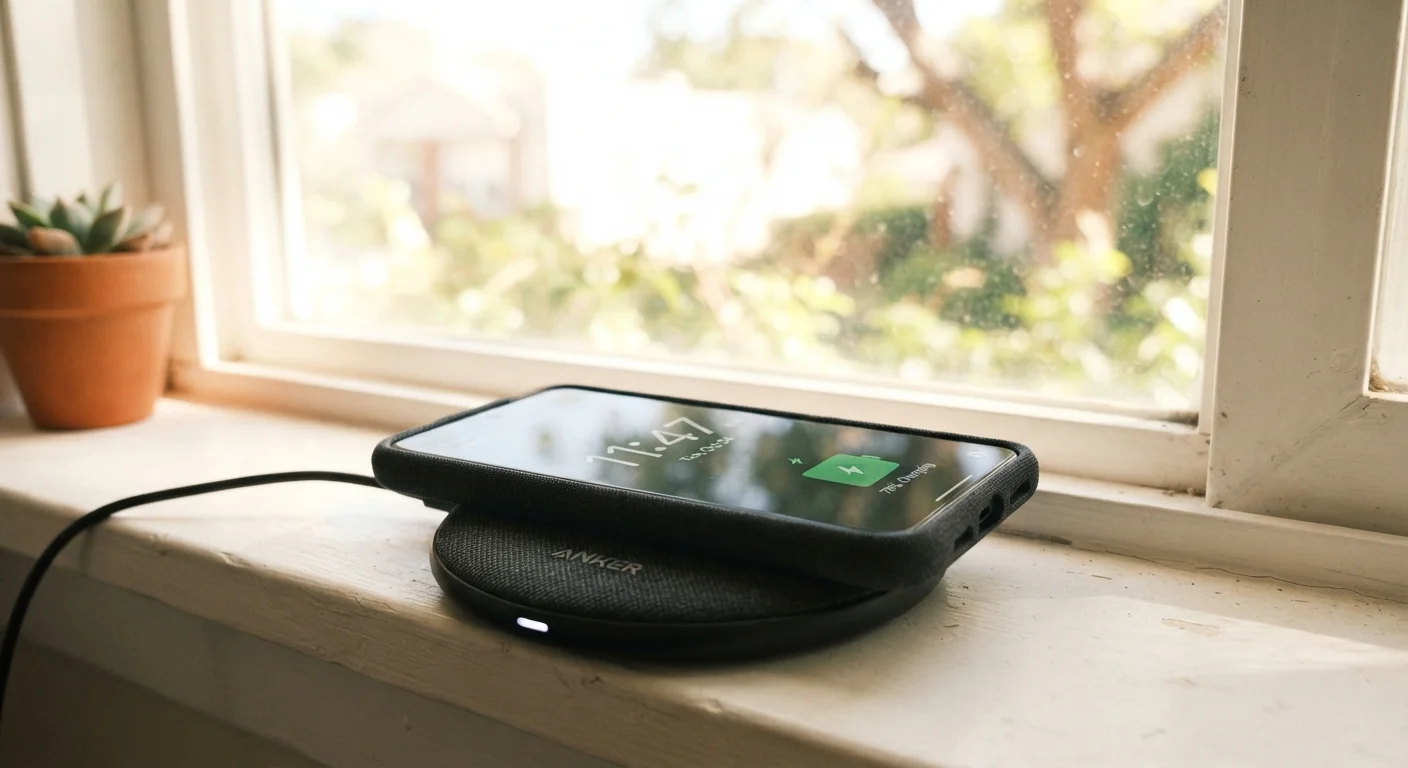
The same principles that affect phone battery aging apply here. Heat, full-charge holding, and ignored updates age batteries faster across all lithium-ion devices. Treating the laptop battery as a long-term asset - rather than something to top off whenever convenient - compounds into hundreds of additional full-capacity cycles over the machine's life.
~500
Charge cycles before significant lithium-ion capacity loss
Most lithium-ion batteries retain around 80% capacity after approximately 500 full charge cycles, according to battery chemistry research widely cited in consumer electronics literature.
20°C+
Temperature rise that can halve battery cycle life
Battery University, a reference resource on electrochemical cell research, notes that elevated operating temperatures significantly accelerate lithium-ion capacity degradation over time.
Quick Wins You Can Act on Today
Not every maintenance habit requires scheduling or planning. Several high-impact changes take under five minutes and begin paying off immediately. Addressing the most common myths around laptop care - such as the assumption that keeping a laptop plugged in is harmless - can prevent years of unnecessary battery degradation. Common laptop misconceptions lead users to make preventable mistakes that cost real performance and money.
Treating a laptop like a durable long-term tool - rather than a consumable - is mostly a mindset shift backed by a small number of concrete actions. The habits above, applied consistently, represent the practical difference between a machine that lasts four years and one that runs well into its seventh.
“The single biggest thing users can do to extend a laptop's useful life is manage heat. Most premature failures trace back to thermal stress that was entirely preventable with basic airflow habits.”
— Consumer Electronics Repair Association, Industry body representing device repair and longevity research