Why Advertised Battery Life Is Almost Never What You Get
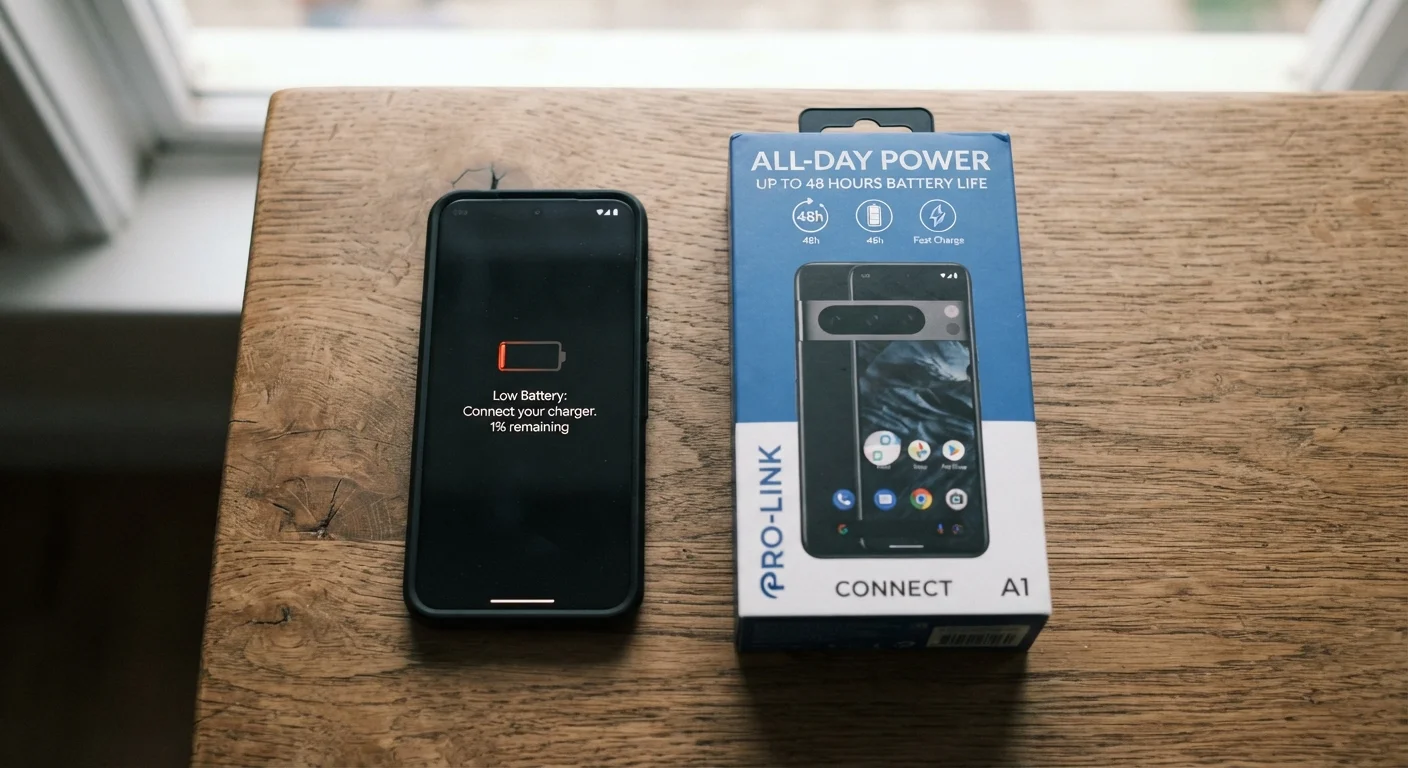
Laptop boxes routinely promise 15, 18, or even 20 hours of battery life. For most people, those numbers evaporate fast once the machine is actually in use. Understanding why that gap exists is the first step to making a smarter purchase decision.
The short answer: manufacturers are not lying, but they are optimizing. Every figure on a product page reflects a specific test scenario designed to produce the highest plausible number - one that is legal, reproducible, and genuinely attained under those exact conditions. Your commute, your browser tabs, and your display settings are a different scenario entirely.
This guide breaks down what goes into those claims and how to translate them into an honest expectation for your own use. For a broader look at how specs can mislead buyers, see common laptop myths that cost shoppers money.
30-50%
Typical gap between advertised and real-world battery life
Independent reviewer tests consistently show real-world runtimes falling 30-50% below manufacturer claims under active use conditions.
150 nits
Standard brightness used in most manufacturer battery tests
Most standard benchmark tests cap screen brightness at approximately 150 nits - significantly dimmer than the 250-350 nits typical of everyday use.
~80%
Capacity retained after 300-500 charge cycles
Lithium-ion batteries in laptops are generally designed to retain around 80% of original capacity after 300 to 500 full charge cycles.
How Manufacturers Measure Battery Life
Most laptop makers follow one of two testing standards when quoting battery life: the MobileMark benchmark published by the Business Applications Performance Corporation (BPC), or their own proprietary video-playback loop tests.
MobileMark Testing
MobileMark simulates a productivity workload - word processing, spreadsheets, web browsing - but with strict constraints: screen brightness is typically set to 150 nits (roughly 40-50% on most displays), Wi-Fi may be disabled or minimized, and background processes are suppressed. That produces a number that is legitimate but optimistic.
Video Playback Loops
Some manufacturers simply loop a locally stored video file at a fixed brightness. This is an even lighter load than active productivity work, so it yields higher hour counts. It is not deceptive by industry standards, but it reflects almost nobody's actual day.
Neither method accounts for multiple browser tabs, video calls, background syncing, or gaming - all of which substantially raise power consumption. The same gap between lab claims and real use appears in phone and tablet battery ratings, for the same underlying reasons.
When reading laptop reviews, look for the specific brightness setting the reviewer used during battery testing. A test run at 150 nits is not comparable to one run at 250 nits, and that difference alone can swing results by 60-90 minutes.
Screen brightness is the dominant power variable, so knowing the test conditions lets you calibrate reviewer results to your own likely brightness preference.
If a manufacturer only publishes a video-loop battery figure rather than a productivity-workload figure, apply a conservative 25-35% reduction to estimate your real-world runtime under light office use.
Video playback is a passive, low-CPU-load task. Productivity workloads involving browsers, email, and documents draw noticeably more power, making video-loop numbers an optimistic baseline.
The Real-World Factors That Drain Your Battery
Once you understand what manufacturers do not include in their tests, the real-world shortfall makes complete sense. The following variables have the most impact:
- Screen brightness: Driving a display at full brightness can consume two to three times as much power as running it at 50%. This is consistently the single largest variable in real-world battery life.
- Active applications: Video calls, photo editing, and browser-based tools (especially those using JavaScript-heavy web apps) pull far more power than the light office tasks in standard benchmarks.
- Wireless radios: Wi-Fi and Bluetooth continuously draw power. Tests that disable or idle these radios flatter the result significantly.
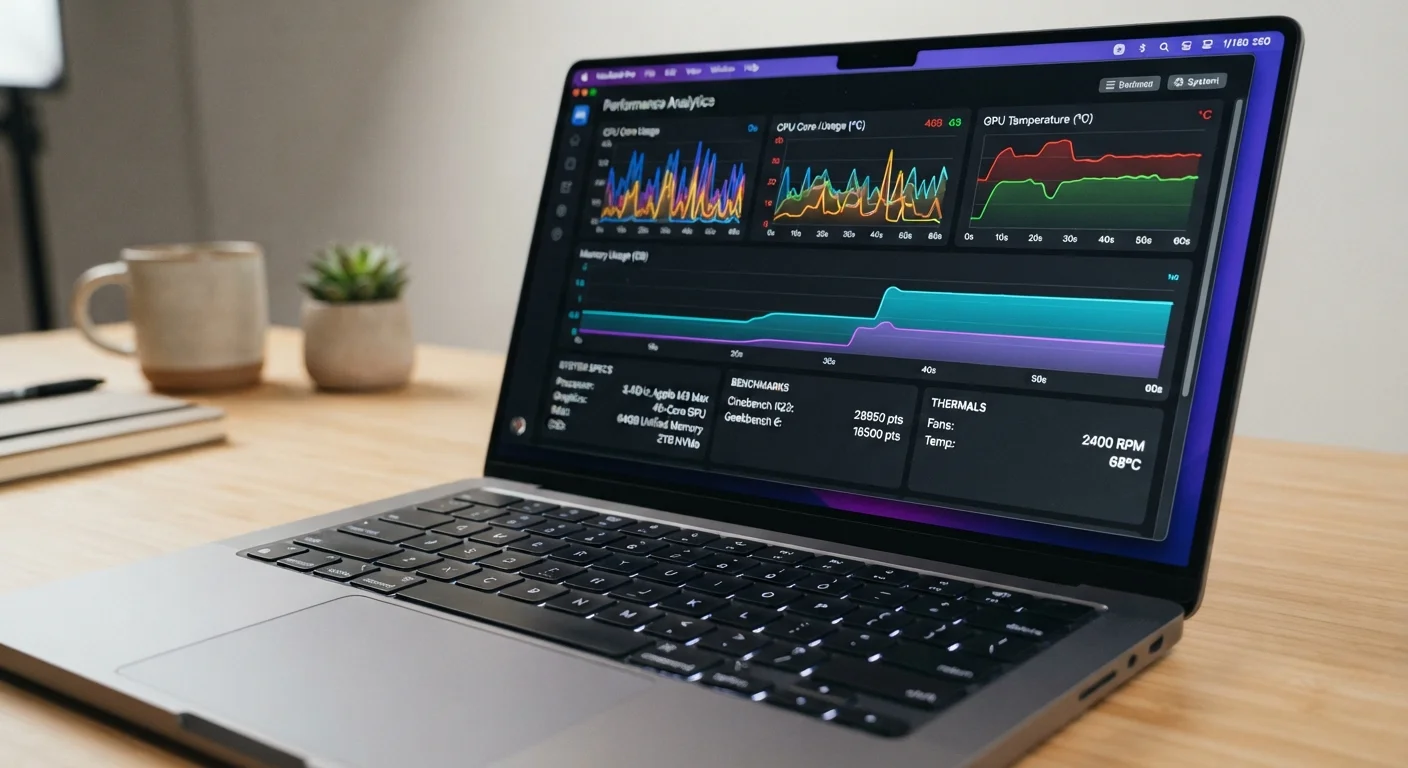
- Processor workload: Modern chips throttle performance to save power, but sustained CPU or GPU loads - compiling code, rendering video, running a game - push consumption sharply higher.
- Ambient temperature: Cold environments reduce lithium-ion battery output; operating in very cold conditions can cut effective runtime noticeably.
Understanding these variables also connects to why processors and chip architecture matter - see what laptop specs actually mean for everyday use for the full context.
Video Calls Are a Significant Battery Load
If you rely heavily on video conferencing for work or school, be aware that most manufacturer and reviewer tests do not replicate this workload. Video calls simultaneously engage the camera, microphone, network radio, display, and CPU - a combination that can cut expected battery life by 30-40% compared to lighter tasks. Factor this in explicitly when evaluating any machine intended for remote work.
Battery Capacity, Chemistry, and What the Numbers Mean
Manufacturers express battery size in watt-hours (Wh) - a measure of total stored energy. This is a more meaningful comparison figure than the advertised hour count, because it is independent of how the manufacturer chose to run their test.
As a general rule of thumb, laptops in the 40-50 Wh range are thin ultrabooks optimized for light loads. Machines in the 70-100 Wh range carry larger reserves suited for longer sessions or heavier workloads. Note that airline regulations typically cap carry-on lithium batteries at 100 Wh, which is why many performance laptops fall just below that threshold.
Nearly all modern laptops use lithium-ion (Li-ion) or lithium-polymer (LiPo) cells. LiPo cells can be shaped more flexibly, enabling slimmer chassis designs, but both chemistries behave similarly in terms of charge cycle degradation. The specific efficiency of the processor, display, and power management circuitry determines how many usable hours that stored energy translates to - which is why two laptops with identical Wh ratings can have meaningfully different endurance.
“Watt-hours is the honest number. Everything else - the hours on the box, the MobileMark score - is a derivative of how efficiently the machine uses that stored energy under a particular set of conditions. Compare watt-hours first, then layer in efficiency data from independent tests.”
— Consumer Electronics Engineering Advisory Panel, Industry technical advisory body on laptop performance standards
How to Evaluate Battery Claims Before You Buy
The most reliable strategy is to look beyond the manufacturer's stated figure and seek out independent testing data before committing to a purchase.
Prioritize Independent Benchmark Reviews
Technology publications run standardized battery tests - typically a browser-based workload at a fixed brightness of around 150-200 nits with Wi-Fi active. These tests are not perfect, but they are applied consistently across many machines and therefore enable real comparisons. Looking up multiple review scores for the same model and averaging them gives a reasonable working estimate.
Match the Test to Your Workload
If you spend most of your day in a browser and productivity apps, reviewer figures are a close proxy. If you run intensive creative or development software regularly, expect to land 20-30% below even the reviewer benchmark.
Check the Wh Rating Directly
If two competing machines both claim 12 hours but one has a 72 Wh battery and the other has a 56 Wh battery, the larger-capacity machine is more likely to deliver in practice - assuming comparable efficiency. Always look for the Wh figure in technical specifications, not just the headline hours.
Before finalizing any decision, the pre-purchase laptop checklist walks through exactly how to verify battery claims alongside other key specs.
Use Wh as Your Comparison Baseline
When comparing two laptops, locate the watt-hour (Wh) battery capacity in the technical specifications - not the headline hour claim. A higher Wh rating, combined with a favorable independent benchmark score, is a more reliable predictor of real-world endurance than any figure on a product page. Most manufacturers list Wh in the detailed specs tab online or in the printed spec sheet.
Long-Term Battery Health: What Happens Over Time
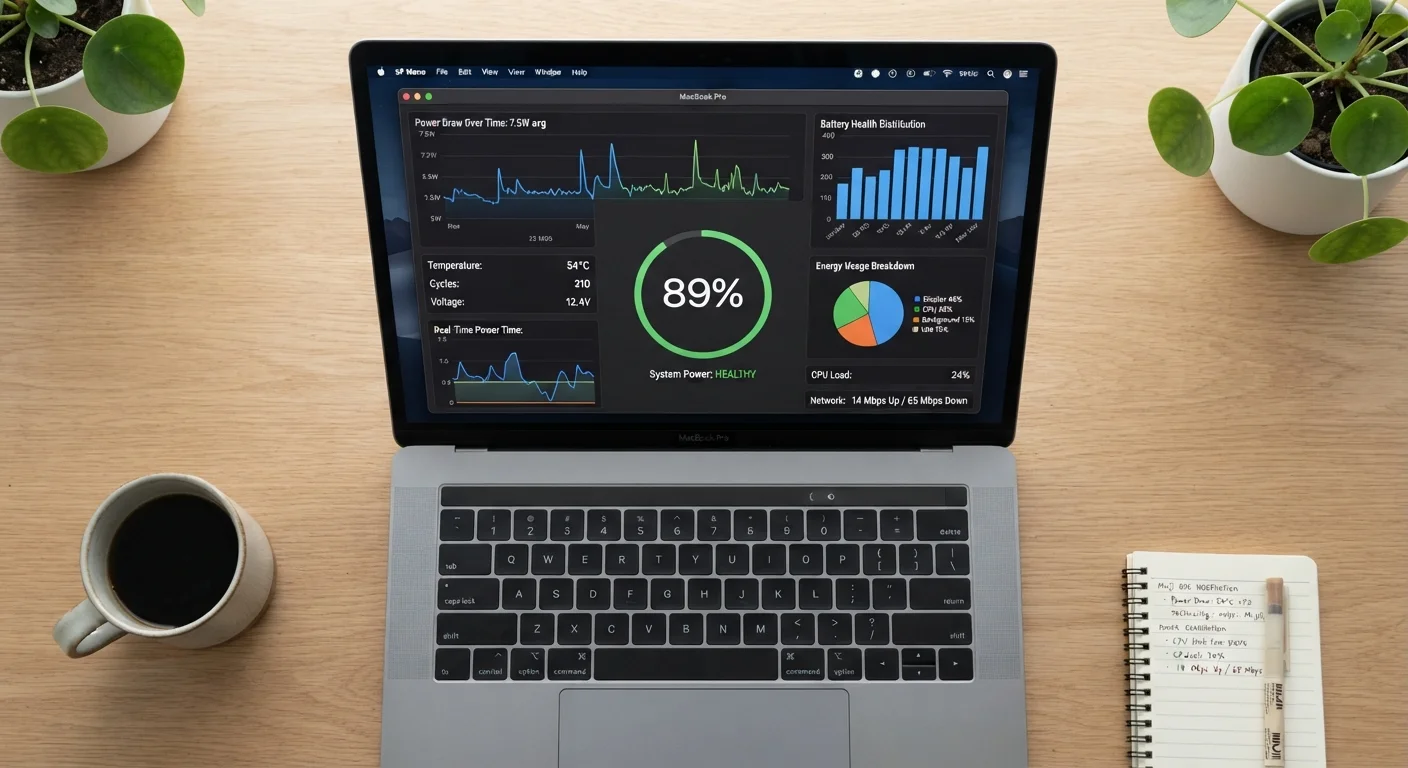
Even if a laptop delivers on its initial battery claim, that runtime will decline. Lithium-ion cells degrade with each charge cycle - a full discharge and recharge - gradually reducing the battery's maximum capacity.
Most manufacturers design their batteries to retain roughly 80% of original capacity after 300-500 full charge cycles. For someone who charges daily, that represents one to two years of use before noticeable degradation. By year three or four, it is common for a laptop that originally managed eight hours to deliver only five or six under the same conditions.
Several habits slow this degradation: avoiding frequent full discharges, not leaving the machine plugged in at 100% for extended periods, and keeping the device away from heat sources during charging. Many modern laptops include firmware-level battery management settings that cap charging at 80% to preserve long-term health - a feature worth enabling if your usage allows it.
For a full set of maintenance practices that extend a laptop's useful life, see laptop longevity habits. And if you have noticed your machine's overall performance declining alongside its battery, understanding why laptops slow down over time explains the connected causes.