The Four Core Reasons Laptops Lose Speed
When a laptop that once felt snappy starts lagging, most users assume the hardware is simply wearing out. The reality is more specific-and more fixable. Four distinct mechanisms account for the majority of performance decline in consumer laptops.
Software accumulation is the most widespread cause. Every application installed adds background processes, startup services, and system hooks that consume RAM and processor cycles even when you're not actively using them. Over two or three years, a laptop can accumulate dozens of these silent processes, collectively consuming resources that would otherwise support the tasks you're actually trying to do. This is why a factory-fresh machine with identical hardware almost always feels faster than a well-used one.
Storage saturation compounds the problem. Operating systems rely on free drive space to manage virtual memory-a process where the system temporarily offloads data from RAM to the drive when physical memory runs low. When a drive is nearly full, this process becomes slow and inefficient. Solid-state drives (SSDs) also use spare space for internal maintenance operations; without it, performance degrades. A drive running above 85-90% capacity will show measurable read and write slowdowns.
~30%
Potential CPU speed reduction from thermal throttling
Testing by hardware analysis publications consistently shows processors can throttle clock speeds by 25-35% when sustained temperatures exceed thermal design limits due to poor airflow.
500
Typical full charge cycles before notable Li-ion capacity loss
Most lithium-ion batteries in consumer laptops are designed for roughly 300-500 full charge cycles before capacity drops noticeably, per general industry battery specifications.
85%
Storage fill level where SSD performance begins to decline
Storage and systems analysts generally identify drives operating above 85-90% capacity as experiencing measurable read/write slowdowns due to reduced space for internal management operations.
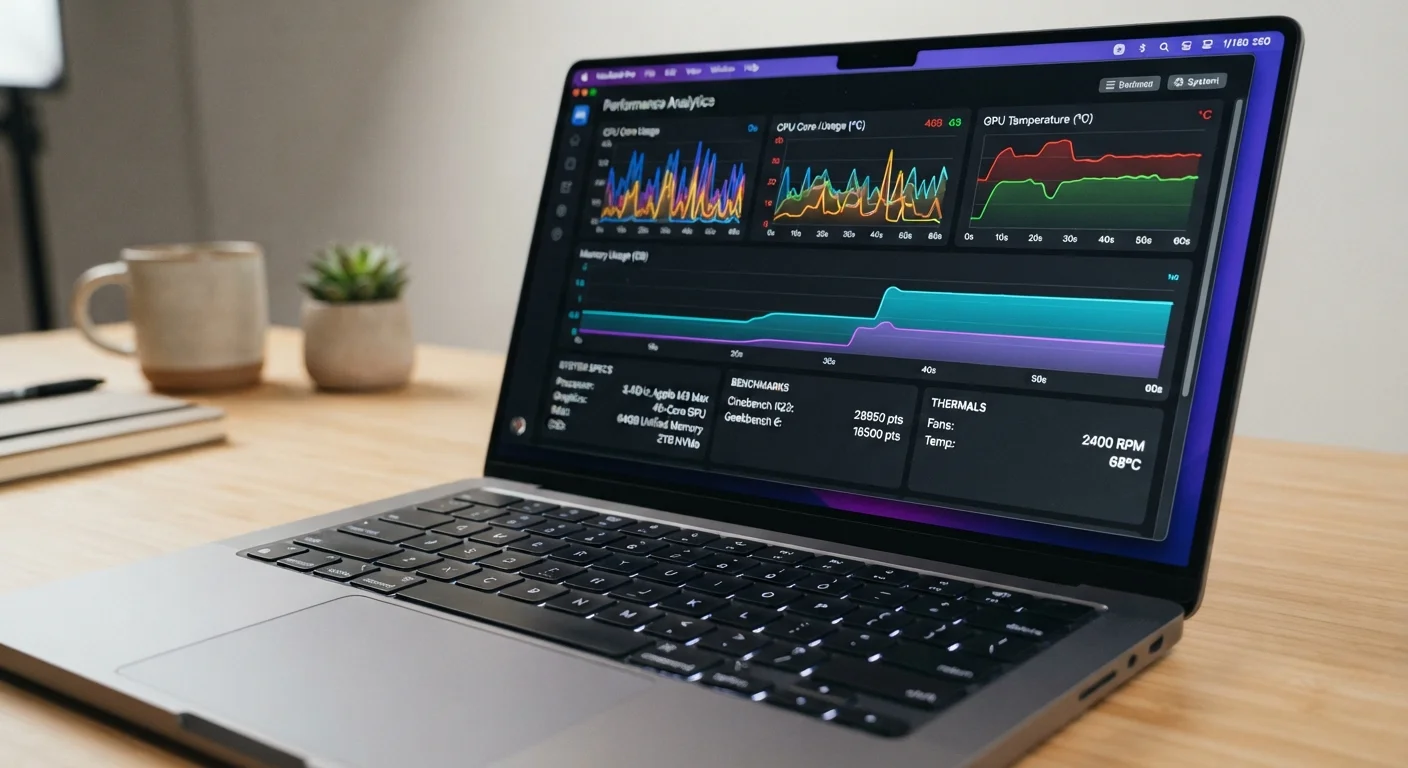
Thermal throttling is a hardware-level response that's often overlooked. Laptops are designed to automatically reduce processor speed when internal temperatures exceed safe thresholds. Dust that accumulates inside the chassis over months and years restricts airflow, forcing fans to work harder and temperatures to climb. The processor then throttles itself to avoid damage-which the user experiences as sluggishness, especially under load. This is a protective feature working correctly, but it's also a direct indicator that the machine needs cleaning.
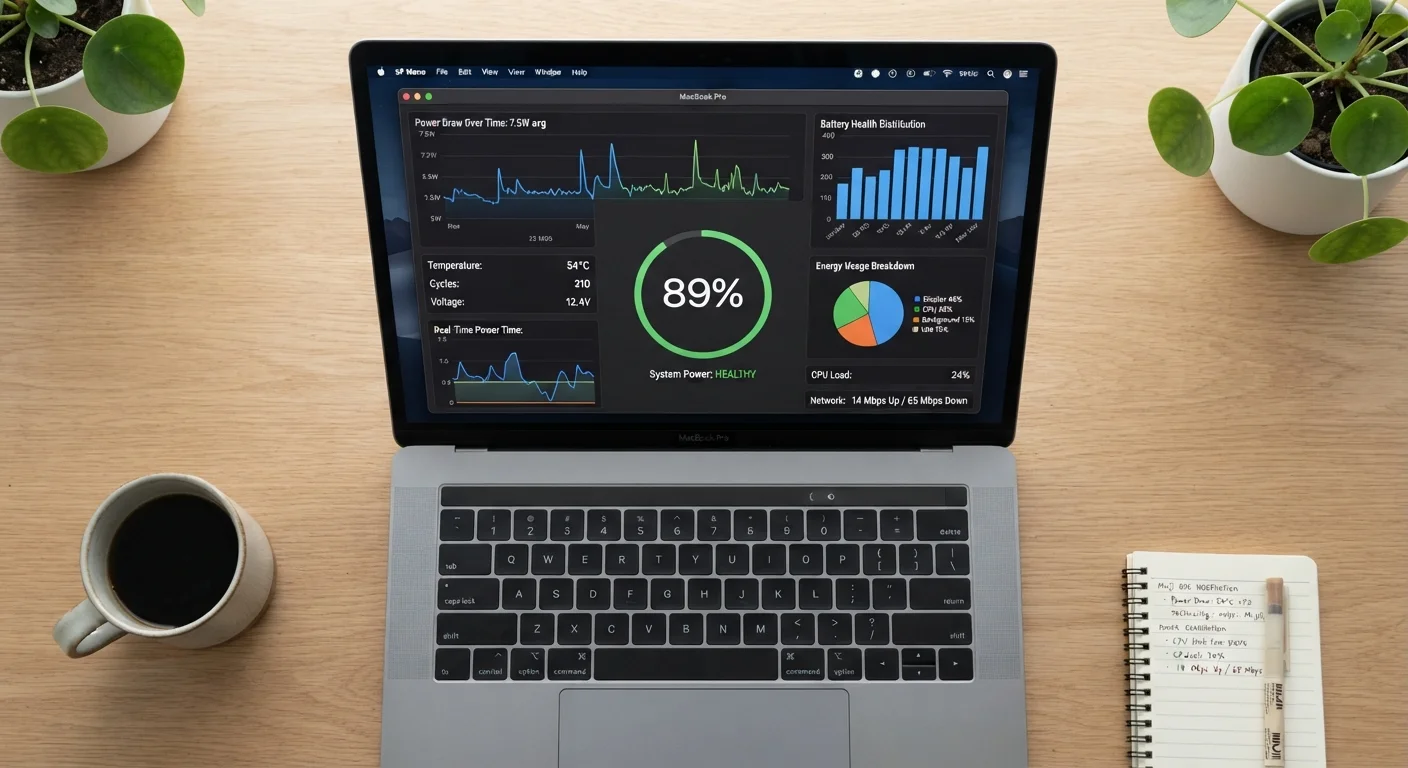
Battery degradation affects performance in a less obvious way. As lithium-ion batteries lose capacity over charge cycles, some systems respond by capping processor performance to keep power draw within what the aging battery can reliably supply. Users on battery power may notice this more acutely, but it can affect plugged-in performance as well depending on the laptop's power management design. See how manufacturers measure battery life for context on how power and performance interact.
How Software Demand Outgrows Hardware Capacity
Beyond what's accumulating on the machine itself, the software environment surrounding the laptop keeps evolving. Operating system updates, browser versions, and productivity applications grow more resource-intensive over time as developers target newer hardware. A laptop bought with 8GB of RAM in a period when web browsers consumed half as much memory per tab may find itself genuinely underpowered a few years later-not because the RAM disappeared, but because the demands placed on it increased.
“The software that ships on a machine is written for the hardware available today. A few years from now, that same hardware will be running software written for whatever comes next-and the gap between them is where slowdown lives.”
— Consumer Electronics Research Analyst, Technology performance and hardware lifecycle researcher
This is a structural mismatch, not a malfunction. Understanding the difference matters when deciding whether a slowdown is addressable through maintenance or whether the machine's underlying specs have simply become insufficient for current software. What laptop specs actually mean for everyday use breaks down how RAM, storage, and processor specs translate to real-world performance-useful context for evaluating whether your current machine still fits your needs.
This dynamic also explains why two laptops with identical specs can feel very different based on age alone. Software environments drift in complexity, and a machine that was well-matched to its workload at purchase may find that workload has shifted underneath it.
What You Can Actually Do About It
Not every cause of slowdown requires a hardware investment. Many of the most effective interventions are maintenance-oriented.
- Audit startup programs. Both Windows and macOS provide tools to review and disable programs that launch automatically at startup. Trimming this list can meaningfully reduce the time it takes to become productive after booting, and frees up RAM for active tasks.
- Free up storage space. Deleting unused applications, clearing download folders, and offloading large files to external drives or cloud storage removes pressure on the system's virtual memory and drive management processes.
- Address thermal buildup. Compressed air directed into vents-carefully and without disassembly for most users-can dislodge surface-level dust. For laptops several years old with significant thermal issues, professional cleaning of internal components is worth considering.
- Check battery health. Operating system utilities report battery wear. Knowing whether the battery is a limiting factor helps determine whether a battery replacement might restore performance, or whether the issue lies elsewhere.
Start With a Software Audit Before Assuming Hardware Failure
Before concluding a laptop needs replacement, run through the software-side causes first: check startup programs, review storage usage, and look at active background processes in the task manager. In many cases, these steps alone recover a meaningful amount of performance. Hardware causes like thermal issues and battery wear are worth investigating only after ruling out the more common software-related factors.
For a broader view of the habits and practices that prevent these issues from developing in the first place, habits that keep a laptop running well for years covers a practical maintenance framework. And if you're questioning whether common assumptions about laptops are guiding your decisions, laptop myths that lead shoppers to overspend challenges several widely held beliefs worth reconsidering.
Performance degradation follows a predictable path. Identifying which mechanism is at work-software, storage, heat, or battery-gives you a basis for a practical response rather than guesswork.