How Each Drive Type Actually Works
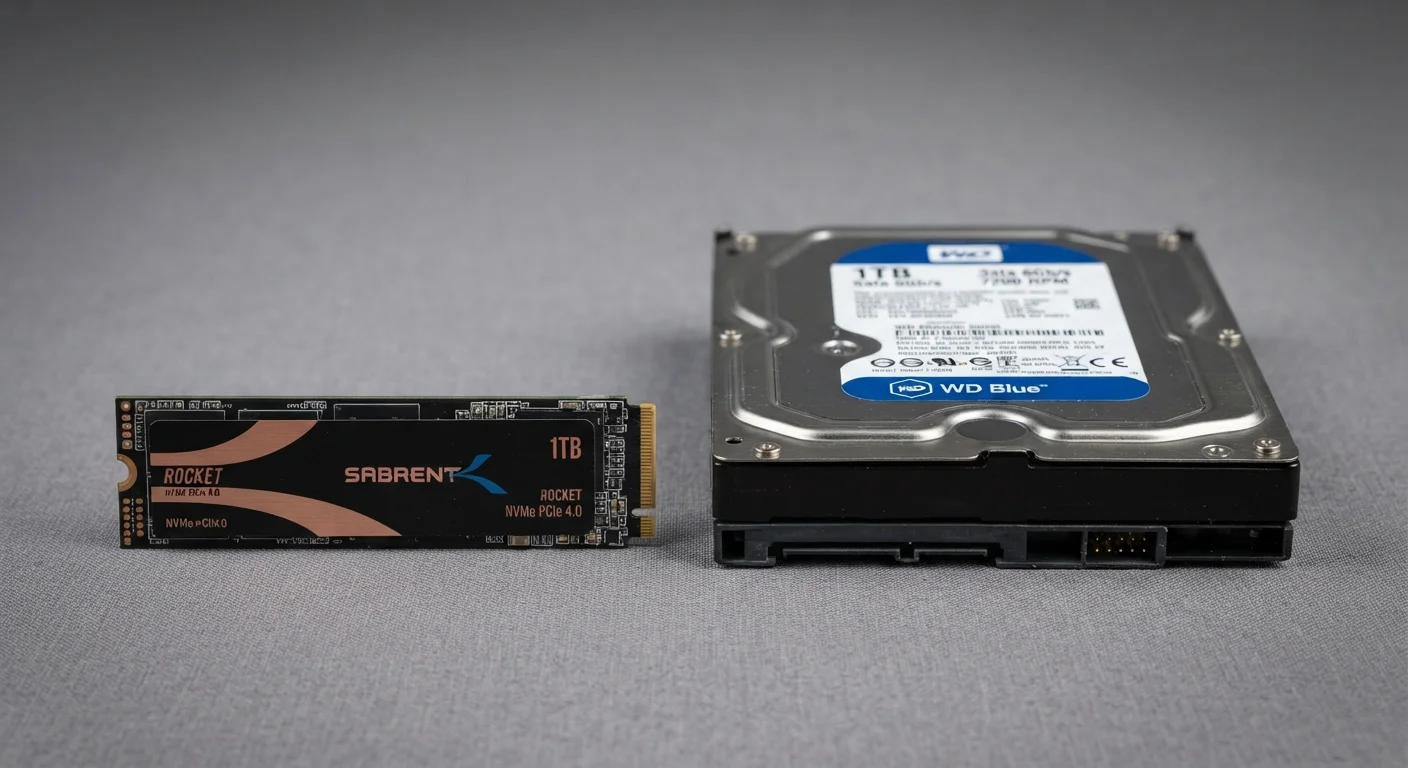
Understanding the performance gap between SSDs and HDDs starts with how each technology stores data. A hard disk drive (HDD) uses one or more spinning magnetic platters and a mechanical read/write arm that physically moves across the disk surface to locate data. This mechanical process introduces measurable latency - the drive literally has to wait for the right portion of the platter to spin into position.
A solid-state drive (SSD), by contrast, stores data on interconnected flash memory chips with no moving parts whatsoever. Data retrieval is an electronic process, not a mechanical one, which is why access times are dramatically lower. Where a typical HDD might have a random read latency measured in milliseconds, an SSD operates in microseconds - a difference that compounds across hundreds of small operations your operating system performs every second.
This fundamental architecture difference is the root cause of nearly every performance gap you'll read about. For a fuller picture of how storage fits into overall system performance, see what laptop specs actually mean for everyday use.
| Criterion | SSD | HDD |
|---|---|---|
| Average boot time | 10-20 seconds | 45-90 seconds |
| Moving parts | None | Spinning platters + read arm |
| Random read latency | Microseconds | Milliseconds |
| Cost per gigabyte | Higher | Lower |
| Shock/vibration resistance | High | Low |
| Noise during operation | Silent | Audible seek noise |
| Typical capacity ceiling (consumer) | Up to 8 TB (common: 500 GB-2 TB) | Up to 20 TB (common: 1-4 TB) |
| Best primary role | OS drive, active applications | Bulk storage, archives, backups |
Real-World Speed Differences You'll Actually Notice
Benchmark numbers matter, but what shoppers care about is the experience. On a system with an HDD as its primary drive, a cold boot from power-off to a usable desktop often takes 45-90 seconds. The same system with an SSD typically reaches a usable state in 10-20 seconds. That gap doesn't shrink over time - if anything, HDDs tend to slow further as files become fragmented, while SSD performance remains more consistent.
Application launch times follow a similar pattern. A productivity suite or creative application that takes 15-20 seconds to open from an HDD can launch in 3-5 seconds from an SSD. Repeated throughout a workday, these savings accumulate into a meaningfully different computing experience. Slow storage is one of the most common reasons a laptop begins to feel sluggish - something explored in depth in why your laptop slows down over time.
3-5×
Faster typical boot time vs. HDD
General performance benchmarks across consumer laptops consistently show SSD-equipped systems booting several times faster than HDD equivalents.
~100×
Faster random read access speed
NVMe SSDs in particular can deliver random read speeds approaching 100 times that of a 7,200 RPM mechanical hard drive in controlled tests.
~10×
More capacity per dollar from HDD
At mainstream consumer capacity tiers, HDDs typically offer roughly ten times more storage per dollar compared to SATA SSDs of comparable quality.
Capacity, Cost, and When HDDs Still Make Sense
Despite the speed advantage of SSDs, HDDs hold a meaningful edge in cost-per-gigabyte. As a general pattern, HDDs offer several times more storage capacity per dollar spent compared to SSDs at comparable capacity tiers. For someone archiving years of high-resolution photos, raw video footage, or large software libraries, that gap translates into real money.
Durability and noise are additional practical considerations. HDDs are sensitive to vibration and physical impact because of their mechanical internals - a drop while running can cause data loss. SSDs carry no such risk. HDDs also produce audible seek noise and generate more heat during sustained operation, while SSDs run silently and cooler.
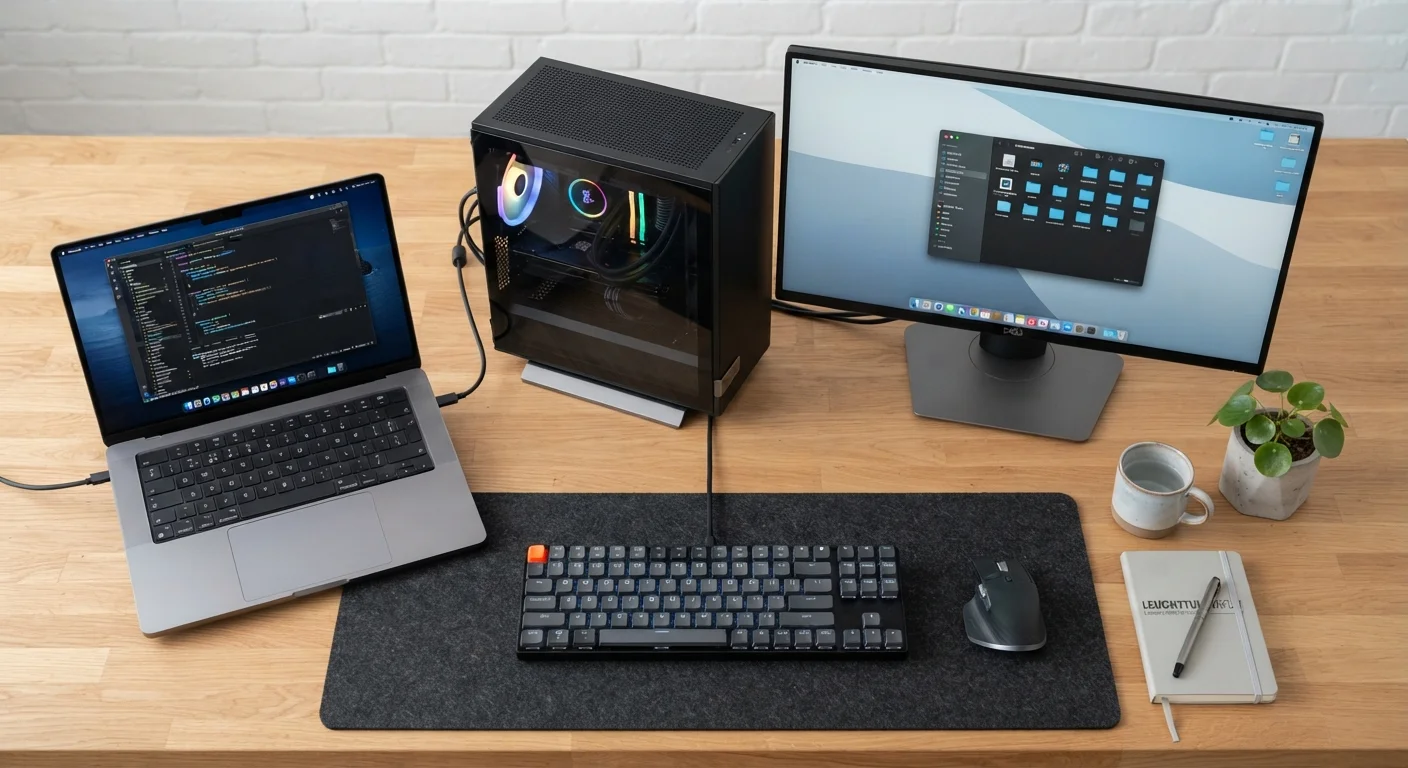
The most practical approach for many desktop users is a two-drive configuration: an SSD for the operating system and frequently used applications, paired with an HDD for bulk storage. If you are choosing between a laptop and a desktop setup and want to factor in how storage type affects portability, our laptop vs. desktop comparison walks through those trade-offs in detail.
NVMe vs. SATA SSD: A Quick Distinction
Not all SSDs perform identically. SATA SSDs connect via the same interface as HDDs and deliver substantial speed gains over spinning drives, but are constrained by that interface's bandwidth ceiling. NVMe SSDs use a faster PCIe interface and can be three to five times quicker than SATA SSDs for sequential transfers. When reviewing a laptop or desktop's specifications, look for the connection type - NVMe - if maximum performance is a priority. For most everyday use, however, even a SATA SSD represents a major upgrade over any HDD.