Why Bright Rooms Are Hard on TVs
A television's picture quality is always a product of two things: what the screen emits and what the room adds. In a dim home theater, you control nearly all the variables. In a sunlit living room or open-plan kitchen-lounge, ambient light competes directly with your panel's output - reflecting off the screen surface, raising the room's perceived black level, and compressing the contrast ratio you actually see versus the one printed on a spec sheet.
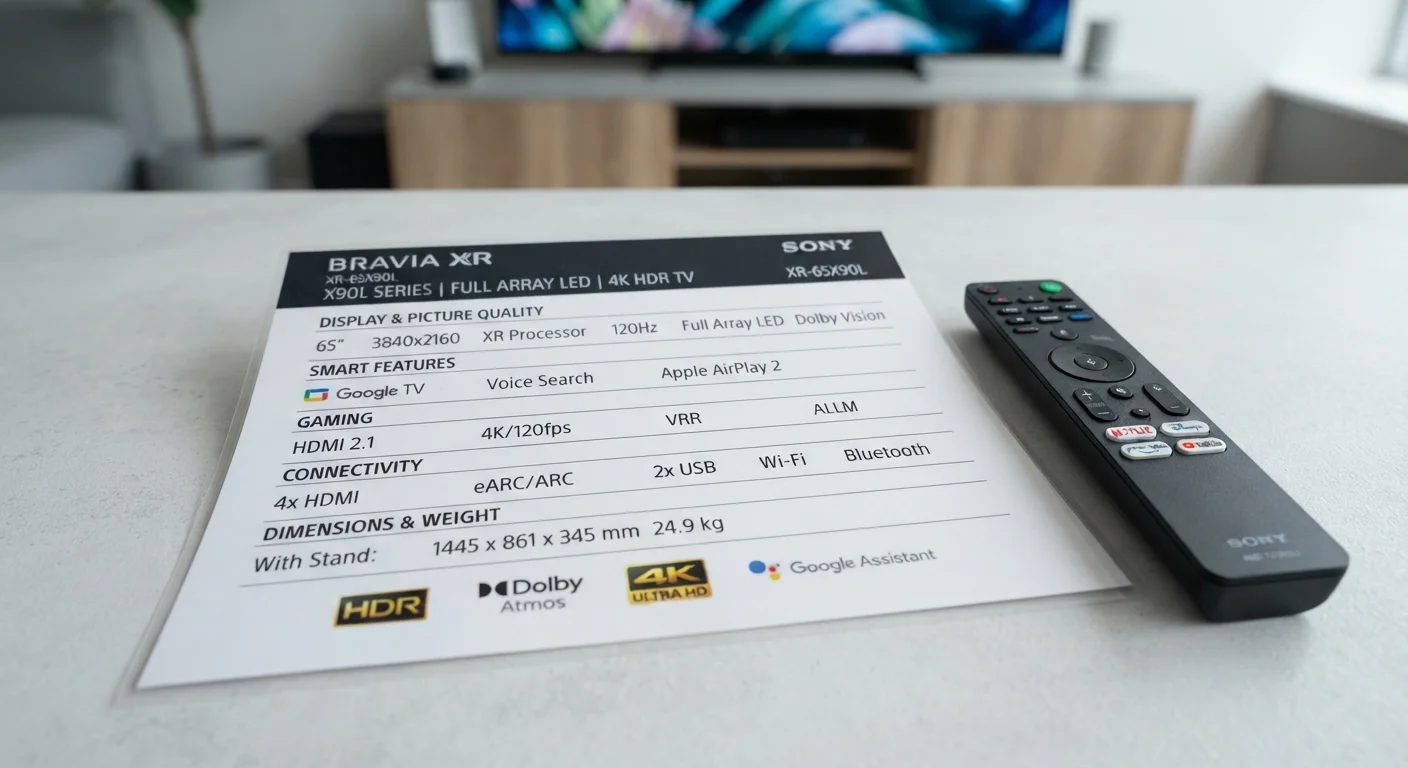
The core problem has two components. First, direct glare: when a light source - window, lamp, or ceiling fixture - reflects off the screen surface toward your eyes. Second, ambient washout: diffuse room brightness that lifts the darkest parts of the image, making shadows look gray instead of black. Both reduce perceived contrast, though they require slightly different fixes. Understanding which problem you're dealing with helps you prioritize the right solution. See how specs like nits and contrast ratio translate to real-world viewing before committing to a panel type.
Panel Type and Surface Finish: What to Know Before You Buy
Not all TV panels handle ambient light equally. The two most relevant characteristics for bright-room buyers are surface treatment and panel technology.
Surface treatment falls into two broad categories. Glossy panels produce vivid, saturated colors in controlled light but act like mirrors under windows or overhead fixtures. Matte or anti-glare panels diffuse reflections, sacrificing some peak color saturation in exchange for far more usable images in daylight. If your room gets consistent natural light, a matte-treated panel is generally more practical than chasing peak brightness numbers on a glossy screen.
Panel technology matters too. LED-backlit LCD panels with high peak brightness - often measured in nits - can overpower ambient light more effectively than panels with lower output ceilings. OLED panels produce exceptional contrast in dark rooms but their peak brightness, while improving in newer generations, can still be outpaced by high-output LCD options in very bright spaces. This is worth factoring in alongside other overlooked specs covered in what first-time TV buyers often skip past.
Check the Nits Rating Before Buying
For bright-room use, prioritize panels with a peak brightness of at least 500 nits for everyday viewing; 800 nits or above becomes meaningful for rooms with direct sun exposure. Manufacturer nit ratings often reflect short-burst peak values rather than sustained brightness - look for independent measurements where available.
How to Set Up Your TV for a Bright Room
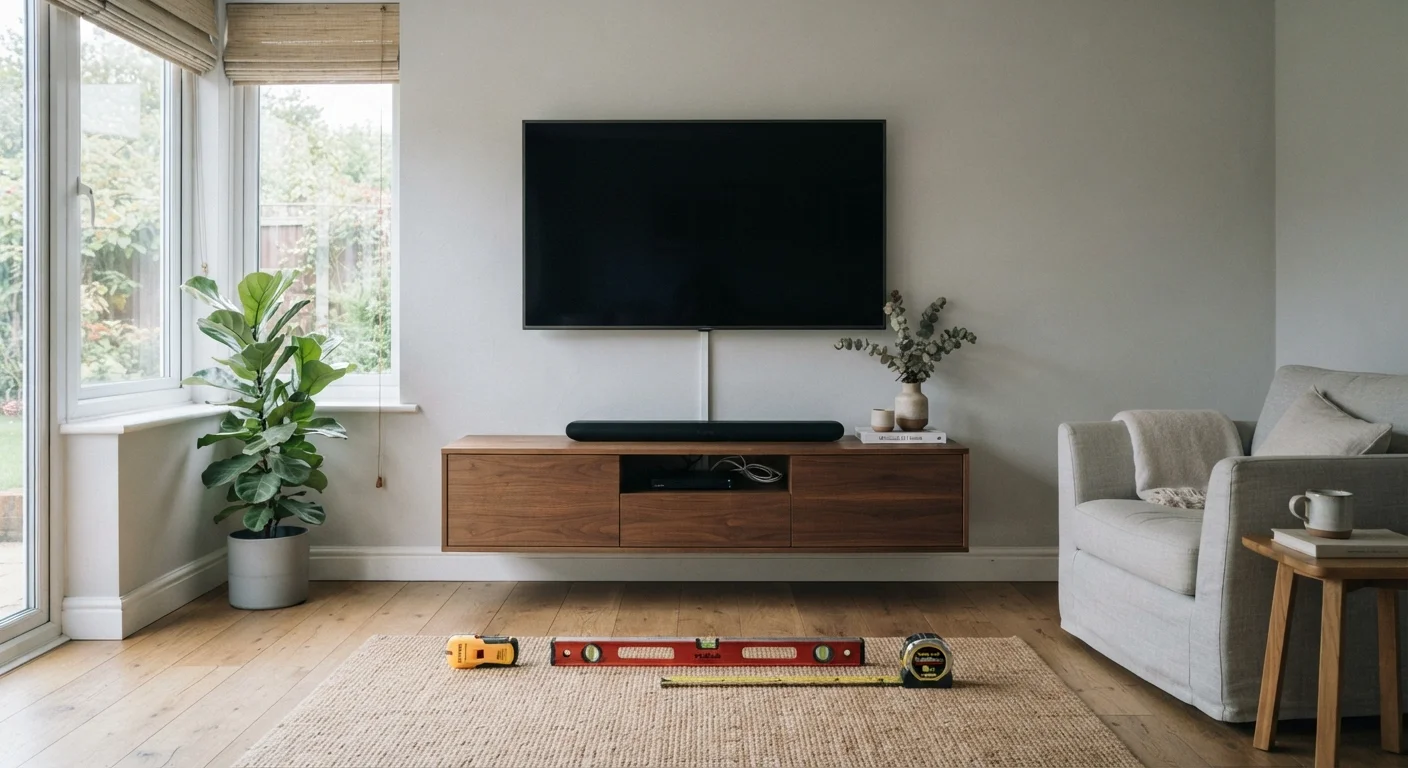
What you will need
Map Your Light Sources
Before moving anything, observe the room at the time of day you watch most. Identify every light source - windows, skylights, overhead fixtures, floor lamps - and note which ones fall within a direct line of reflection to where your screen will sit. Use your phone's camera pointed at the prospective TV wall; it exaggerates reflections and makes hot spots easy to spot.
Position the TV Perpendicular to Windows
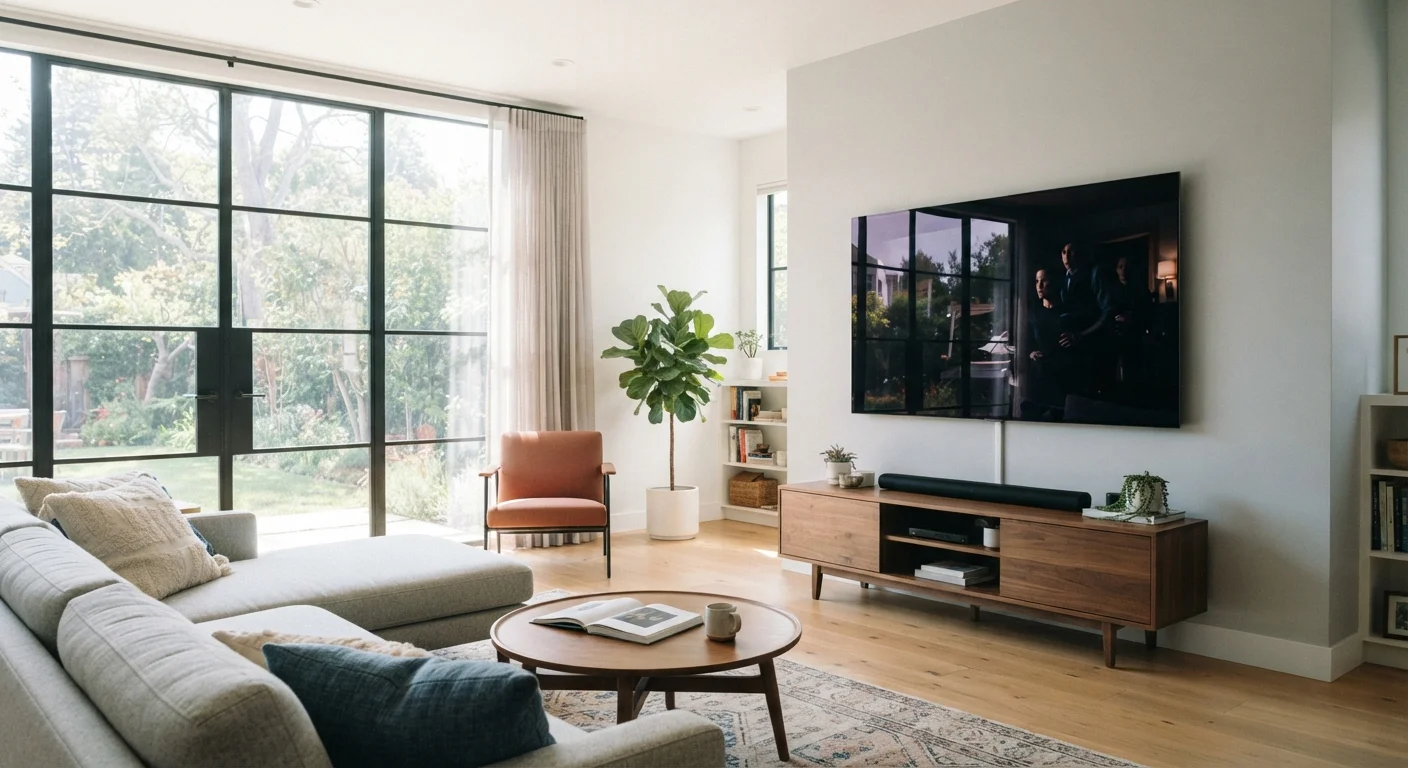
The most effective placement puts windows to the side of the TV, not behind or in front of it. A screen facing a window becomes a mirror. A screen with a window behind the viewer creates eyestrain from competing light sources. Side-lit placement minimizes both problems. For rooms where this isn't fully achievable, angling the TV slightly - even 10 to 15 degrees - can redirect a problematic reflection away from the primary seating position. This ties directly into viewing-angle planning covered in matching screen size to your room dimensions.
Adjust Backlight Before Contrast
In your TV's picture settings, locate the Backlight (sometimes labeled OLED Light or Panel Brightness) and raise it toward maximum for daytime viewing. This increases the raw luminance output of the panel, helping it compete with ambient light. Only after setting backlight should you adjust Contrast, which controls how the TV maps the brightest parts of the signal - raising it too far without adequate backlight simply crushes highlight detail.
Reduce Reflective Surfaces Near the Screen
Glass coffee tables, light-colored walls directly opposite the TV, and glossy furniture all bounce ambient light toward the screen surface. Where practical, replace or cover highly reflective surfaces within the TV's direct line of sight. A matte-finish TV stand or darkening the wall behind the seating area can noticeably reduce diffuse washout without touching the TV's settings at all.
Enable Room-Appropriate Picture Mode
Most modern TVs ship with picture presets including modes labeled Vivid, Standard, Cinema, or Dynamic. In bright rooms, Vivid or Dynamic mode - though often considered less accurate - boosts peak brightness and color saturation in ways that compensate for ambient light. Use these modes as a starting point during the day, then switch to a more calibrated mode like Cinema or Movie for evening viewing when light conditions change.
When the Room Itself Needs Adjusting
Even an optimally placed, well-specified TV can be undermined by an unchecked room environment. A few low-cost interventions make a meaningful difference.
Window treatments: Sheer or light-filtering shades reduce direct sun intensity without fully darkening the room. Blackout blinds are the most effective option when watching during peak daylight hours. Positioning furniture so seating faces away from the brightest windows also reduces the perceived glare hitting your eyes.
Bias lighting: Placing a low-intensity LED strip behind the TV (tuned to approximately 6500K color temperature) raises the ambient light level immediately behind the screen. This reduces the contrast between the bright display and the dark wall around it - a phenomenon called halation - which makes the picture easier to watch without eyestrain during extended sessions.
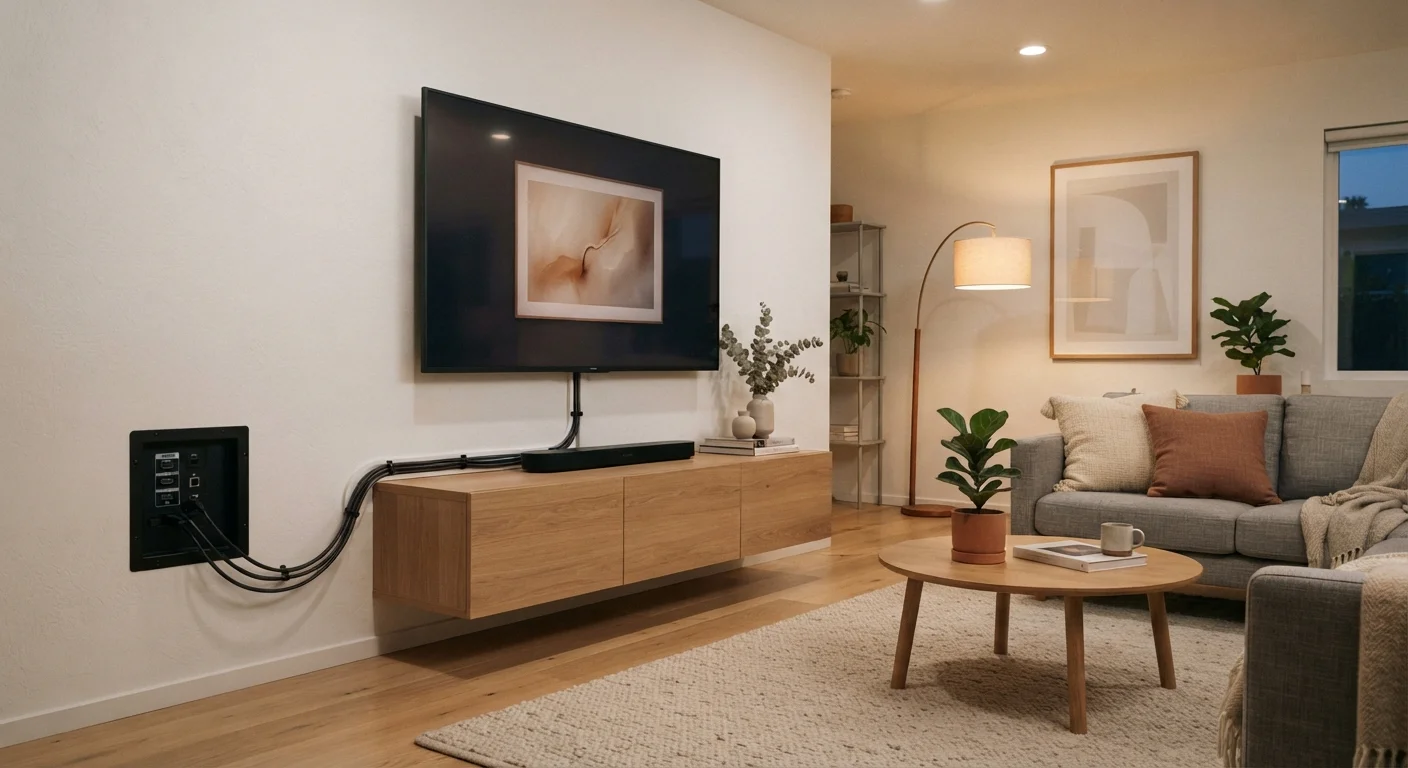
If you're also working through where to physically mount or position the TV, the room-by-room wall-mount planning checklist walks through viewing angles and height decisions that directly affect glare exposure.
Don't Rely on Settings Alone
Cranking brightness and contrast to maximum compensates only partially for poor placement or an inherently glossy panel in a bright space. Sustained high-backlight operation can also accelerate certain panel wear over multi-year timeframes. Physical placement and room treatment changes are more durable solutions than maxed-out picture settings.