Why Screen Size Is the Wrong Starting Point
Walk into any electronics store or scroll any retailer site and the first number you'll see is screen size. It's the easiest spec to compare, the one most prominently advertised, and - for many first-time buyers - the one that ends up driving the entire purchase decision. That's a problem.
Screen size matters, but it's far from the only factor that determines whether a TV works well in your actual home. A 65-inch panel with two outdated HDMI ports, a sluggish smart interface, and no local dimming can deliver a noticeably worse daily experience than a 55-inch model built with more care in areas buyers rarely examine before checkout. For guidance on how room size and seating distance should inform size selection, see our screen size vs. viewing distance guide.
The overlooked specs below consistently separate satisfying long-term ownership from buyer's remorse - and none of them appear on the box in large print.
HDMI Port Count and Version
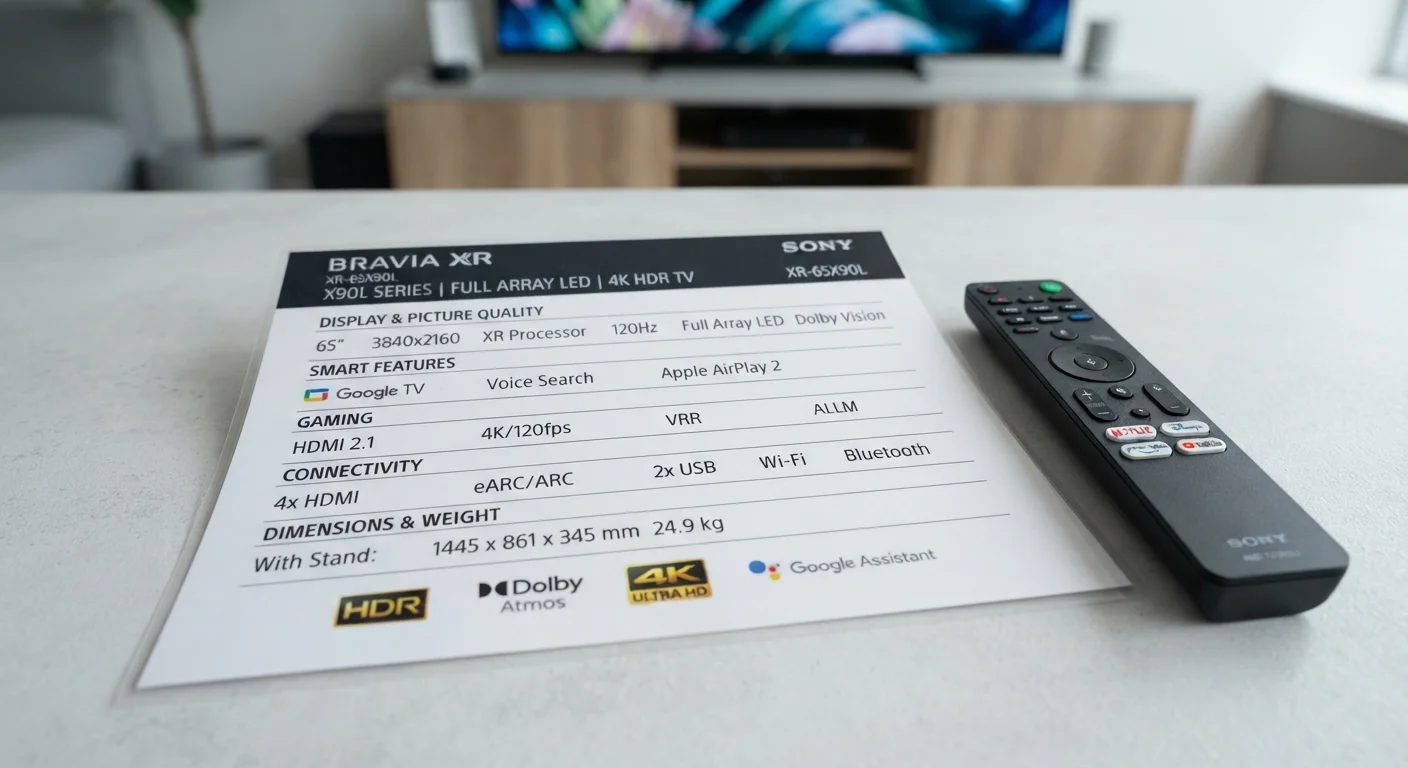
Many TVs in the mid-range category ship with only two or three HDMI ports - and not all of them support the same version. HDMI 2.1, required for 4K content at 120Hz and features like Variable Refresh Rate (VRR), is often limited to just one port on budget models. If you plan to connect a streaming stick, a game console, a Blu-ray player, and a soundbar simultaneously, running out of ports fast is a real possibility.
Before purchasing, count the devices you intend to connect and verify which ports support which HDMI version. Swapping inputs constantly or relying on an HDMI switch adds friction to everyday use.
Running out of HDMI ports after setup is one of the most common - and preventable - first-TV frustrations.
The Built-In Smart Platform
Every smart TV ships with an operating system - Google TV, Roku TV, Fire TV, webOS, or a proprietary interface - and that platform shapes how you interact with the TV every single day. Interface speed, app availability, voice assistant integration, and privacy data practices differ meaningfully across platforms.
A TV with a slow or cluttered smart interface will frustrate you far more often than a slightly smaller screen will. If you already use a particular streaming ecosystem heavily, check whether the TV's platform supports it natively. Our detailed smart TV platform comparison covers app libraries and usability trade-offs side by side.
The smart platform is the interface you'll use every day - it deserves as much scrutiny as the panel itself.
Built-In Audio Output Quality
TV manufacturers consistently deprioritize built-in speakers to keep bezels thin and price points competitive. Most flat-panel TVs produce 20-30 watts of total output with limited bass response and minimal soundstage width - fine for casual news watching, noticeably inadequate for films or sports.
The key question before buying isn't whether the built-in audio sounds good in a store demo - it's whether you're budgeting for a soundbar or external speakers from day one. If so, check that the TV includes an ARC or eARC port, which allows audio to pass back to a soundbar over a single HDMI cable. Our guide to soundbars and speaker options helps match audio solutions to room size and listening habits.
Plan your audio setup before you buy the TV - not after you hear how thin the built-in speakers sound.
Local Dimming and Zone Count
Local dimming refers to a TV's ability to independently control backlighting in different zones of the screen, darkening areas that should appear black while keeping bright areas lit. The number of dimming zones - which can range from fewer than 10 to several hundred on high-end sets - directly affects how convincing dark scenes look, particularly in a dim room.
A TV marketed as having "local dimming" but operating with only 8 zones will produce visible blooming (halos of light around bright objects on dark backgrounds). This detail is often buried in spec sheets. For a deeper look at contrast-related specs, the TV spec sheet guide explains what nit counts and HDR format labels actually indicate.
Local dimming zone count shapes dark-scene quality more than resolution does in most viewing environments.
Panel Type and Room Lighting Conditions
OLED, QLED, and standard LED-backlit panels each behave differently depending on ambient light. OLED panels produce exceptional contrast and wide viewing angles but can struggle with peak brightness in very bright rooms. QLED panels (which are LED panels with a quantum dot filter layer) typically offer higher peak brightness, making them better suited to sun-filled living spaces.
Buying a panel type without accounting for your room's lighting conditions is a common mismatch. A TV that looks stunning in a dim home theater may appear washed out next to a large south-facing window. Our article on managing glare and contrast in bright rooms covers placement strategies and panel traits that perform well under challenging light.
The room's ambient light should guide panel type selection just as much as picture quality specs do.
Refresh Rate - Native vs. Marketed
Manufacturers advertise refresh rates that bear little resemblance to a TV's native hardware capability. Labels like "Motion Rate 240" or "TruMotion 120" often describe processed or interpolated figures, not the panel's actual native refresh rate. For most content, a native 60Hz panel is adequate. For gaming at high frame rates or fast sports, a native 120Hz panel makes a meaningful difference.
Understanding what the advertised number actually means before purchase prevents overpaying for a spec that doesn't exist in the way it's presented. See our refresh rate reality check for a plain-language breakdown of which numbers matter and which are marketing.
Advertised refresh rate figures frequently overstate what the panel's hardware actually delivers.
Making a More Complete Buying Decision
Reading a spec sheet confidently is a learnable skill. Once you know which numbers to look for - and which marketing figures to discount - the choice becomes much clearer. Our TV spec sheet decoder breaks down refresh rate, nits, and HDR formats in plain language.
Check These Before You Finalize Any TV Purchase
Before committing, confirm the port layout on the specific model - not the product line. Manufacturers sometimes vary port specs between size variants of the same model. Also verify whether the smart platform receives regular software updates, as older or discontinued platforms can lose app support faster than the hardware itself becomes obsolete.
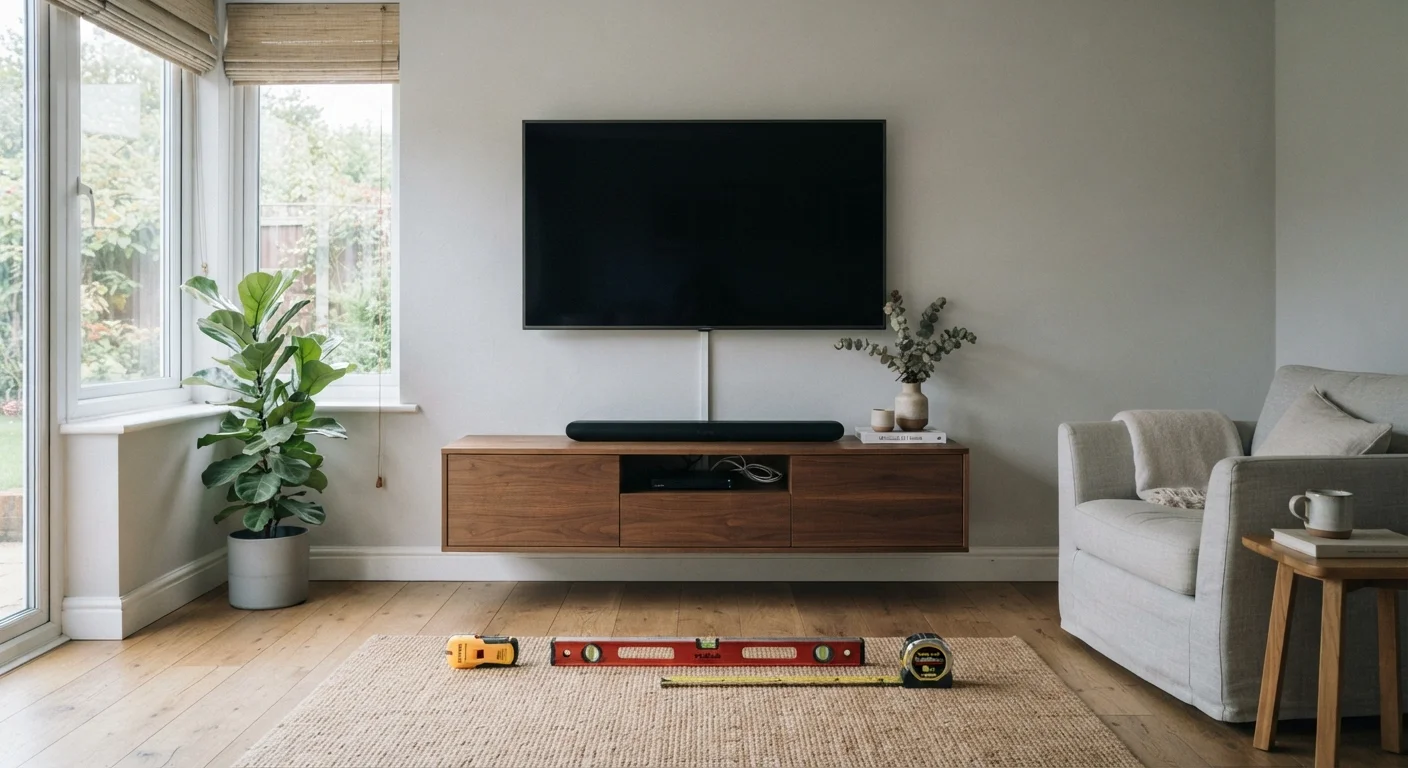
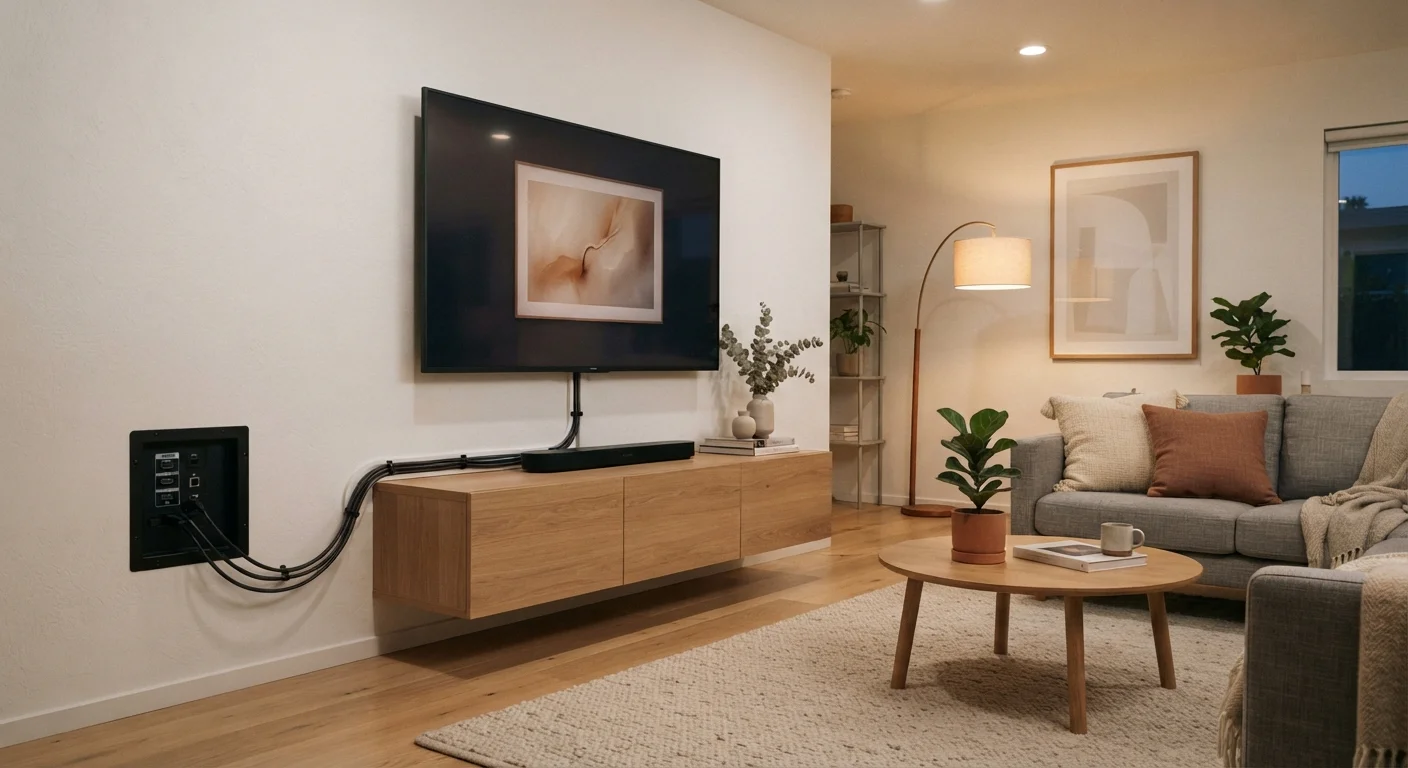
If you're planning to mount the TV after purchase, the overlooked specs don't stop at the display itself. Port placement, cable routing, and wall depth all affect real-world setup. Our wall-mount planning checklist walks through each consideration room by room before you drill a single hole.