Why Viewing Distance Is the Starting Point, Not Screen Size
Most shoppers walk into a store, see a large screen, and buy based on what looks impressive in a bright showroom. That approach routinely leads to eyestrain, a sense of being overwhelmed by the image, or - at the opposite extreme - a screen that feels tiny from the couch. The correct starting point is your seating distance, not the display diagonal.
The relationship between screen size and viewing distance is governed by the field of view your eyes cover comfortably. At too close a distance, your eyes work harder to scan the full picture. Too far away, and fine detail - especially in 4K content - is invisible, making the resolution upgrade irrelevant.
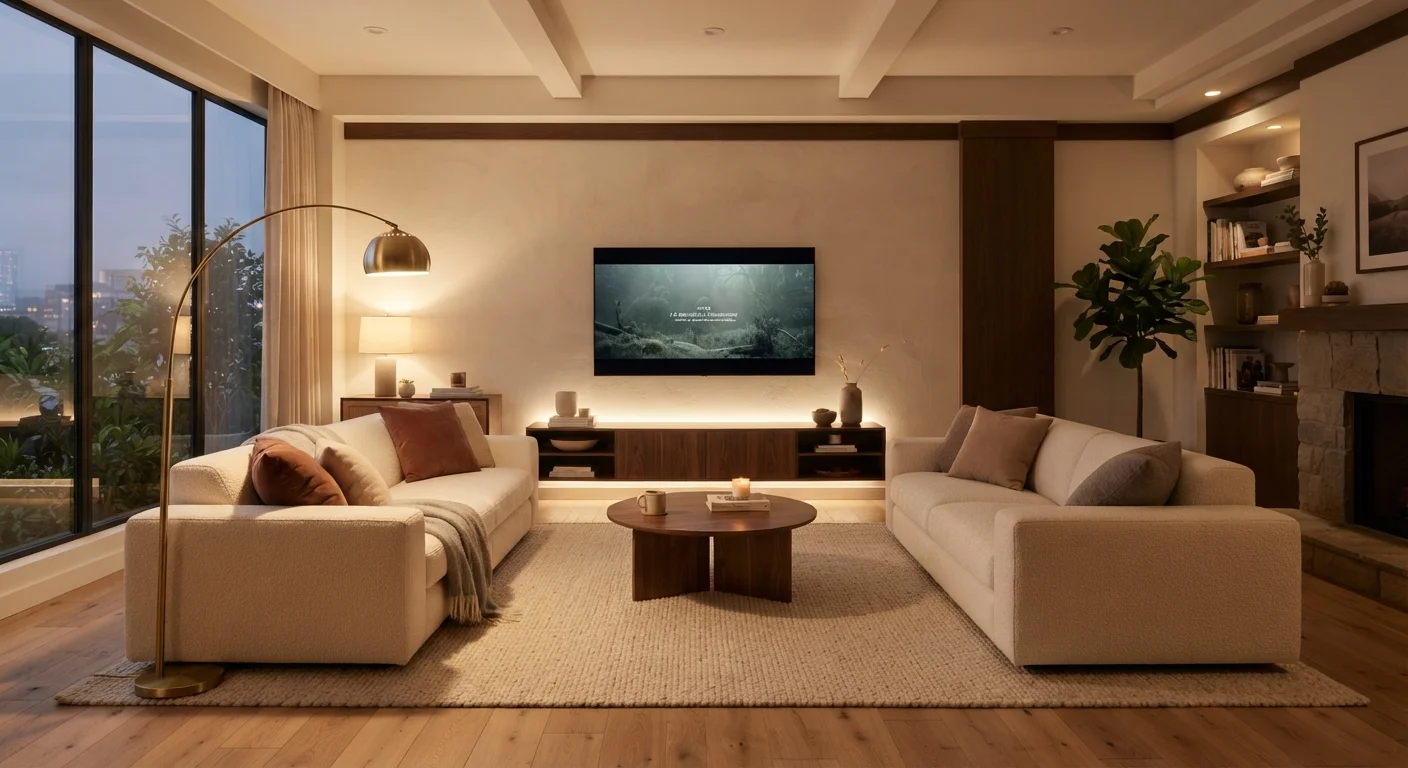
A practical rule used by many display engineers is to sit at a distance of roughly 1.5 to 2.5 times the screen's diagonal measurement for a standard home-theater experience. For a 65-inch TV, that places the ideal seating zone between roughly 8 and 13.5 feet. For a 75-inch panel, the comfortable range shifts to about 9.5 to 15.5 feet.
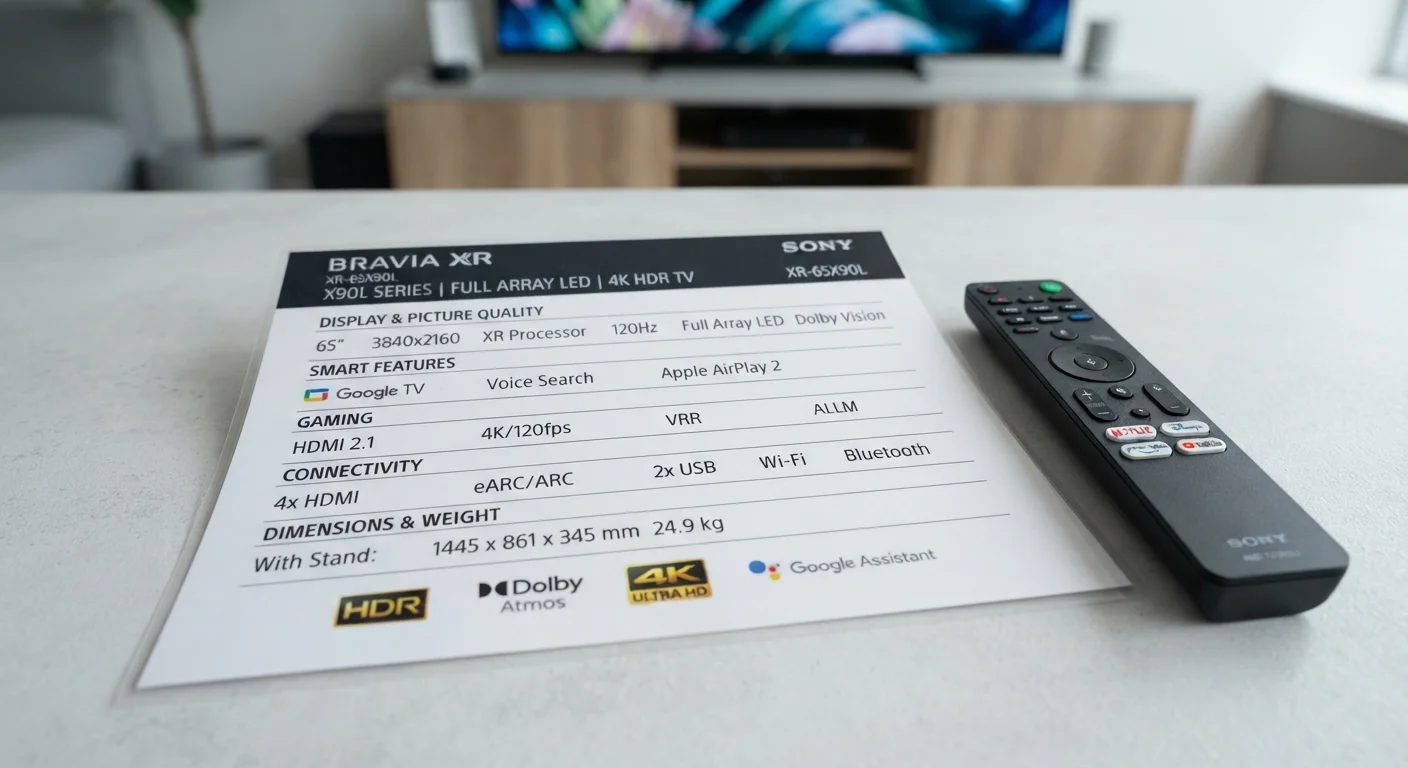
Before focusing on display size, measure your room. Mark where your seating naturally lands - not where you wish it could be - and use that number as your anchor. Only then should screen size enter the calculation. For a deeper look at how resolution interacts with viewing distance, see our TV spec sheet guide.
How Resolution Changes the Equation
Resolution matters more - or less - depending on how far you sit. The human eye can only resolve so much detail at a given distance. At 10 feet from a 65-inch screen, most viewers cannot distinguish 4K from 1080p without leaning considerably closer. At 6 feet from the same screen, 4K's additional pixel density becomes clearly visible.
This is why resolution and screen size should be evaluated together, not separately. A 4K panel delivers its full benefit in a smaller room with closer seating, or on a very large screen where the greater pixel count remains distinguishable from a comfortable distance. An older 1080p panel at the same size may look equally sharp to most eyes from a typical living room distance.
Screen diagonal
The measurement of a TV screen from one corner to the opposite corner, expressed in inches. This is the standard size figure manufacturers advertise and does not include the bezel.
Viewing angle
The maximum angle from center at which a display maintains acceptable color accuracy and contrast. Beyond this angle, colors can shift or wash out depending on the panel technology.
Angular resolution
The amount of detail the human eye can perceive at a given distance. It explains why a 4K TV's extra pixels may be indistinguishable from 1080p if you sit far enough away.
Field of view (FOV)
The portion of your visual field covered by the screen when seated at a given distance. A wider FOV generally produces a more immersive experience, up to the point of eye fatigue.
Panel technology
The underlying display type - such as OLED, QLED, or VA LCD - which determines contrast, brightness, color volume, and off-axis performance characteristics.
The practical takeaway: if your seating distance is 12 feet or more, a very large 4K screen still justifies the resolution - the sheer size ensures individual pixels remain below your eye's resolution threshold. But if your room keeps you at 10 feet or under, a moderately sized 4K panel delivers the full benefit without requiring an overwhelming physical footprint.
Room Shape, Furniture Layout, and Viewing Angles
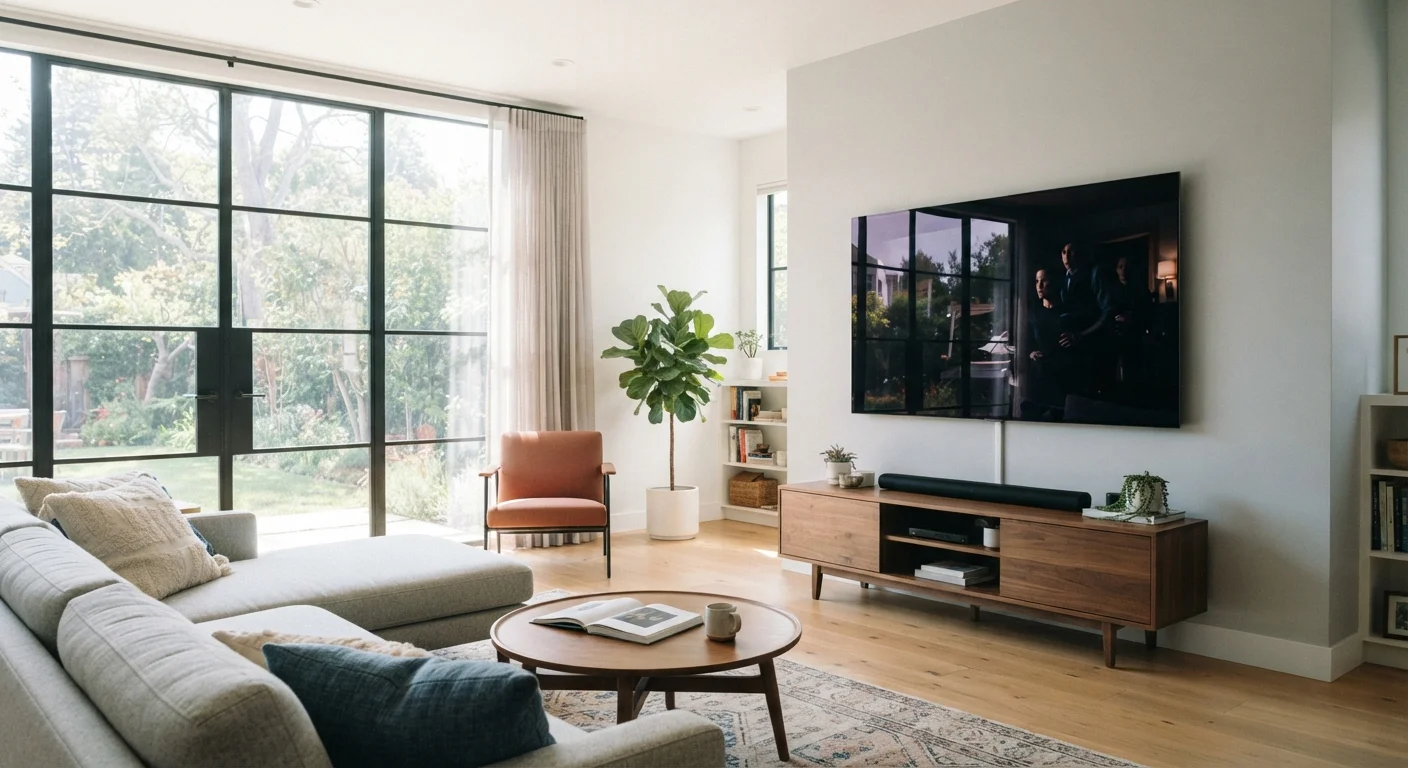
Rectangular rooms with a single primary seating position are the simplest cases. Open-plan spaces, L-shaped rooms, and rooms with seating at multiple distances introduce real complications. A screen that works perfectly at 10 feet straight-on may look washed out or color-shifted to a viewer seated 20 degrees off-axis, depending on the panel technology.
Viewing angle is one of the details that spec sheets handle inconsistently. If your room has wide seating arrangements, the panel's off-axis performance matters more than peak brightness or contrast figures. This is worth investigating separately from size. See our companion article on managing glare and contrast in bright rooms for placement strategies that account for room geometry.
40°
Maximum recommended off-axis seating angle
THX certification criteria suggest viewers seated beyond 40 degrees from screen center experience noticeable color and contrast degradation on most panel types.
1.0×
Closest comfortable distance for 4K screens
At a distance equal to the screen's diagonal measurement, most viewers can resolve the full 4K pixel density, justifying the resolution upgrade.
~30%
Increase in recommended screen size since 2015
Industry analyst data suggests average consumer TV screen size has grown significantly as prices per inch have declined and 4K content has become standard.
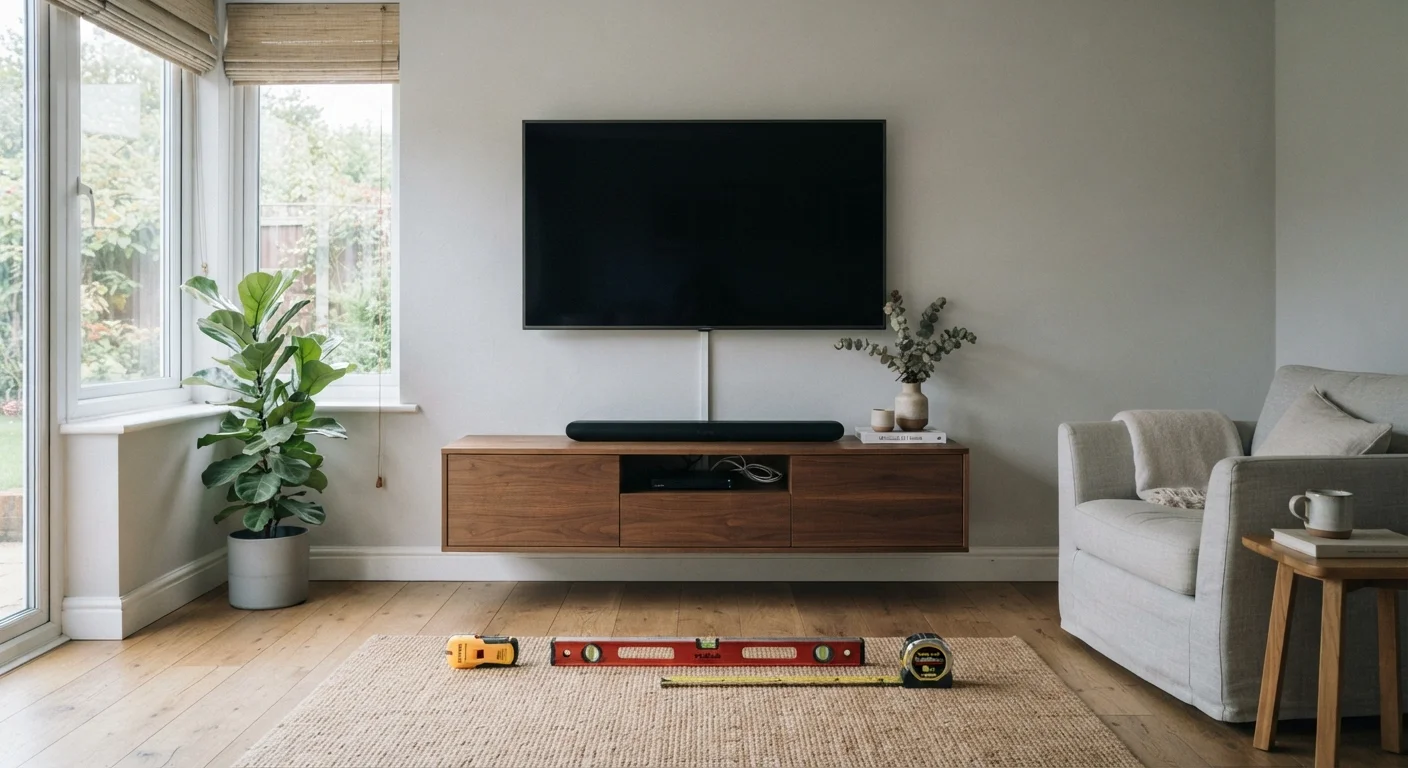
Rooms with windows directly across from the screen also reduce the effective contrast ratio in ways that affect perceived picture quality as much as screen size does. Once you've settled on a size and placement, also review our wall-mount planning checklist before committing to a permanent installation.
If the TV will serve multiple rooms or be viewed from varying distances, consider whether a slightly smaller screen positioned closer to the primary seat beats a larger screen that only works well from a single spot. There are also details beyond screen size - port count, smart platform, and audio output - that shape whether a TV truly fits your setup.