Why the Platform Matters as Much as the Panel
When you're evaluating a new TV, it's tempting to focus entirely on screen size, resolution, or panel technology. But the operating system running your TV shapes every daily interaction - how fast you find content, whether your streaming apps work reliably, and how much control you have over your data. As you consider hardware specs, don't overlook the details that first-time buyers frequently skip, including the smart platform itself.
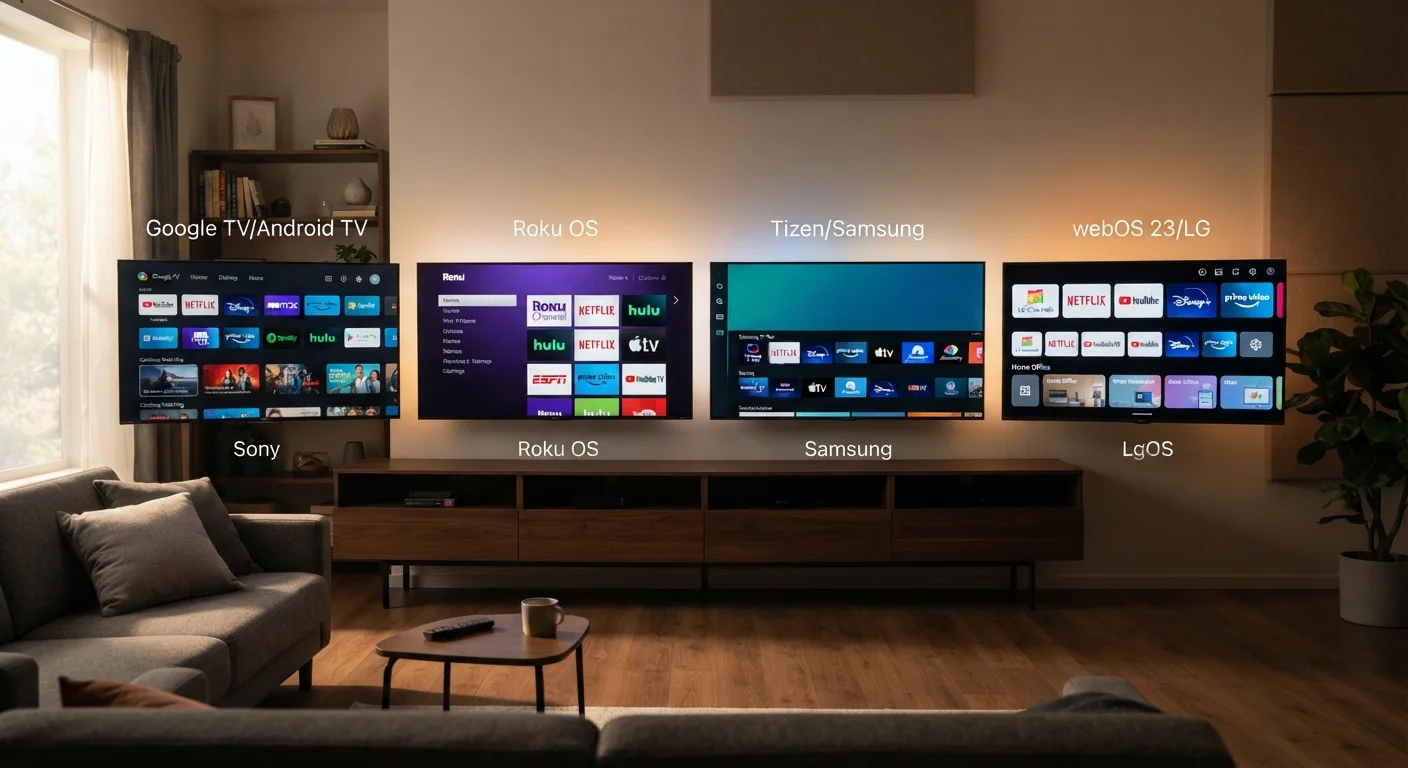
The four platforms dominating the U.S. market today - Google TV, Roku TV, Fire TV, and LG's webOS - each take a different philosophical approach to how a television should work. Understanding those differences before purchase is far easier than living with the wrong choice afterward.
Platform-by-Platform Breakdown
Google TV (found on Sony, TCL, Hisense, and others) builds its interface around a unified content row that aggregates recommendations from Netflix, HBO Max, YouTube, and other services into a single feed. It integrates Google Assistant for voice search and supports Chromecast built-in for casting from phones and laptops. The trade-off: Google's data collection is extensive, and the home screen promotes content you may not have sought out.
Roku TV appears on sets from TCL, Hisense, Sharp, and others, making it the most broadly deployed smart platform in the U.S. Its interface is tile-based and deliberately simple - each streaming service gets its own dedicated channel, and navigation stays consistent across TV generations. Roku does serve ads on its home screen and collects ACR (automatic content recognition) data by default, but its privacy controls are among the most clearly labeled of the four.
Fire TV (built into Amazon-branded TVs and select partner sets) places Amazon Prime Video prominently and uses Alexa as its primary voice interface. It excels for households that use Echo devices, shop frequently on Amazon, or subscribe to Prime. The home screen does push sponsored content and Amazon-first recommendations more aggressively than the other platforms.
webOS is exclusive to LG televisions and uses a distinctive bottom-bar launcher rather than a full-screen home menu. Navigation stays fast even on older hardware, and LG's Magic Remote - with its gyroscopic pointer - makes browsing feel closer to a mouse than a directional pad. App availability is strong, though slightly narrower than Google TV or Roku in niche categories.
| Google TV | Roku TV | Fire TV | webOS | |
|---|---|---|---|---|
| Interface style | Unified content feed | Tile-based channel grid | Amazon-first home screen | Bottom-bar launcher |
| Voice assistant | Google Assistant | Roku Voice (limited) | Alexa | Amazon Alexa / ThinQ AI |
| Hardware availability | Sony, TCL, Hisense, others | TCL, Hisense, Sharp, others | Amazon + select partners | LG TVs only |
| App library breadth | Very large (Android TV base) | Largest raw channel count | Large, growing | Curated, slightly smaller |
| AirPlay support | Yes, on most sets | Yes, on newer sets | Varies by hardware | Yes, on recent LG sets |
| ACR opt-out clarity | Moderate (tied to Google account) | Clear, in privacy menu | Split across TV and Amazon account | Clear, in privacy menu |
| Ads on home screen | Yes - content promotions | Yes - banner ads | Yes - sponsored content | Minimal |
| Best ecosystem fit | Google / Android users | Neutral / no preference | Amazon Prime / Alexa users | LG hardware buyers |
Privacy, Ads, and Data Collection
All four platforms use some form of automatic content recognition (ACR) to analyze what appears on your screen and serve targeted advertising. This is enabled by default on every platform. The practical difference lies in how easily you can opt out and how transparently the option is presented.
ACR Is On by Default on Every Platform
Automatic content recognition runs in the background on Google TV, Roku TV, Fire TV, and webOS unless you manually disable it. This technology samples what appears on your screen - including cable, antenna, and HDMI sources - to build a viewing profile used for ad targeting. It is not limited to streaming apps. Review privacy settings immediately after setup on any new TV purchase.
Roku and webOS both surface their ACR opt-out settings in a relatively direct path within their privacy menus. Google TV ties its data settings into your linked Google Account, which means opting out on the TV alone may not fully decouple your viewing habits from Google's broader ad profile. Fire TV's ad settings are split between the TV's system menu and your Amazon account preferences online, which creates extra steps to disable fully.
None of these platforms eliminate data collection entirely - they fund their free content discovery features through advertising. Knowing where to find and adjust these settings after setup is a worthwhile step regardless of which platform you choose.
App Libraries and Ecosystem Compatibility
For mainstream streaming - Netflix, Disney+, Hulu, YouTube, Apple TV+, and Peacock - all four platforms offer full support. Differences emerge in niche apps, sports packages, and fitness platforms.
Roku's app library has historically been the largest in raw channel count, though not every channel is polished or actively maintained. Google TV benefits from the Android TV app ecosystem, giving it strong gaming and utility app support beyond just streaming. Fire TV has grown its app selection substantially but remains weaker in some live TV and international content categories. webOS has a curated but smaller store - LG has invested heavily in keeping core apps updated, though obscure services may not appear at all.
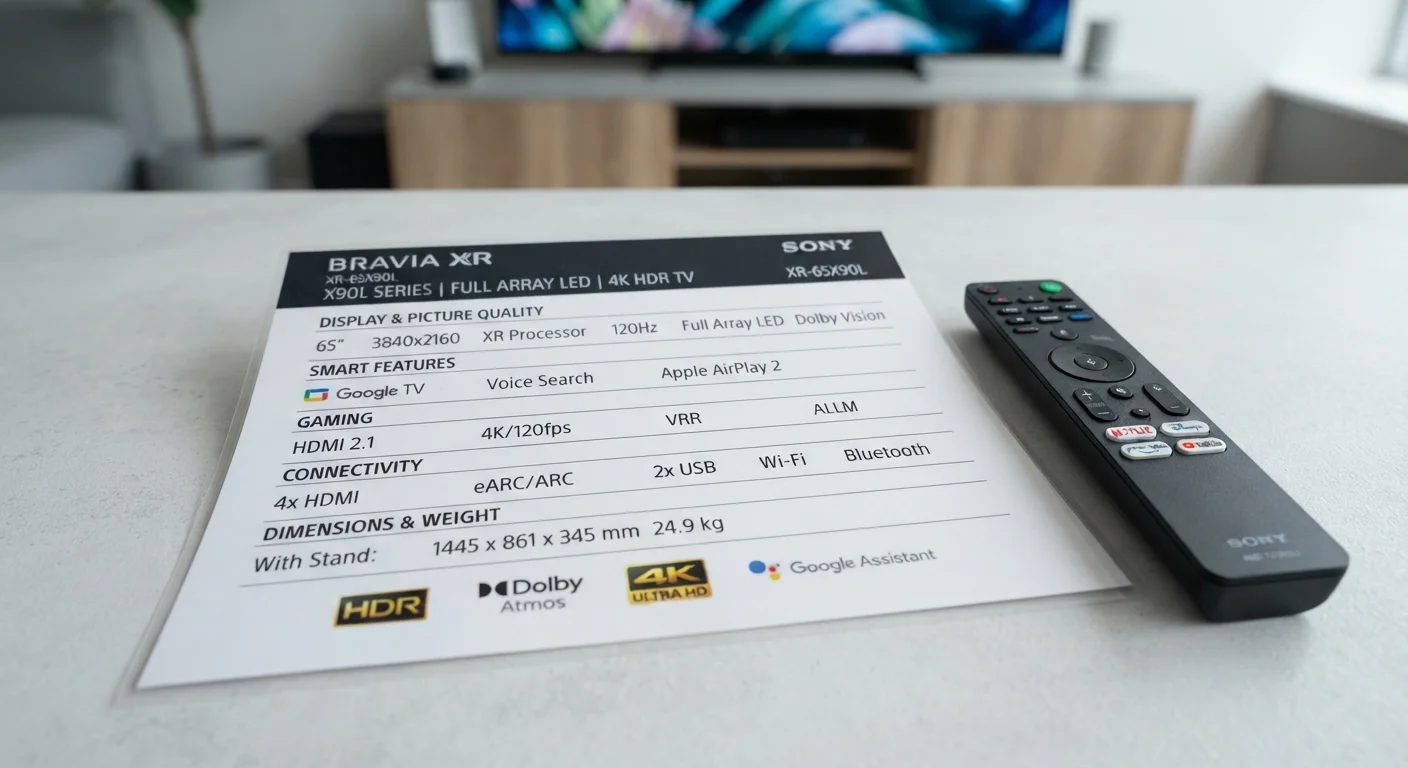
Ecosystem compatibility also matters: if you own an iPhone and use AirPlay frequently, confirm the TV supports it - webOS and Roku TVs on newer sets generally do, while Fire TV's AirPlay support varies by hardware generation. For a deeper look at how the display hardware interacts with these platform choices, see our guide on what OLED and QLED panel differences actually mean for picture quality. Understanding the full spec sheet alongside platform capabilities is also covered in the TV spec sheet decoded guide.
~51%
U.S. smart TV market share held by Roku
According to Roku's own reported active account figures and third-party estimates, Roku consistently holds the largest smart TV OS share in the United States.
4+
Major streaming apps available on all four platforms
Netflix, Disney+, Hulu, and YouTube are confirmed available on Google TV, Roku TV, Fire TV, and webOS as of current platform app stores.
How to Choose the Right Platform for Your Household
Start by mapping your household's existing ecosystem. If your family already uses Google Home devices, Chromecast, or Android phones, Google TV's integrations will feel natural. If you're a Prime subscriber who also relies on Alexa for smart home control, Fire TV consolidates those touchpoints effectively. Roku suits households that want a neutral, non-ecosystem-tied experience without preferential treatment toward one streaming service over another.
webOS is effectively a given if you're purchasing an LG television - it comes with the hardware and delivers a consistently responsive experience. The Magic Remote is a genuine usability advantage for households less comfortable with traditional directional remotes.
One often-overlooked factor: how long the platform will receive software updates. Google and Roku have both committed to multi-year update cycles on partner hardware. LG updates webOS on current-generation sets consistently. Amazon's Fire TV update cadence on third-party TVs has been less uniform - worth factoring in if longevity matters to your purchase decision. For a broader checklist of what to evaluate before buying, the first-time TV buyer oversight guide covers additional considerations that complement platform selection.
Run a Factory Reset Before Finalizing Your Settings
When you first set up any smart TV, the initial setup wizard often defaults to enabling ACR, ad personalization, and data sharing. After completing setup, navigate to the privacy or system settings menu and review each option individually. On most platforms, this takes under five minutes and gives you meaningful control over what data your TV collects going forward.