What Refresh Rate Actually Means
Refresh rate measures how many times per second a TV redraws the image on screen, expressed in hertz (Hz). A 60Hz panel refreshes 60 times per second; a 120Hz panel does so 120 times. That's the complete, hardware-level definition - and it's the only figure that describes what the physical display can actually do.
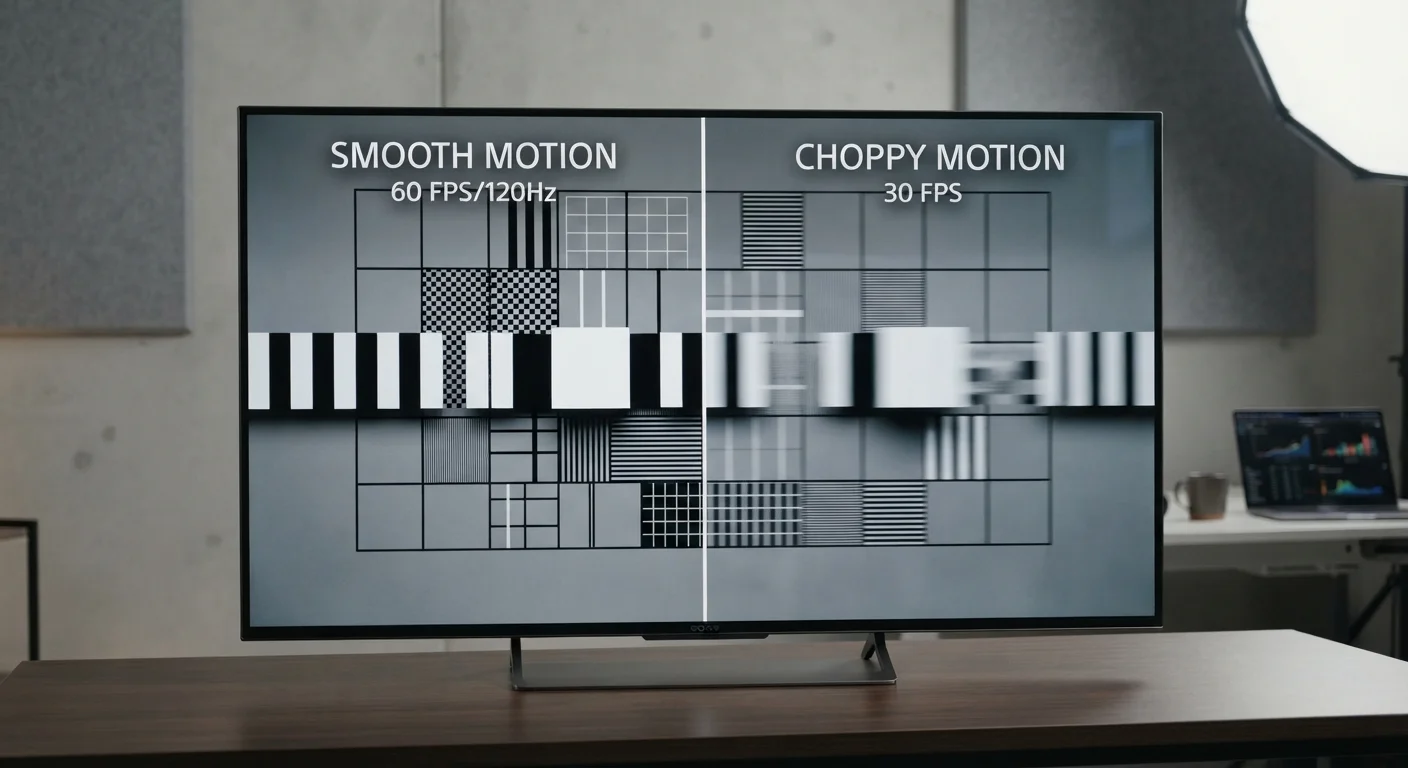
Why does it matter? Fast-moving content - a basketball breaking toward the hoop, a racing car negotiating a corner - produces motion blur when the panel can't redraw quickly enough. A higher native refresh rate gives the display more opportunities per second to render each new position of a moving object, reducing blur and producing sharper, more fluid motion.
For most scripted TV shows, documentaries, and films, however, refresh rate is nearly invisible. Cinematic content is typically shot at 24 frames per second (fps), so a 60Hz or 120Hz panel is already far ahead of the source material. The panel simply repeats frames to fill its cycle. Understanding this distinction - content frame rate versus panel refresh rate - is the foundation for cutting through marketing noise. For a broader look at how display specifications interact, see how resolution and panel type relate to refresh rate.
Common Myths, Corrected
Manufacturers apply a range of branded labels - "TruMotion," "MotionFlow," "Clear Motion Rate" - to numbers far exceeding their panels' native capabilities. Here's what the evidence actually shows.
Myth
A TV advertised as '240Hz' must have a panel that refreshes 240 times per second.
Fact
Most TVs carrying a '240Hz' label have a native 60Hz panel. The higher number reflects a motion-processing algorithm, not hardware refresh speed.
Manufacturers use proprietary motion-enhancement technology - inserting black frames, generating interpolated frames, or applying backlight scanning - to produce an effective motion rate. The underlying panel may only refresh at 60Hz. When evaluating a TV, look specifically for the phrase native refresh rate in official specifications. If a manufacturer only lists an "effective" or "clear motion" figure, treat it with skepticism until you locate the native panel spec.
Myth
Higher advertised refresh rates always mean smoother, better-looking motion.
Fact
Motion interpolation can introduce artifacts and an unnatural look - commonly called the 'soap opera effect' - that many viewers find distracting or unpleasant.
Motion interpolation works by generating new frames between existing ones, estimating where objects should be. Applied aggressively, it makes film content look like low-budget video, stripping away the cinematic quality directors intended. Most TVs allow you to reduce or disable this processing entirely - a setting often labeled motion smoothing or similar - restoring the original look. Whether you prefer the effect is subjective, but it's worth knowing it can always be turned off.
Myth
You need a 120Hz TV to watch 4K content properly.
Fact
4K resolution and refresh rate are independent specifications. Most 4K streaming content is delivered at 24-30fps and looks identical on a 60Hz or 120Hz panel.
Resolution (the number of pixels) and refresh rate (how often those pixels update) are separate hardware attributes that don't depend on each other. A 60Hz 4K TV renders 4K resolution perfectly well for the vast majority of content. A 120Hz panel only provides an advantage when the source also delivers higher frame rates - which currently applies mainly to gaming consoles and select sports broadcasts, not standard streaming libraries.
Myth
HDMI 2.1 is only relevant for gaming, so non-gamers don't need to consider it.
Fact
HDMI 2.1 enables 4K at 120fps signal input, making it relevant for any viewer who may adopt higher-frame-rate content or upgrade gaming hardware in the future.
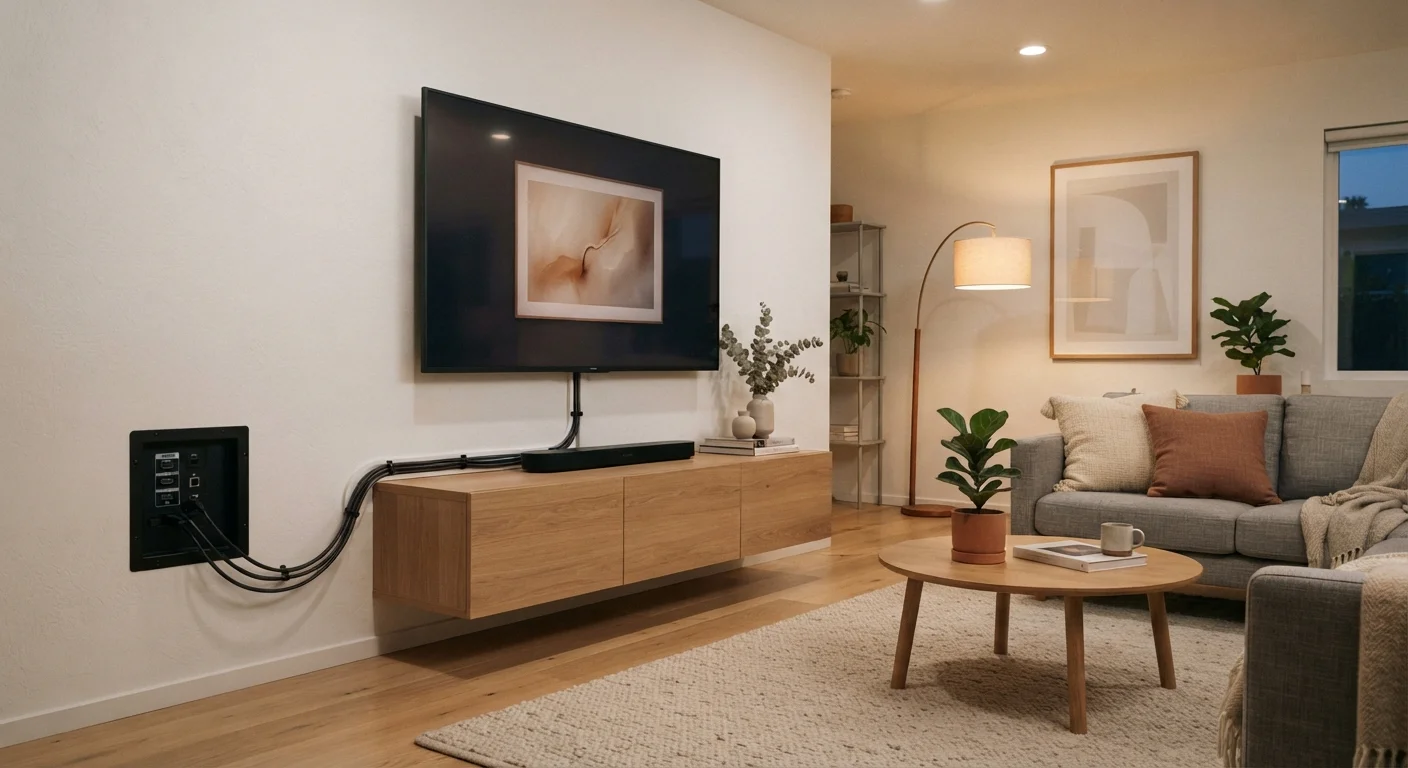
HDMI 2.1 supports significantly higher bandwidth than HDMI 2.0, allowing 4K/120fps and 8K/30fps signals to pass through a single cable. While today's mainstream content doesn't yet routinely use this bandwidth, current-generation gaming consoles and some streaming services are beginning to leverage it. If you're buying a TV you plan to keep for five or more years, confirming HDMI 2.1 port availability is a reasonable future-proofing consideration - not a gaming-exclusive concern.
Myth
Motion blur on a TV is always a refresh rate problem.
Fact
Motion blur has multiple causes including pixel response time, backlight behavior, and compression artifacts - not just panel refresh rate.
Pixel response time - how quickly an individual pixel can transition between colors - is a separate variable that affects perceived sharpness during motion. Some panels with slower pixel response times exhibit blur even at 120Hz native. Backlight scanning and black frame insertion are hardware techniques used to mitigate this. Compression artifacts from streaming at lower bitrates can also mimic the look of motion blur. A holistic assessment of panel technology, rather than a single refresh rate number, gives a more accurate picture of motion performance.
24 fps
Standard cinematic frame rate
Most theatrical films and many streaming originals are produced and delivered at 24 frames per second, well below any modern TV's native refresh rate.
60 fps
Maximum fps for most 4K streaming
Major streaming platforms cap the majority of their 4K content at 60 frames per second under standard delivery conditions.
120 fps
Maximum supported by HDMI 2.1 at 4K
HDMI 2.1 is required to pass a 4K/120fps signal from a source device to a TV - HDMI 2.0 cannot carry this bandwidth.
When 120Hz Is Worth It - and When It Isn't
A native 120Hz panel delivers a genuine, measurable improvement in two specific scenarios: competitive or fast-paced gaming, and live sports with significant lateral motion. Console gaming at 120fps (supported by current-generation hardware via HDMI 2.1) produces noticeably smoother gameplay and reduced input lag compared to a 60Hz set - a meaningful distinction for dedicated players.
For live sports - soccer, hockey, basketball - a 120Hz panel handles fast panning and player movement more cleanly. Casual viewers may find the difference subtle, but enthusiasts consistently notice it in side-by-side tests.
Outside those contexts, a 60Hz native panel is sufficient for the majority of home viewing. Streaming platforms deliver content at 24 or 30fps; 4K Blu-ray tops out at 60fps for most titles. Paying a premium for a 120Hz panel to watch nightly news or binge a drama series returns little visible benefit. First-time buyers often overlook other specs - like local dimming zones and audio output - that affect daily viewing far more than extra hertz.
Always Verify Native Refresh Rate Before Buying
When comparing TVs in-store or online, the advertised number in large print is almost never the native refresh rate. Locate the official product specification sheet and look specifically for 'native' or 'panel' refresh rate - 60Hz or 120Hz. Effective motion rates, clear motion indices, and equivalent refresh numbers describe software processing, not hardware capability. Buying decisions based solely on the marketed figure frequently lead to disappointment when comparing actual motion performance side by side.
If resolution is your next question after refresh rate, TV resolution explained in plain English walks through HD, 4K, and 8K in practical terms.