What the Numbers Actually Mean
Walk into any electronics department and you'll see HD, Full HD, 4K, and 8K on nearly every price tag. These labels describe pixel count - but the numbers themselves can be misleading without context.
Here's the straightforward breakdown:
- HD (720p): 1,280 × 720 pixels (~921,000 total). Common on smaller sets and older broadcasts.
- Full HD (1080p): 1,920 × 1,080 pixels (~2 million total). The current baseline for most streaming and broadcast content in the U.S.
- 4K UHD: 3,840 × 2,160 pixels (~8.3 million total). Four times the pixels of 1080p, now the mainstream tier for new TVs 50 inches and up.
- 8K UHD: 7,680 × 4,320 pixels (~33 million total). Four times 4K, with almost no native content available at this time.
The jump from 720p to 1080p produced a clearly visible improvement for most viewers. The jump from 1080p to 4K is real but more conditional - and from 4K to 8K, the gap becomes nearly academic for home use.
The '4K' Label Isn't Uniform
Not all TVs marketed as '4K' are identical. Some lower-cost sets use a 4K panel but include limited processing, weaker brightness, and no meaningful HDR support. Resolution is the starting point - the rest of the hardware determines whether that resolution is fully realized in the image you see.
When Resolution Actually Makes a Visible Difference
Resolution interacts with two factors that shoppers often overlook: screen size and viewing distance. A 4K display on a 32-inch screen watched from 10 feet provides no practical advantage over 1080p - the pixels are too small and too far away to distinguish.
A general rule: the larger the screen and the closer you sit, the more resolution pays off. For a 65-inch TV viewed from about 7-8 feet, 4K delivers a meaningful sharpness improvement over 1080p. The same TV viewed from 12 feet narrows the gap considerably.
Content source is equally important. A 4K TV displaying a 720p cable broadcast will not look as sharp as a native 4K stream. The TV's upscaling processor fills in missing detail algorithmically - a useful feature, but not a substitute for true source resolution.
For a deeper look at how resolution interacts with panel technology and screen size, see our guide to display specs that actually matter.
Match Resolution to Your Content Sources
Before selecting a resolution tier, take stock of where your content comes from. If most of your watching is through a major streaming service with a 4K tier, a 4K TV makes sense. If you rely heavily on cable or antenna broadcasts - which transmit in 720p or 1080i - the TV's resolution will have a limited effect on what you actually see.
Resolution Is Only Part of the Picture
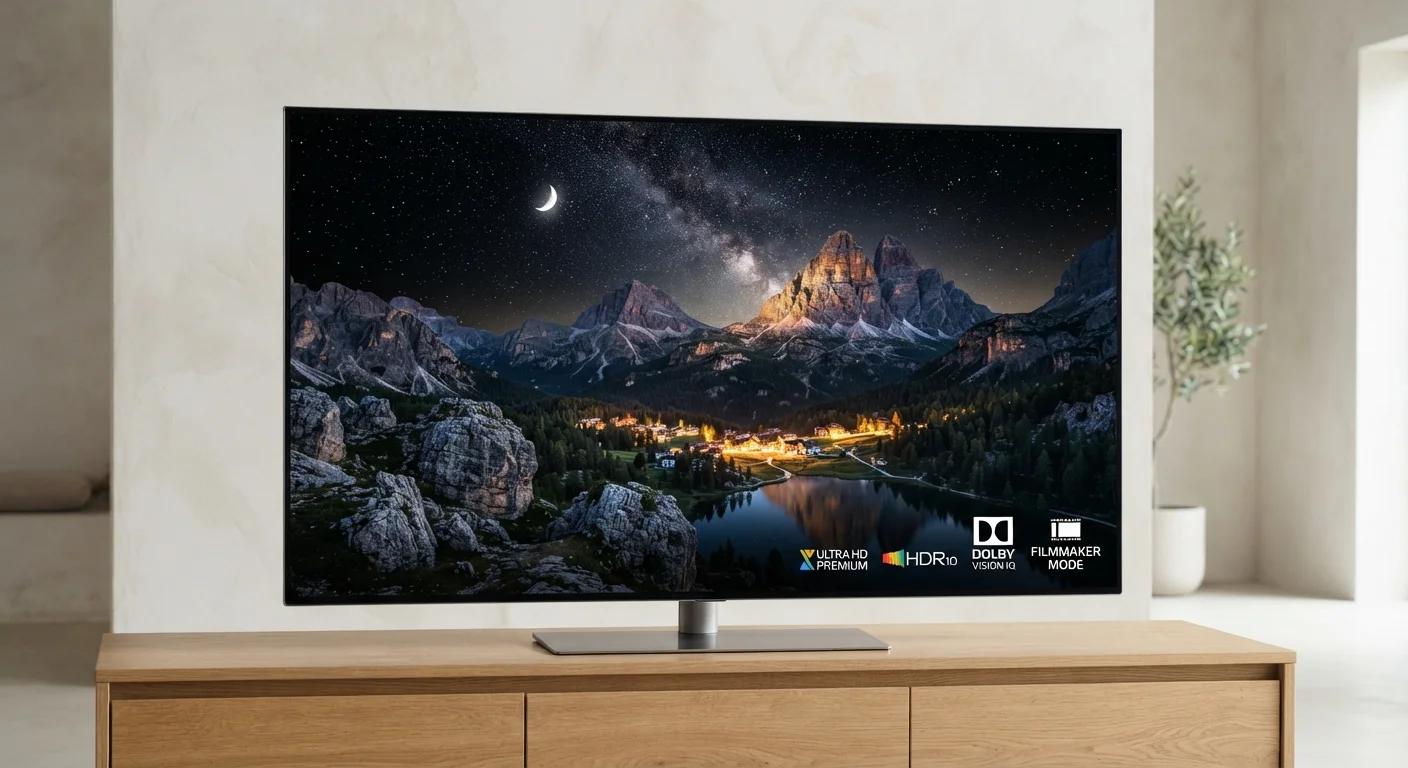
Pixel count gets outsized attention in marketing, but picture quality is shaped by several variables working together. Two TVs with identical 4K resolution can look dramatically different depending on their panel technology, peak brightness, local dimming capability, and HDR support.
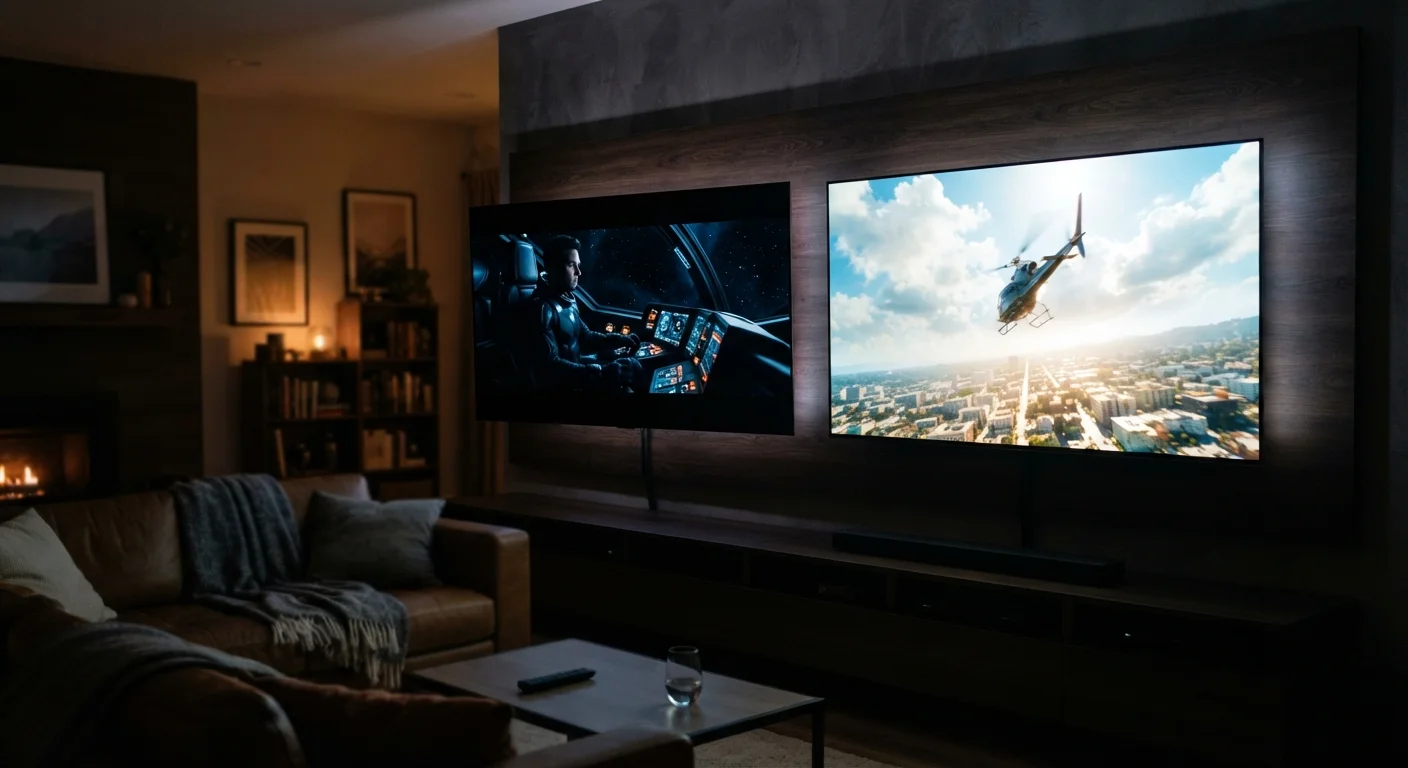
HDR - High Dynamic Range - expands the range between the darkest and brightest parts of an image. A 4K TV with strong HDR performance will often look more impressive than an 8K TV with weak HDR. Our HDR formats comparison breaks down HDR10, Dolby Vision, HLG, and HDR10+ so you understand what each label means in practice.
Panel technology - OLED versus QLED, for example - determines how the TV produces light and handles black levels. These differences are often more visible in everyday watching than a resolution jump. The OLED vs. QLED breakdown explains those trade-offs clearly.
Refresh rate is another dimension that affects perceived sharpness during fast motion. See our refresh rate reality check for what those numbers mean and when they matter.
~8.3M
Pixels in a 4K UHD display
4K UHD (3840×2160) contains approximately 8.3 million pixels - four times the pixel count of a 1080p Full HD panel.
33M+
Pixels in an 8K UHD display
An 8K UHD panel (7680×4320) packs over 33 million pixels - sixteen times more than a 1080p display.
~7-8 ft
Viewing distance where 4K advantage is most apparent on a 65" TV
Visual acuity research suggests that the resolution benefit of 4K over 1080p on a 65-inch screen becomes most perceptible at viewing distances of roughly 7 to 8 feet.
Choosing the Right Resolution for Your Setup
Rather than defaulting to the highest available resolution, consider your actual viewing conditions:
- Screen size under 50 inches: 1080p is likely sufficient for most viewing distances. The price difference for 4K at this size rarely delivers proportional visual benefit.
- Screen size 55 inches and above: 4K is a reasonable standard today. Native 4K content is widely available, and the size justifies the pixel density.
- Screen size 75 inches or larger, close viewing: 4K provides a clear advantage. 8K remains a niche consideration with minimal real-world content support.
Also consider what content you actually watch. Sports and live TV primarily arrive in 1080i or 720p. If streaming movies and shows in 4K is your primary use, a 4K panel makes more sense. If you watch mostly cable, the resolution of the TV matters less than other specs.
There are other factors worth factoring into a TV purchase decision - port configuration, smart platform, and audio output are among them. Our article on things first-time TV buyers overlook covers the details that often get skipped.