What HDR Actually Does - and Why the Format Matters
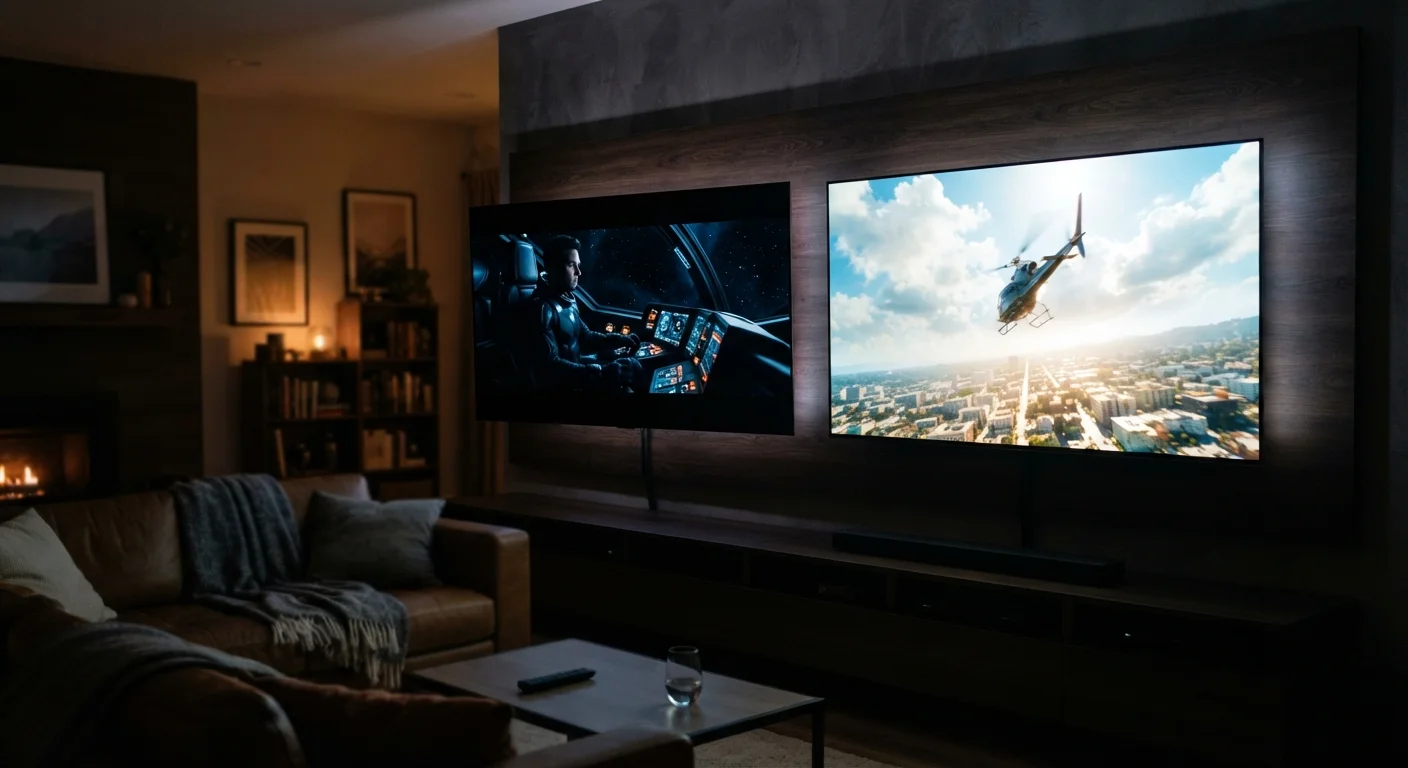
HDR stands for High Dynamic Range, a technology that expands the gap between the brightest whites and darkest blacks a TV can display while simultaneously widening the range of colors. The result - when the TV's panel can deliver it - is an image that looks closer to what the human eye sees in real life than standard dynamic range (SDR) ever could.
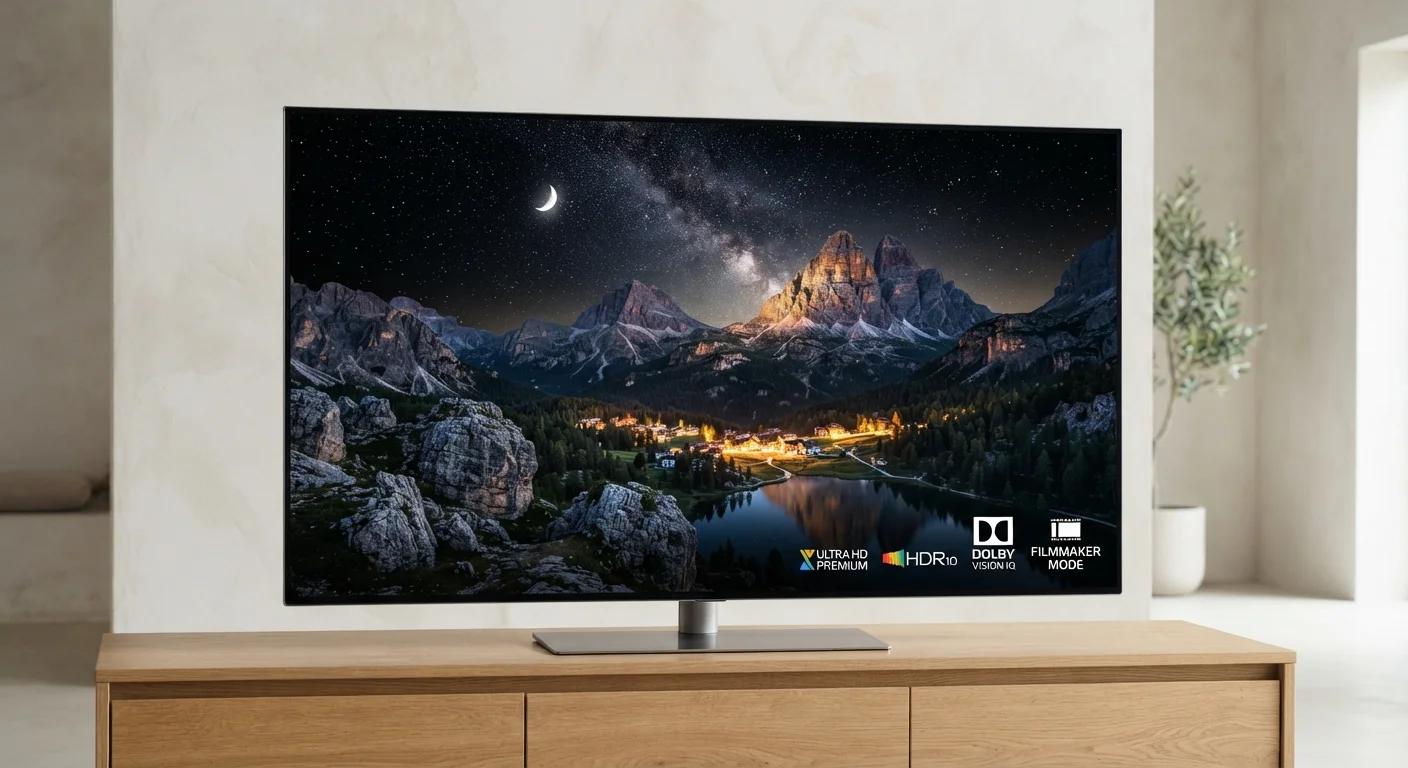
But HDR is not a single standard. Four formats compete for space on spec sheets: HDR10, Dolby Vision, HLG, and HDR10+. Each encodes brightness and color information differently, and each has a distinct ecosystem of supported devices and content. Format compatibility matters because a TV that receives an HDR signal it doesn't fully support will either fall back to SDR or process the image imperfectly.
For a broader view of how picture quality specs fit together, see the full TV spec sheet breakdown - HDR format is one of several numbers worth scrutinizing before purchase.
The Four Formats, Side by Side
Each format takes a different technical approach to delivering HDR content from the source to your screen.
| HDR10 | Dolby Vision | HLG | HDR10+ | |
|---|---|---|---|---|
| Metadata type | Static (whole-title) | Dynamic (scene-by-scene) | None (signal-embedded) | Dynamic (scene-by-scene) |
| Max color depth | 10-bit | 12-bit | 10-bit | 10-bit |
| Licensing cost | Free/open | Paid (Dolby) | Free/open | Free/open |
| Primary use case | Universal streaming & disc | Streaming & disc premium | Broadcast & live TV | Amazon & Samsung ecosystem |
| TV compatibility | Near-universal | Most mid/high-end TVs | Most modern HDR TVs | Samsung and select others |
| Content availability | Widest | Very wide | Limited to broadcast | Moderate, growing |
HDR10 uses static metadata - a single set of brightness and color instructions applied uniformly across an entire film or episode. It is an open standard with no licensing fee, which is why it ships on virtually every HDR-capable TV and appears on nearly every streaming platform and 4K Blu-ray disc.
Dolby Vision upgrades to dynamic metadata, meaning brightness and color targets can shift scene by scene or even frame by frame. This gives color-grading engineers far more precision. Dolby Vision also supports a theoretical peak brightness of 10,000 nits and a 12-bit color depth, versus HDR10's 10-bit cap - though no consumer TV currently reaches those extremes. Dolby charges a licensing fee, which is why some TV lines omit it.
HDR10+ is Samsung and Amazon's royalty-free answer to Dolby Vision. It adds the same dynamic metadata layer on top of the HDR10 baseline, allowing per-scene tone mapping without the licensing cost. Content availability is narrower than Dolby Vision, concentrated in Amazon Prime Video and titles released through Samsung's ecosystem.
HLG (Hybrid Log-Gamma) was developed jointly by the BBC and NHK specifically for broadcast. Unlike the others, it requires no separate metadata - the HDR information is baked directly into the signal, making it compatible with both HDR and SDR displays simultaneously. It is the standard used for live over-the-air HDR broadcasts and some satellite channels.
Panel Brightness: The Hidden Variable
Understanding HDR formats intellectually is only half the picture. A TV's peak brightness - measured in nits - determines how much of any format's potential you'll actually see. An HDR10 display at 1,500 nits will look noticeably more impactful than a Dolby Vision display at 400 nits, because the panel itself is the limiting factor, not the format metadata.
1,000 nits
HDR10 minimum recommended peak brightness
The UHD Alliance's 'Ultra HD Premium' certification requires at least 1,000 nits peak brightness for LCD panels to qualify.
10,000 nits
Dolby Vision theoretical peak brightness ceiling
Dolby Vision's spec supports up to 10,000 nits, though current consumer TVs typically reach 1,000-3,000 nits in practice.
This is why panel technology matters alongside HDR support. OLED panels achieve exceptionally deep blacks but typically have lower peak brightness than high-end LCD panels. Bright-room viewers may find a high-nit LCD more satisfying for HDR specular highlights even if both TVs carry the same format badges. See how OLED and QLED handle brightness and black levels differently for a detailed comparison.
Check Nits Before Checking Format Badges
When comparing two TVs on HDR format support, also look up each model's peak brightness in independent lab measurements - not just the manufacturer's claimed figure. A TV with slightly fewer format badges but significantly higher nits will often deliver a more impactful HDR image in practice. Panel brightness and local dimming quality are the hardware foundations that determine whether any HDR format reaches its potential.
Matching Format Support to Your Content Library
The practical question is not which format is technically superior in isolation - it is which formats cover the content you already watch.
- Netflix and Apple TV+ stream heavily in Dolby Vision; HDR10 is their fallback.
- Amazon Prime Video supports both HDR10+ and Dolby Vision depending on title and device.
- Disney+ delivers Dolby Vision and HDR10.
- 4K Blu-ray discs always include HDR10; many also add Dolby Vision on a separate layer.
- Broadcast and live TV is where HLG applies - particularly relevant for sports and news viewers using an antenna.
A TV that supports HDR10 and Dolby Vision covers the widest content library available today. Adding HDR10+ is a bonus rather than a requirement for most U.S. households. HLG support is worth confirming if you rely on over-the-air broadcast. For a complete look at how first-time buyers sometimes overlook format compatibility, these often-skipped details shape real-world TV performance.
Resolution also intersects with HDR decisions. HDR content is almost exclusively delivered in 4K - so understanding what resolution genuinely offers is worth reading alongside this guide. TV resolution explained in plain English covers that ground directly.