What the Tiers Actually Mean
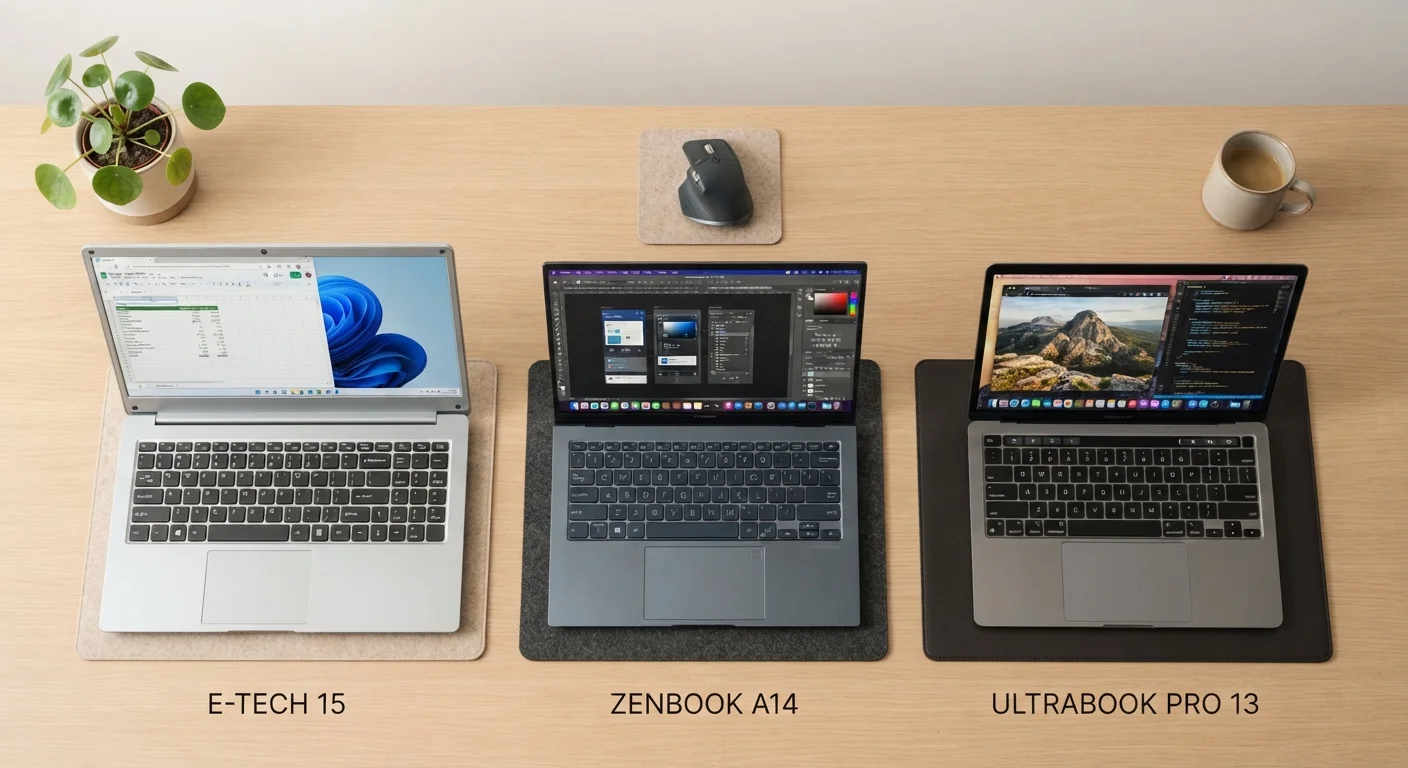
Laptop price tiers are shorthand for a cluster of hardware decisions - processor generation, RAM capacity, storage type, display quality, and thermal design - that collectively determine how a machine performs under real workloads. The labels "entry-level," "mid-range," and "high-end" aren't marketing constructs; they map to measurable capability differences that matter the moment you open more than a few browser tabs or launch a demanding application.
Before diving into the tiers, it's worth understanding what the core specs actually do. Our guide on what laptop specs actually mean for everyday use walks through how RAM, CPU, and storage numbers translate into real-world performance - a useful reference as you weigh each tier's trade-offs below.
Price alone doesn't define a tier cleanly, because market positioning shifts over time. As a working framework: entry-level machines typically fall below $500, mid-range spans roughly $500-$1,000, and high-end starts around $1,000 and extends well beyond. But specs, not sticker price, are the authoritative measure.
Entry-Level Laptops: Capable Within Clear Limits
Entry-level laptops are built around efficiency processors - Intel's N-series or Core i3, AMD's Ryzen 3, or Apple's base-tier silicon - paired with 4-8 GB of RAM and eMMC or low-speed SATA SSDs. That combination handles a defined but meaningful workload: web browsing, word processing, video calls, and media streaming all run without significant friction.
Where entry-level hardware shows its limits is multitasking and sustained load. Running a dozen browser tabs alongside a video call and a cloud sync operation will produce noticeable slowdowns on a 4 GB machine. Storage access speeds on eMMC drives are substantially slower than NVMe SSDs, making application launches and file operations feel sluggish by comparison.
Watch for Sealed, Non-Upgradeable Designs
Many entry-level and ultraslim laptops solder RAM and storage directly to the motherboard, making future upgrades impossible. If you purchase a machine with 4 GB of RAM and find it insufficient a year later, you may have no option but to replace the entire unit. Always check whether RAM and storage are upgradeable before purchasing, especially at the entry-level tier where future-proofing matters most.
For students managing coursework, seniors using email and video chat, or anyone needing a secondary travel device, an entry-level laptop is a rational, well-matched choice. It becomes a poor fit when the user's workload grows - and upgrading RAM or storage is often impossible on these sealed designs.
Mid-Range Laptops: Where Most Users Find Their Balance
The mid-range tier is where hardware capability meets genuine versatility. Processors in this bracket - Core i5/i7 (13th or 14th gen), Ryzen 5/7, or Apple's M-series mid-tier chips - handle multitasking, light photo editing, coding environments, and video conferencing simultaneously without thermal throttling becoming a daily problem. RAM typically starts at 8 GB and scales to 16 GB; storage is almost universally NVMe SSD, which makes a tangible difference in responsiveness.
Display quality also takes a meaningful step up. IPS panels with better color accuracy, 1080p or 1440p resolution, and higher refresh rates become standard rather than premium. Build materials improve - aluminum chassis replace polycarbonate plastic - and battery life often extends to 8-12 hours of real-world use.
Match Your Tier to Your Real Workload
Identify the single most demanding task you perform regularly - not occasionally - and match your tier to that benchmark. Buying above that threshold rarely improves your experience. Buying below it will produce daily friction that compounds over the machine's lifespan. Most hybrid workers and students find that mid-range hardware covers their needs with room to spare.
If your workload includes hybrid work, video calls, light creative projects, or running multiple productivity apps simultaneously, the mid-range tier handles all of it without forcing unnecessary compromise. See our task-by-task laptop matching guide to map specific activities to the hardware level they actually require.
High-End Laptops: Justified by Demanding Workloads
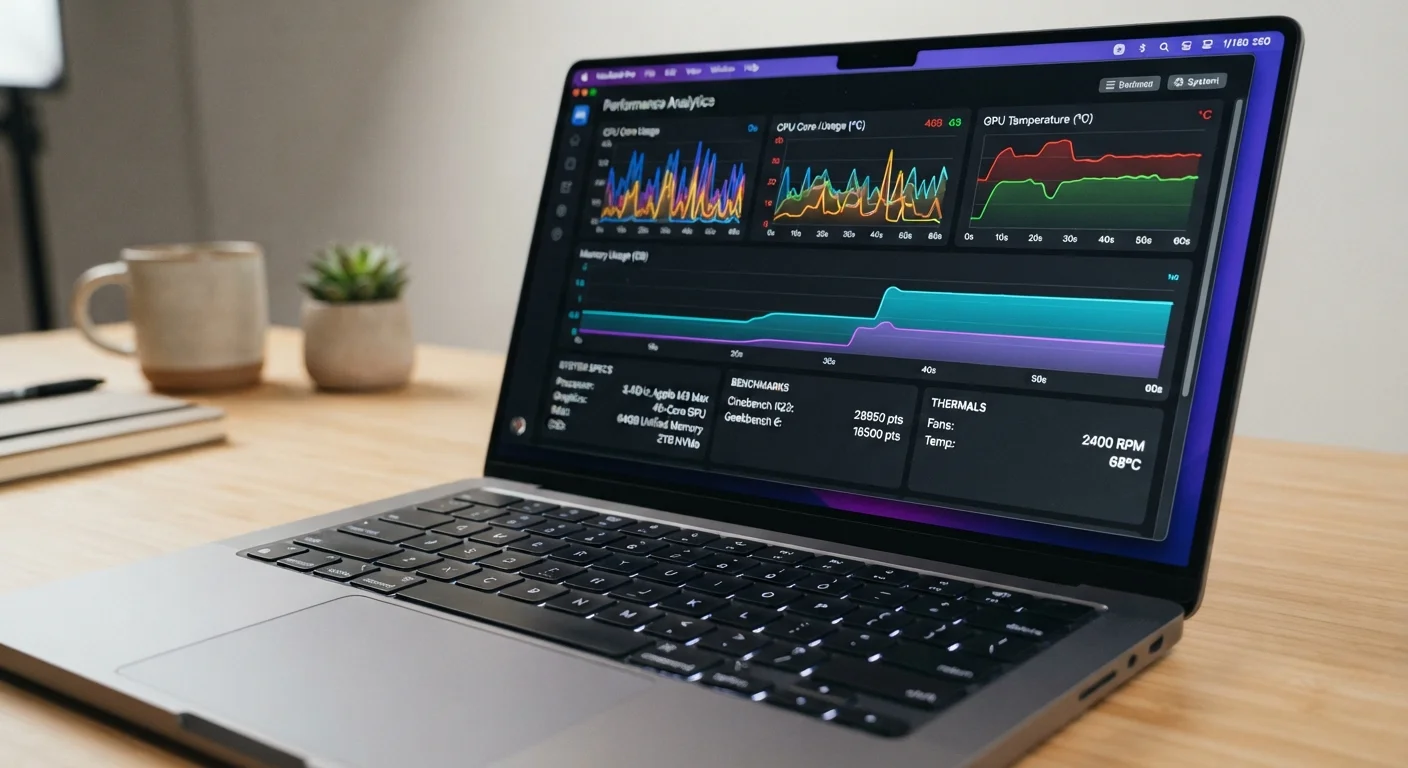
High-end laptops earn their premium through sustained performance under heavy, continuous load - the kind generated by 4K video editing timelines, 3D rendering software, machine learning pipelines, AAA gaming, or large software compilation tasks. Processors like Core i9, Ryzen 9, or Apple's M-series Pro and Max chips are paired with dedicated GPUs (NVIDIA RTX or AMD Radeon series), 16-64 GB of RAM, and fast NVMe storage in the 1-4 TB range.
The engineering difference that justifies the cost is thermal headroom. High-end machines use larger cooling systems - dual-fan designs, vapor chambers, or advanced heat pipe arrays - that allow processors to sustain peak clock speeds for extended periods rather than dropping performance to manage heat. For tasks like rendering a 10-minute video or running a virtual machine alongside a development environment, that sustained throughput translates directly into hours saved.
| Entry-Level | Mid-Range | High-End | |
|---|---|---|---|
| Typical Price Range | Under $500 | $500-$1,000 | $1,000 and above |
| Processor Class | Core i3, Ryzen 3, N-series | Core i5/i7, Ryzen 5/7 | Core i9, Ryzen 9, M-series Pro/Max |
| RAM | 4-8 GB | 8-16 GB | 16-64 GB |
| Storage Type | eMMC or SATA SSD | NVMe SSD | Fast NVMe SSD, 1-4 TB |
| GPU | Integrated only | Integrated, some discrete | Dedicated GPU standard |
| Best For | Browsing, documents, video calls | Multitasking, hybrid work, school | Video editing, gaming, rendering |
| Battery Life | 6-9 hours | 8-12 hours | Varies widely by load |
| Multitasking Headroom | Limited | Comfortable | Extensive |
Display specifications also reach their ceiling here: OLED panels, DCI-P3 wide color gamuts, high refresh rates (120-240 Hz), and factory calibration are common. For most users, these features represent genuine overkill. For color-critical creative professionals or competitive gamers, they're functional requirements.
If you're evaluating whether a laptop or desktop might serve your high-demand workload better, our article on laptop vs. desktop trade-offs covers the practical considerations in detail.
Reading the Specs Before You Decide
Tier labels give you a starting framework, but reading actual specifications remains essential. Two machines at the same price point can differ significantly if one uses a current-generation processor and the other uses older silicon. Our laptop buyer's glossary decodes the technical terminology - TDP, refresh rate, NVMe - that appears on every listing and affects real-world experience.
The practical decision rule: identify the most demanding task you perform regularly, not occasionally. Match your tier to that workload, not to an aspirational use case. Overspending on performance you won't use is as poor a decision as underspending and living with daily frustration. The comparison table above maps where each tier excels and where it struggles - use it as a starting checklist, then verify specific models against their measured benchmarks before committing.