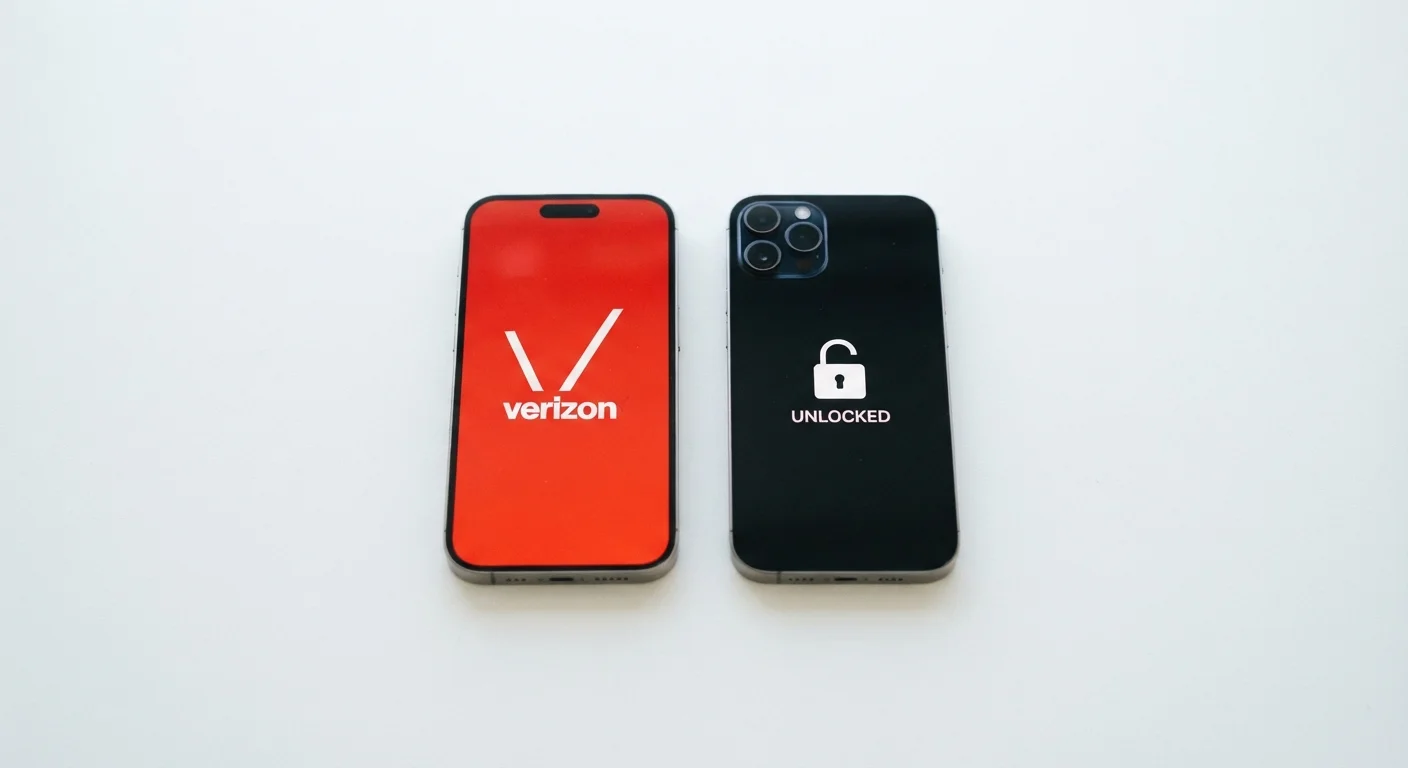
What 'Locked' and 'Unlocked' Actually Mean
A carrier-locked phone contains a software restriction that limits it to operating on one specific carrier's network. When you insert a SIM card from a different provider, the phone either refuses to connect or prompts you for an unlock code. This lock is placed by the carrier - not the manufacturer - and is tied to how the device was sold, typically through a subsidized or installment plan.
An unlocked phone carries no such restriction. It will accept a SIM card from any carrier whose network frequencies are technically compatible with the device's hardware. Unlocked phones are sold directly by manufacturers, through retailers, or can be unlocked by the carrier after certain conditions are met (such as completing a payment plan).
Critically, the phone's internal hardware - processor, camera system, display, and battery - is usually identical between locked and unlocked variants of the same model. The difference is entirely in software policy, not physical components. If you're weighing the broader platform choice alongside this decision, our Android vs. iOS breakdown can help frame that separately.
| Criterion | Unlocked Phones | Carrier-Locked Phones |
|---|---|---|
| Network compatibility | Any compatible carrier | One carrier only (until unlocked) |
| Upfront cost | Full retail price typical | Often $0 down with installment plan |
| Pre-installed apps | Minimal; manufacturer defaults | Carrier apps included, some non-removable |
| OS update speed | Direct from manufacturer | Delayed by carrier testing |
| International SIM use | Fully compatible | Blocked until unlocked |
| Hardware specs | Identical to locked variant | Identical to unlocked variant |
| Resale flexibility | Broader buyer pool | Narrower until officially unlocked |
What Actually Changes Between the Two
Network flexibility is the most immediate difference. A locked phone binds you to one carrier until the lock is removed. An unlocked phone lets you pop in a new SIM the day a better plan appears - or the moment you land in another country.
Pre-installed software is another practical divergence. Carrier models commonly ship with carrier-branded apps, visual voicemail clients, and promotional software. Some of this can be disabled but not deleted. Manufacturer-direct or retailer-sold unlocked phones tend to ship with a cleaner software load, closer to the original operating system experience.
Software update timing can also differ. Carrier-locked phones must pass through the carrier's internal testing before OS updates are pushed to users, which can introduce a delay of days to weeks compared to unlocked devices receiving updates directly from the manufacturer.
~40%
U.S. phones sold unlocked annually
Industry analysts estimate roughly 40% of U.S. smartphone unit sales are now unlocked devices, up from under 10% a decade ago.
15-30 days
Typical carrier OS update delay
Carrier-locked Android phones can receive major OS updates 15 to 30 days after unlocked versions, depending on the carrier's QA process.
3 conditions
Common carrier unlock requirements
Most U.S. carriers require the account to be in good standing, the device fully paid off, and a minimum active service period before unlocking.
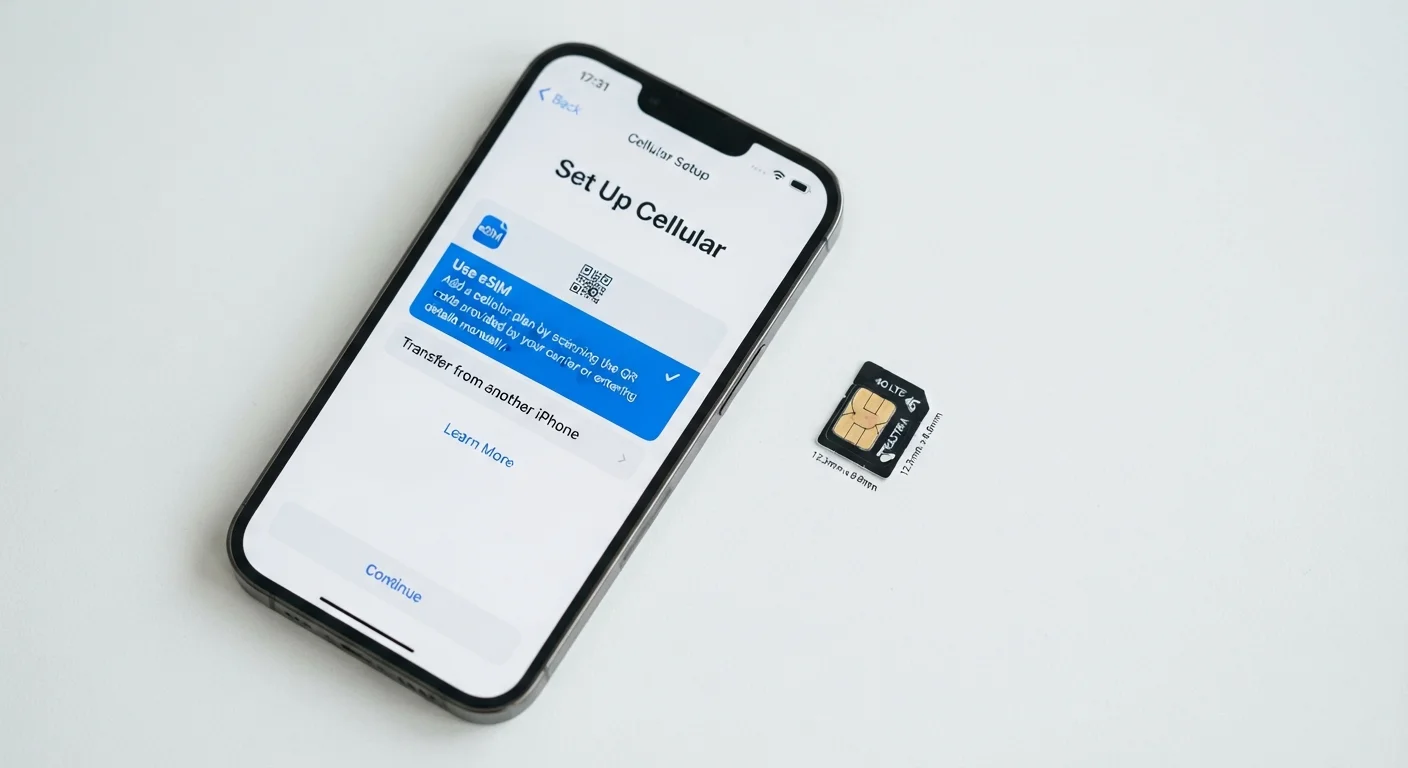
For buyers considering newer connection options, our eSIM vs. physical SIM guide explains how SIM format interacts with carrier compatibility in modern devices.
What Doesn't Change
Despite the differences outlined above, several factors remain consistent regardless of lock status. Core hardware performance - including chip speed, camera quality, storage capacity, and display resolution - is not affected by whether a phone is locked or unlocked. You are buying the same device in both cases.
Warranty coverage from the manufacturer generally applies equally to both locked and unlocked units. However, carrier-locked phones may also carry a separate service warranty or device protection plan through the carrier, which can be an added benefit depending on the terms.
Resale value tends to favor unlocked phones slightly, since they appeal to a wider pool of buyers across all carriers. That said, a carrier-locked phone that has been officially unlocked carries the same market appeal as one sold unlocked from the start. When you're ready to move data to a new device - locked or unlocked - our phone transfer guide covers the full process.
If you're deciding between price tiers as well as lock status, our breakdown of budget vs. flagship phones explains what you gain and give up at each level.
How to Check If Your Phone Is Locked
The quickest method is to insert a SIM card from a different carrier. If the phone shows 'SIM not supported' or similar messaging, it is locked. You can also check lock status through your device settings under 'About Phone' or 'Carrier Lock' on Android, or by contacting your carrier directly. Carriers are required by FCC policy to unlock eligible devices upon request at no charge.